Podcast videos
Two hosts talk through a book, published as a 16:9 episode over your show's cover.
How to make a podcast video
- 1
Pick a template
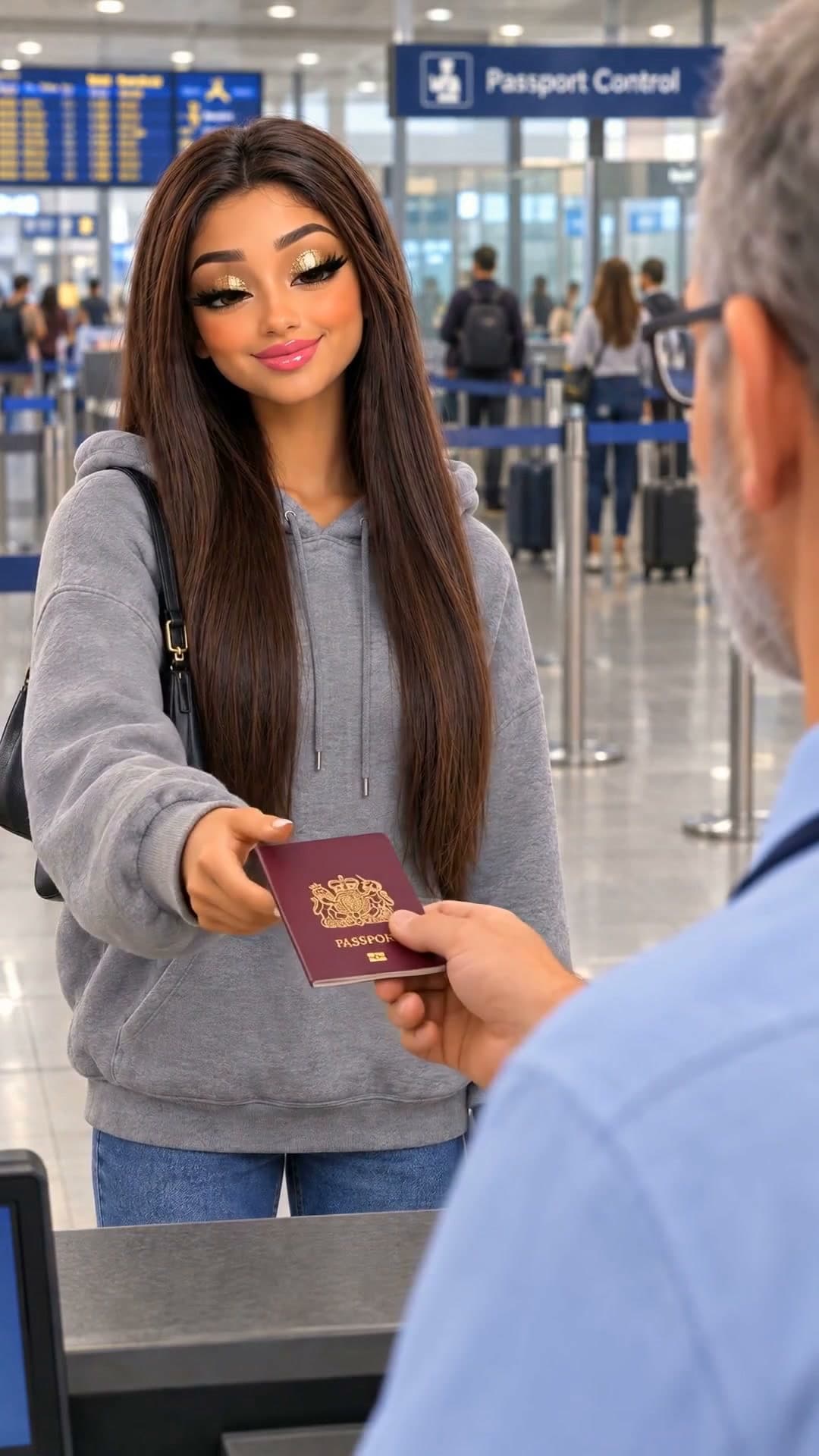
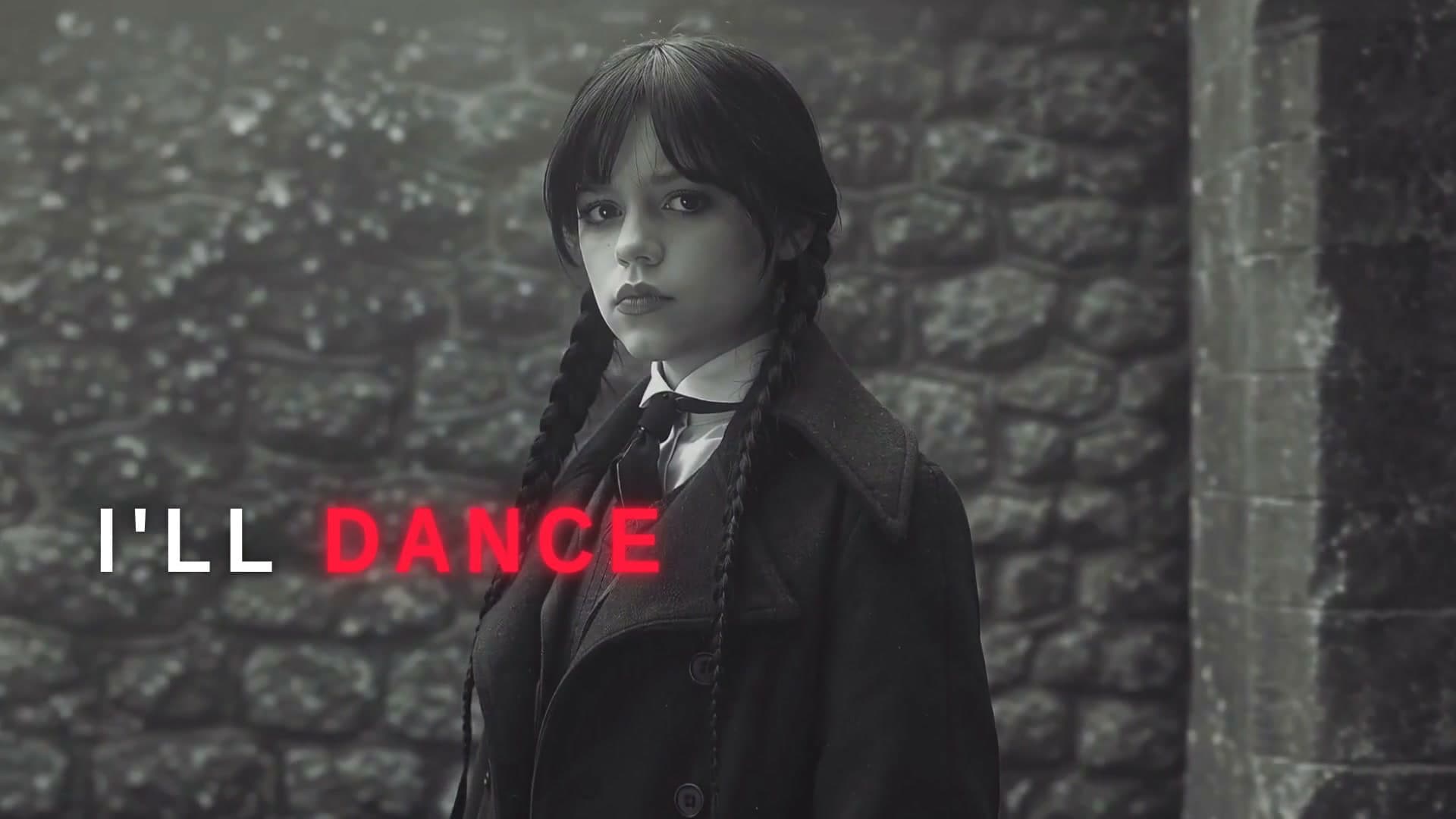
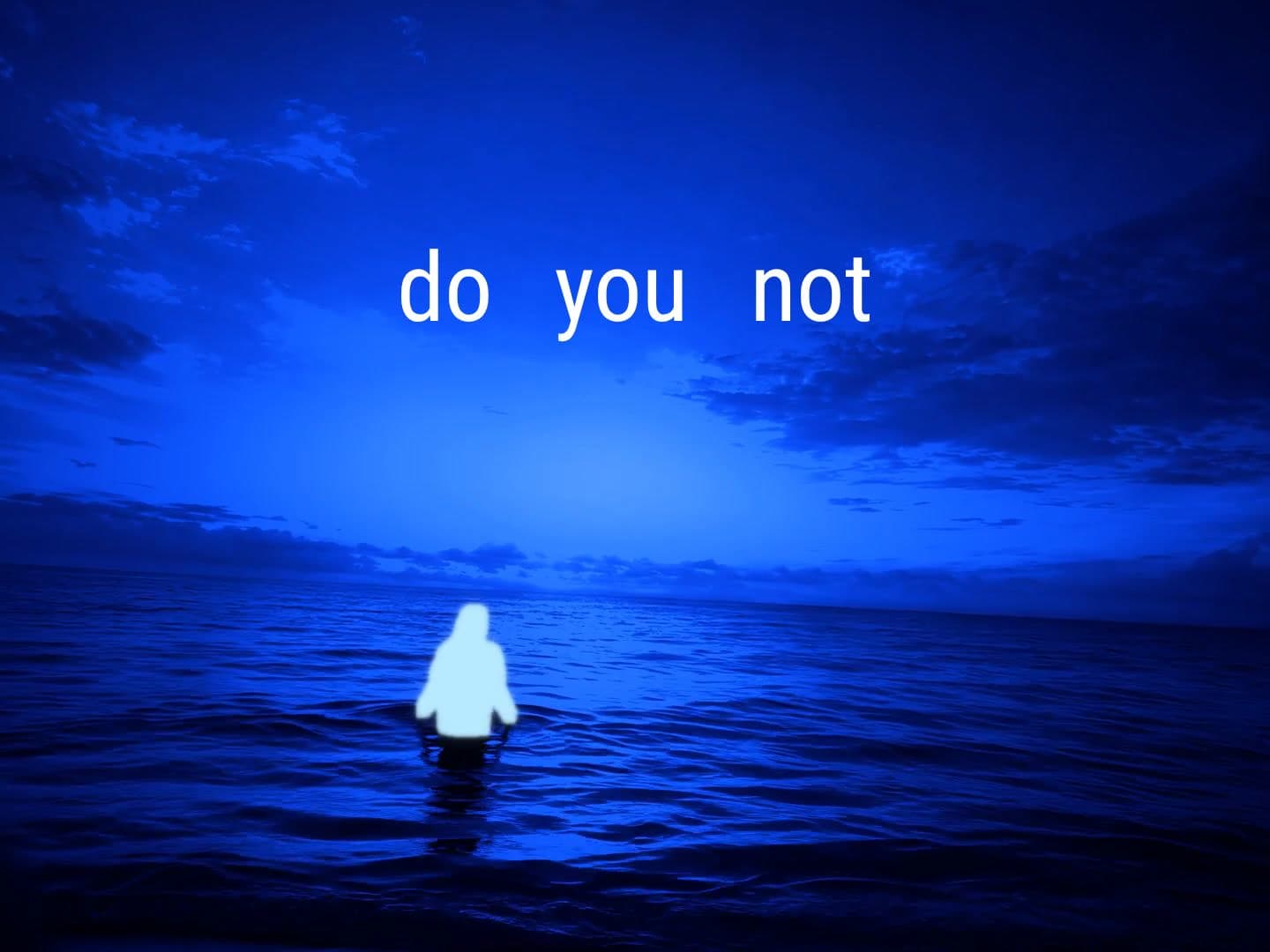
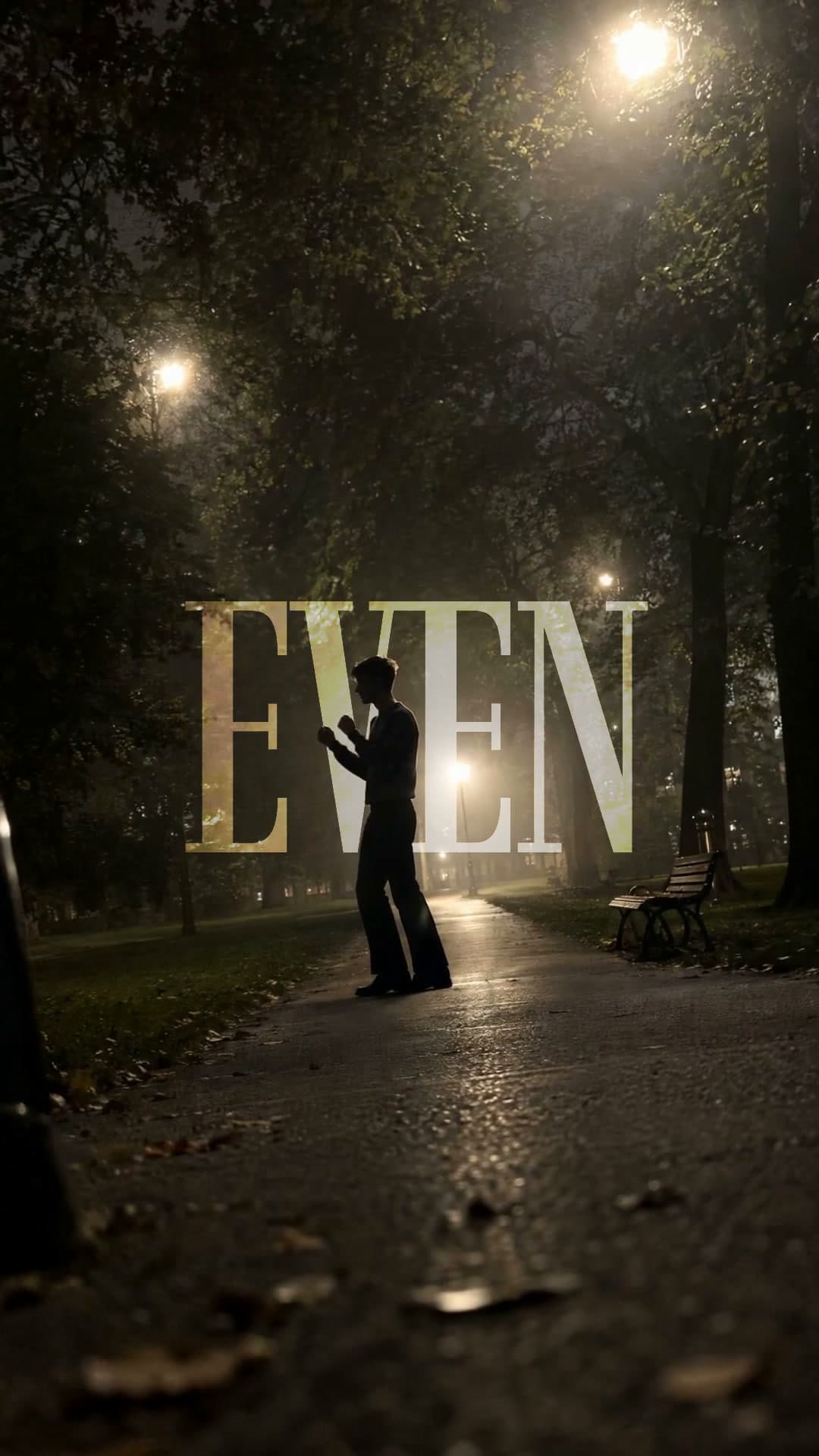
Each template plays a real example episode.
- 2
Add your cover and ask
Attach your show's cover and name the book. Waffle writes the conversation and two hosts talk it through.
- 3
Export and share
Download the 16:9 episode and upload it to YouTube.
Questions
How do I make a podcast video for YouTube?
Pick a template, add your show's cover and name the book. Waffle writes the episode and two hosts talk it through, and you download a 16:9 MP4 for YouTube.
Do I need a microphone or a co-host?
No. Waffle voices both hosts.
Can I pick the topic?
Yes. Name the book, the chapter or the idea and the hosts talk it through.
Can I try it for free?
Yes. You can start making videos for free.
Can I change the video after it's made?
Yes. Type what you want different, like "make it slower" or "swap the title", and Waffle updates the video.
Podcast episodes without a studio
Book podcast episodes
Two hosts talk through a book, a chapter or one big idea at a time.
Video podcasts for YouTube
A 16:9 episode over your show's cover, ready to upload.
A weekly book club
One book a week, talked through by the same two hosts.