Make a YouTube intro


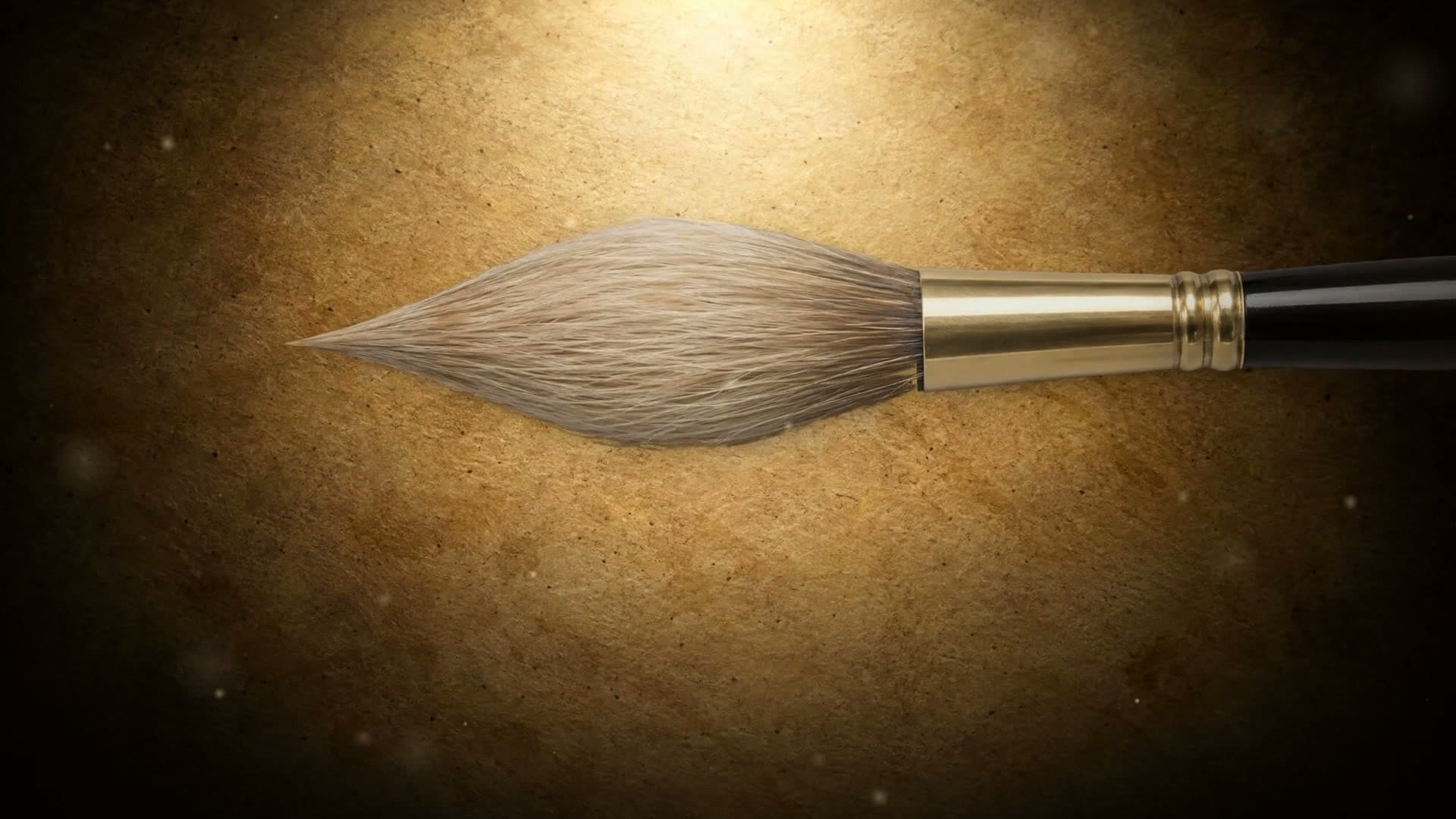
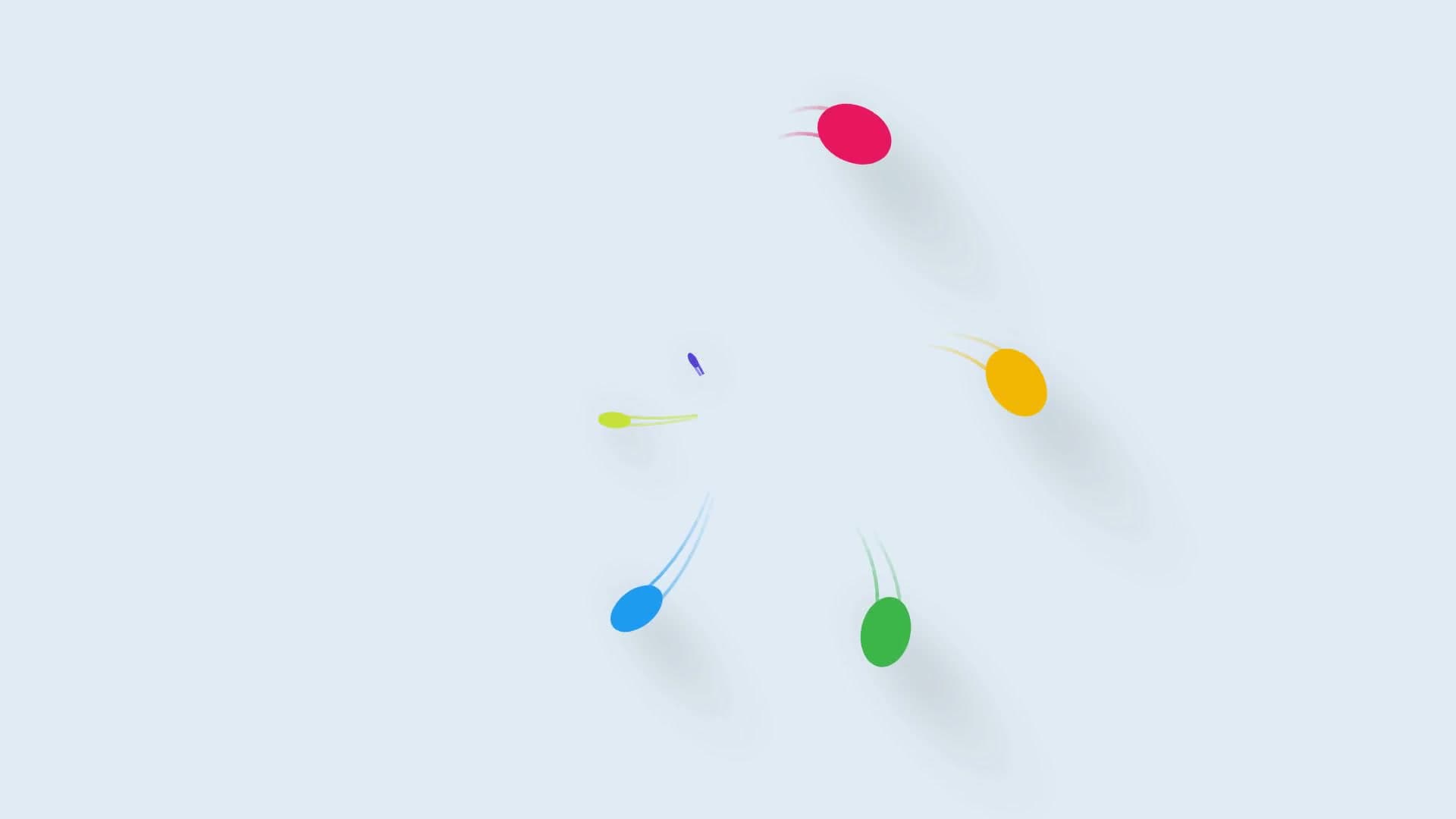

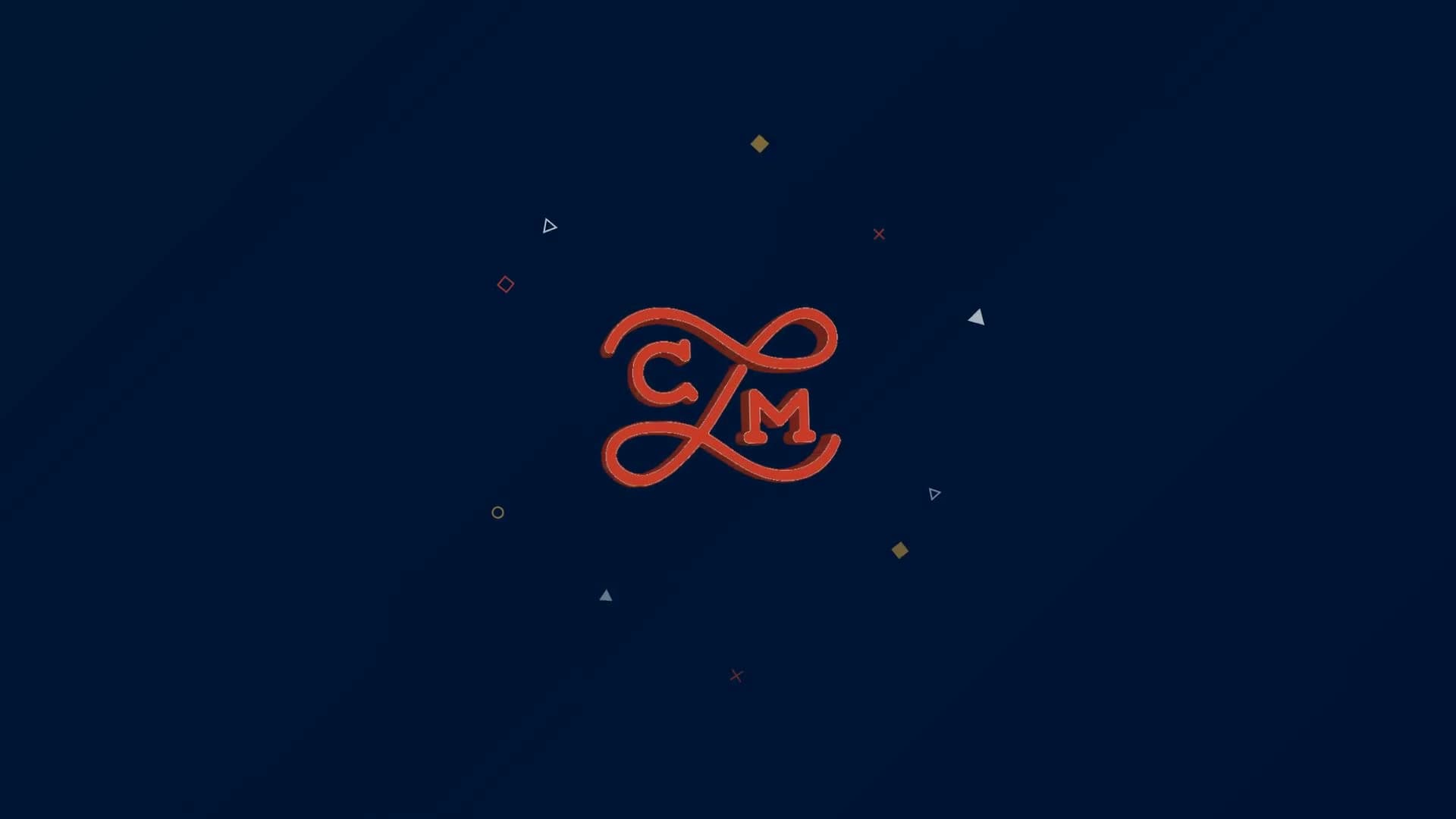
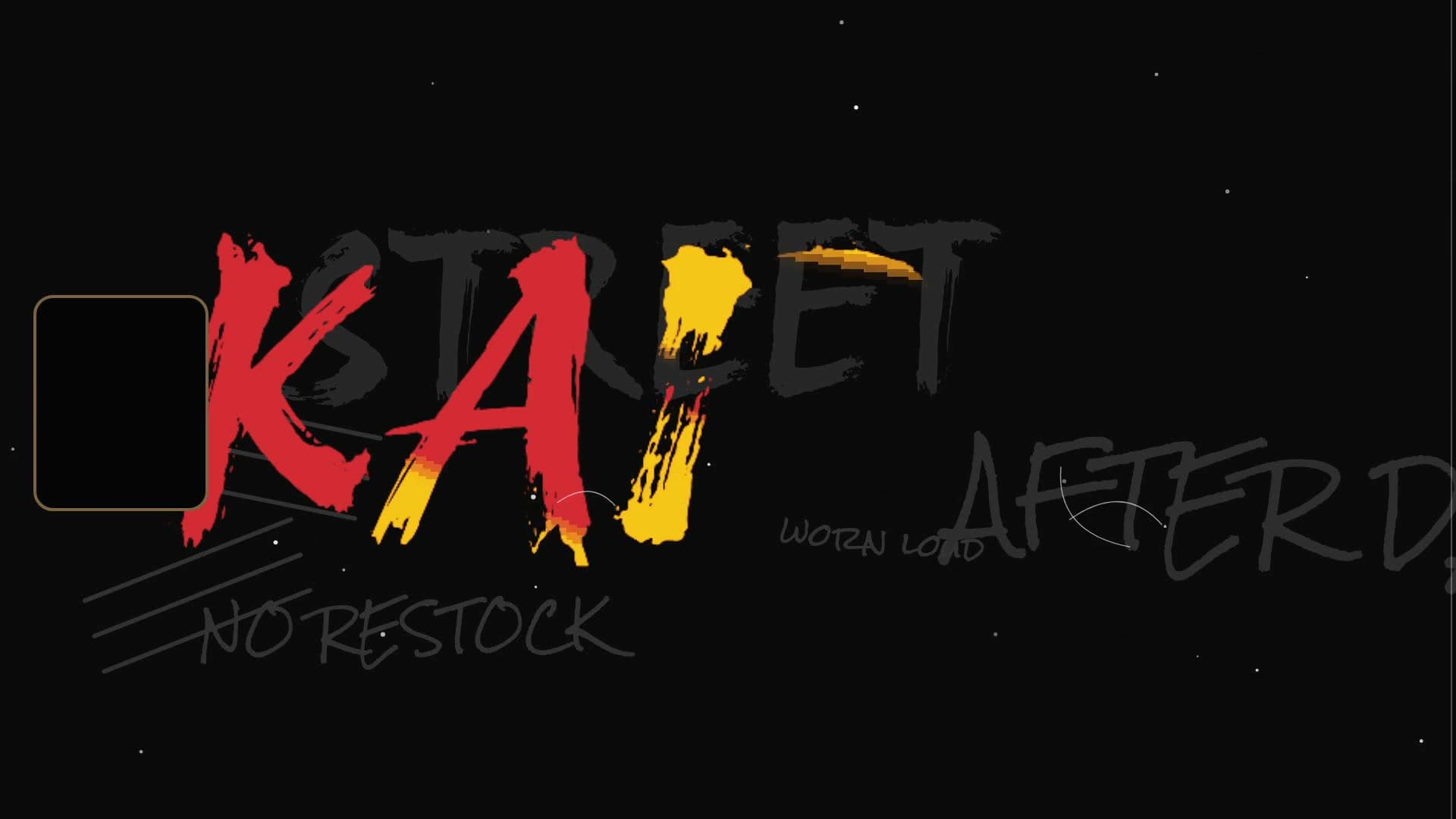

How to make a YouTube intro
- 1
Pick a template
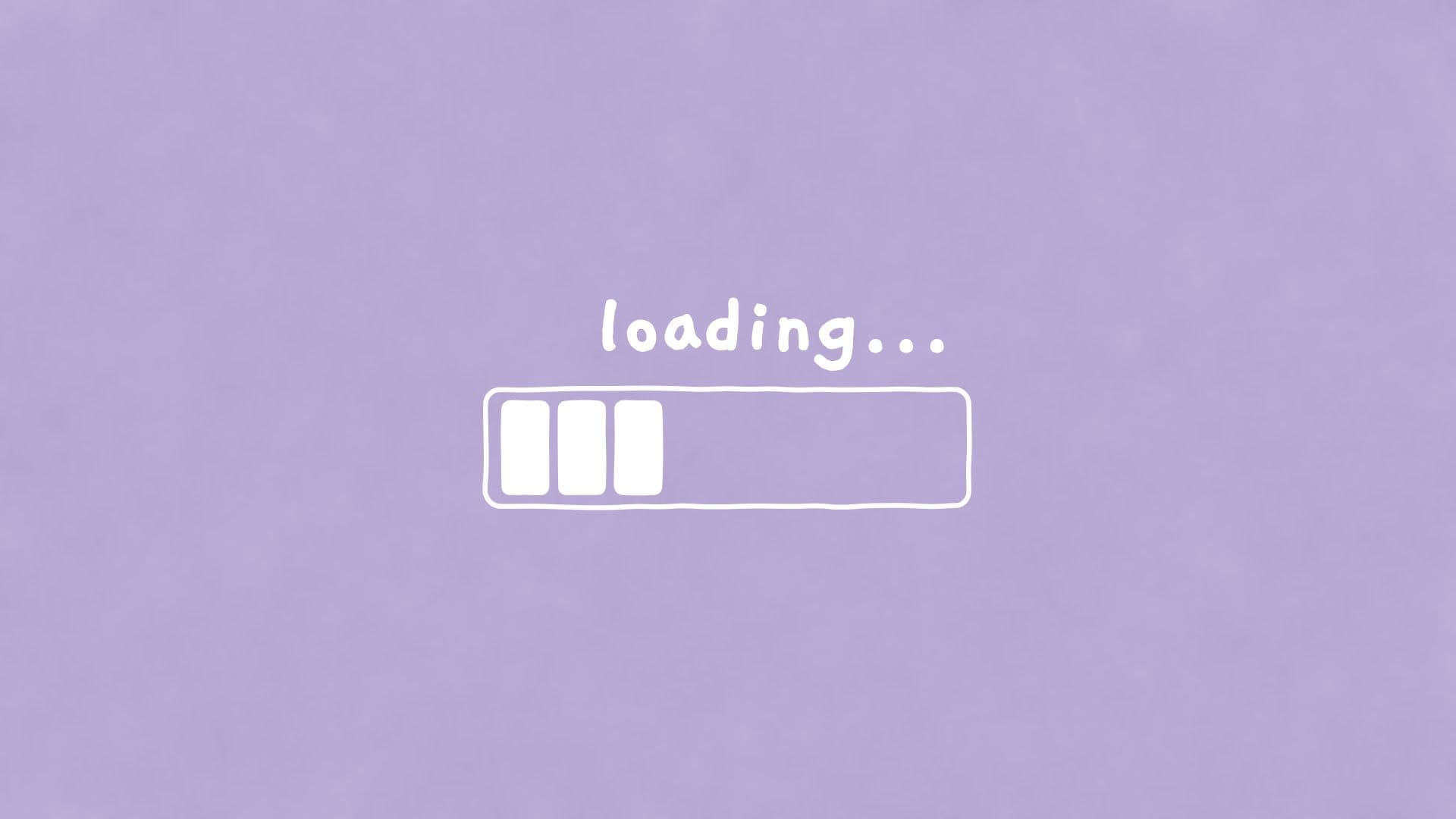
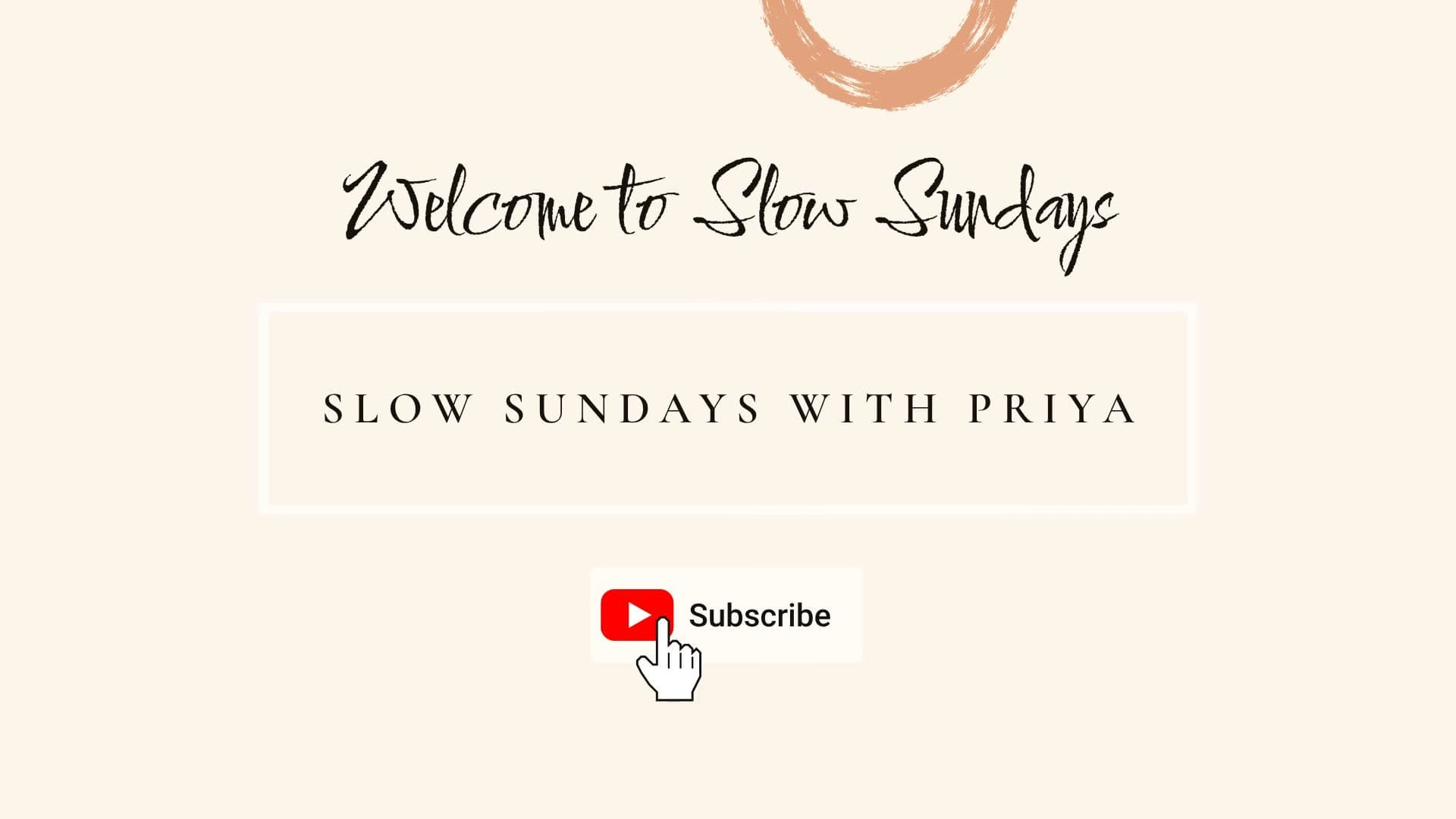
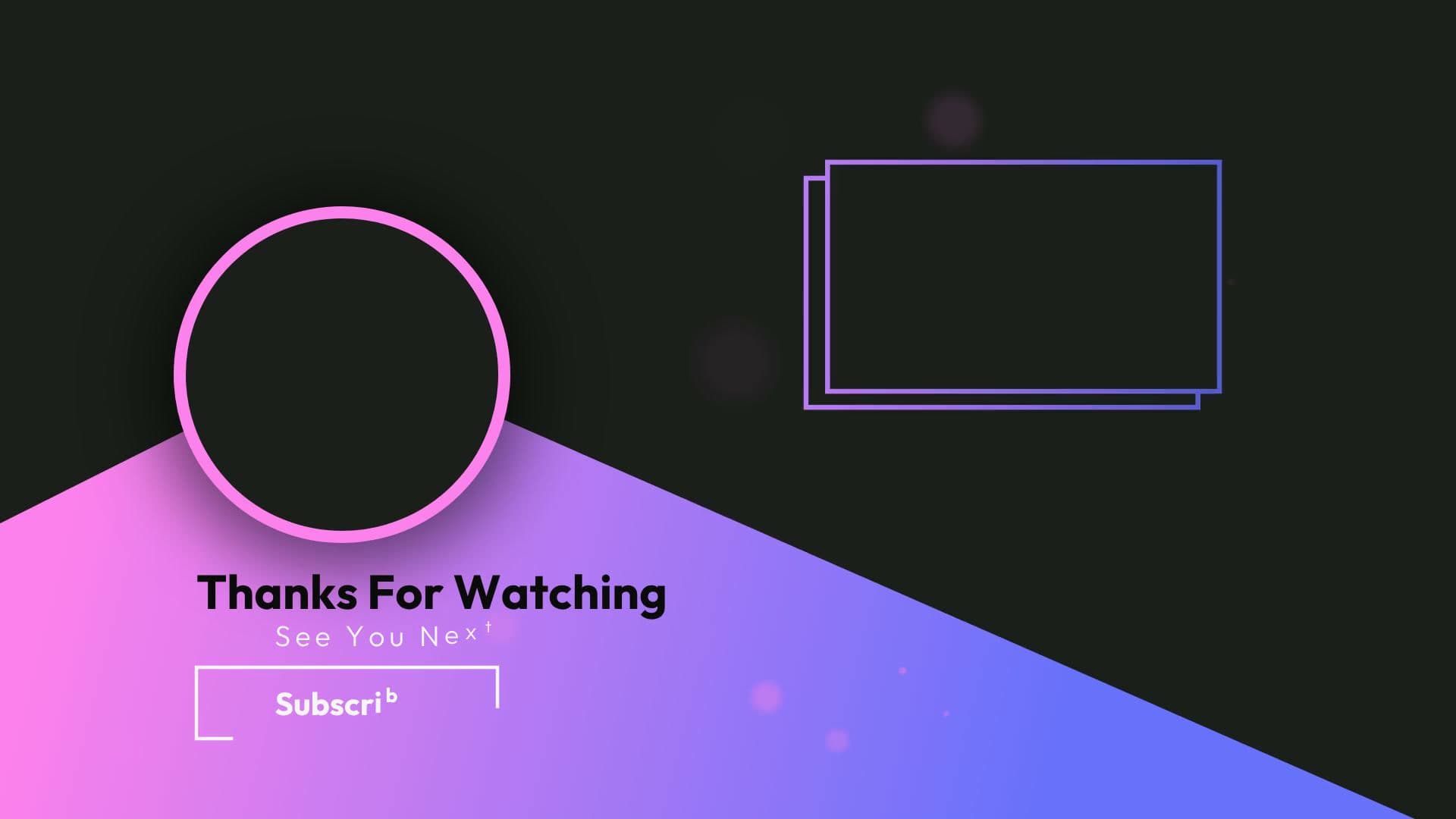
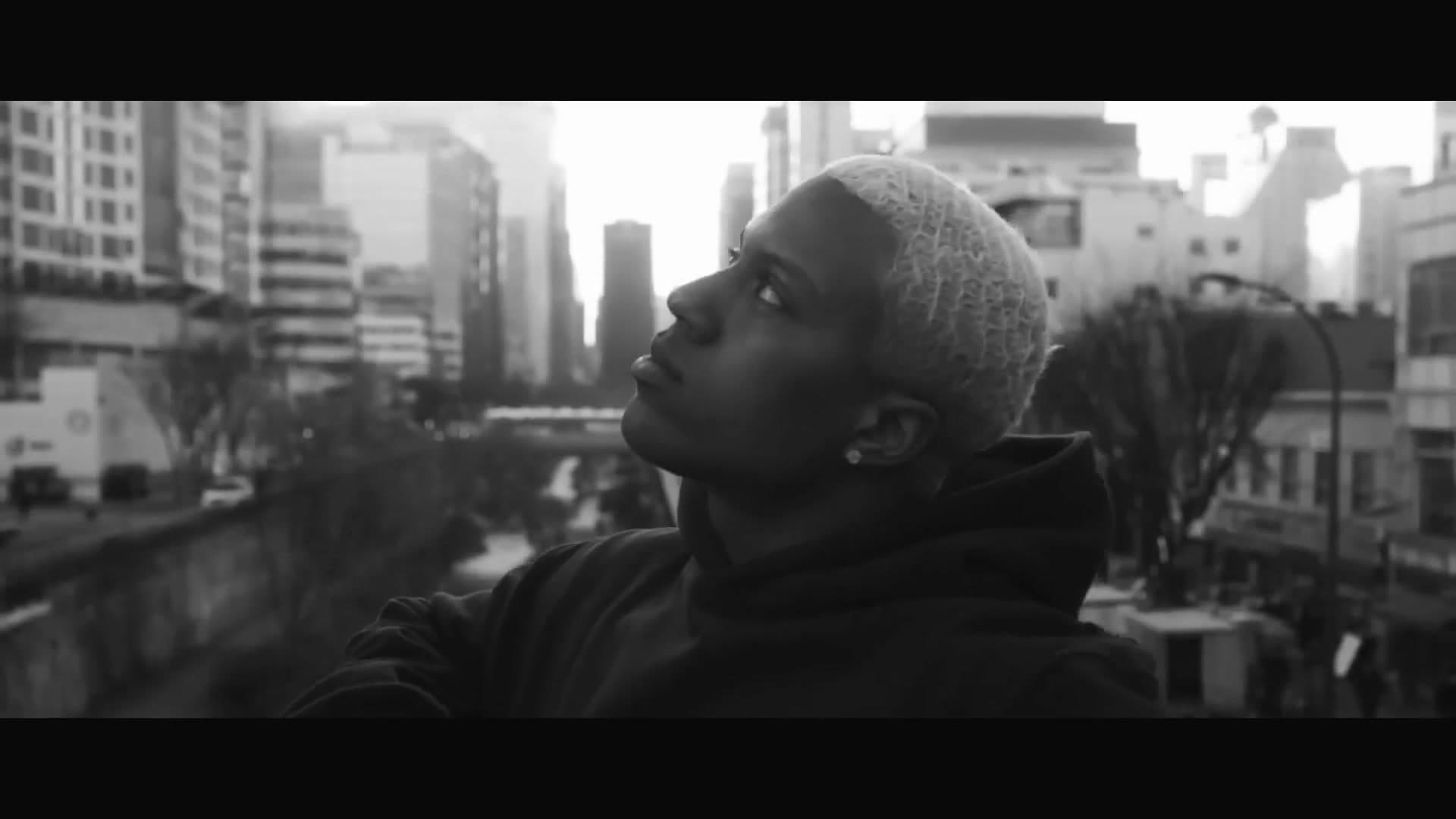
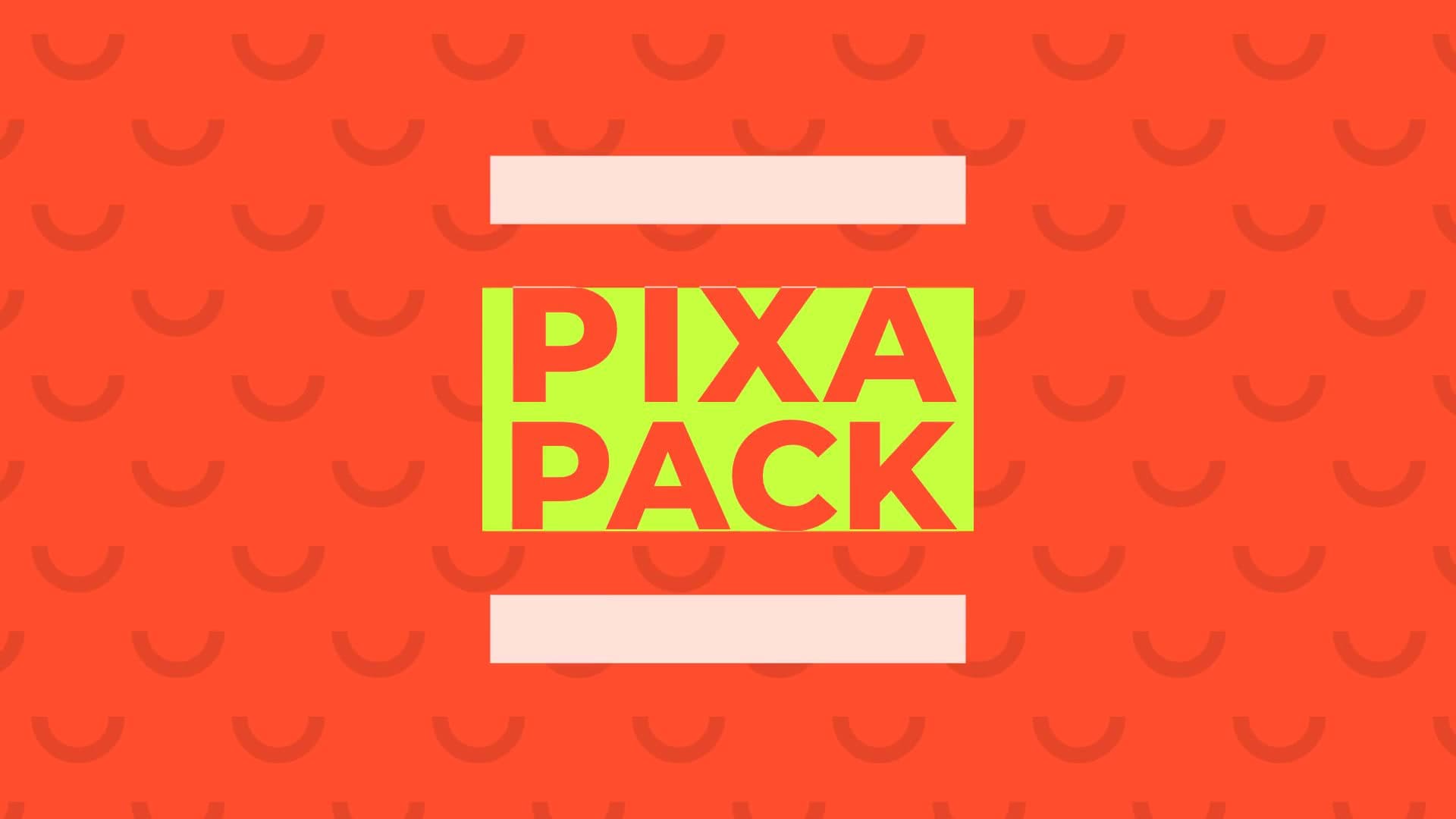
Collage, pastel, neon, cartoon and podcast intros, and end screens. Each plays a real example.
- 2
Add your name and ask
Type your channel name and attach your logo or a photo of you. Waffle builds the intro around them.
- 3
Export and share
Download the MP4 and put it at the start or end of your videos.
Questions
How do I make a YouTube intro?
Pick a template, type your channel name and add your logo or photo. Waffle makes the intro, and you download an MP4 to put at the start of your videos.
Can I make an outro or end screen too?
Yes. There are end screen and subscribe templates too, with your name and photo.
How long is an intro?
Most are 5 to 20 seconds, so viewers get to the video quickly. Ask for it shorter or longer and Waffle retimes it.
Can I try it for free?
Yes. You can start making videos for free.
Can I change the video after it's made?
Yes. Type what you want different, like "make it slower" or "swap the title", and Waffle updates the video.
What sizes can I download?
9:16 for TikTok, Reels and Shorts, square for Instagram posts, and 16:9 for YouTube or a TV. Every video downloads as an MP4.
Intros and outros for every kind of channel
Vlog and lifestyle intros
Pastel loading bars, scrapbooks, browser windows and magazine collages with your name.
Create now: Pastel Doodle OutroPodcast intros
A short sting with your show's name and logo before the episode starts.
Create now: Studio Mic Logo RevealGaming intros
Cartoon and flat-design openers with controllers and your gamer tag.
End screens and subscribe buttons
Outros that point to your next video, and a subscribe button that pops up mid-video.
Create now: Logo Outro Card