Make a music visualizer


How to make a music visualizer
- 1
Pick a template
Waveforms, spectrum bars, rings and looping scenes. Each plays a real example.
- 2
Add your song and ask
Attach your track and your cover art or clips. Waffle makes the visuals move with the music.
- 3
Export and share
Download in 16:9 for YouTube or 9:16 for Reels, TikTok and Shorts.
Questions
How do I make a music visualizer?
Pick a style, add your track and your artwork, and Waffle makes visuals that move with the music. Download the MP4 and post it.
Does the visualizer react to the music?
Yes. The bars, waveforms and pulses follow your track's sound, so they rise and fall with the beat.
Can I use my cover art?
Yes. Add your cover art and the visuals play over it or around it. You can add clips too.
Can I make a Spotify Canvas too?
Yes. Canvas templates make a 3 to 8 second vertical loop from your art or clips.
Can I try it for free?
Yes. You can start making videos for free.
What sizes can I download?
9:16 for TikTok, Reels and Shorts, square for Instagram posts, and 16:9 for YouTube or a TV. Every video downloads as an MP4.
Visualizers for every release
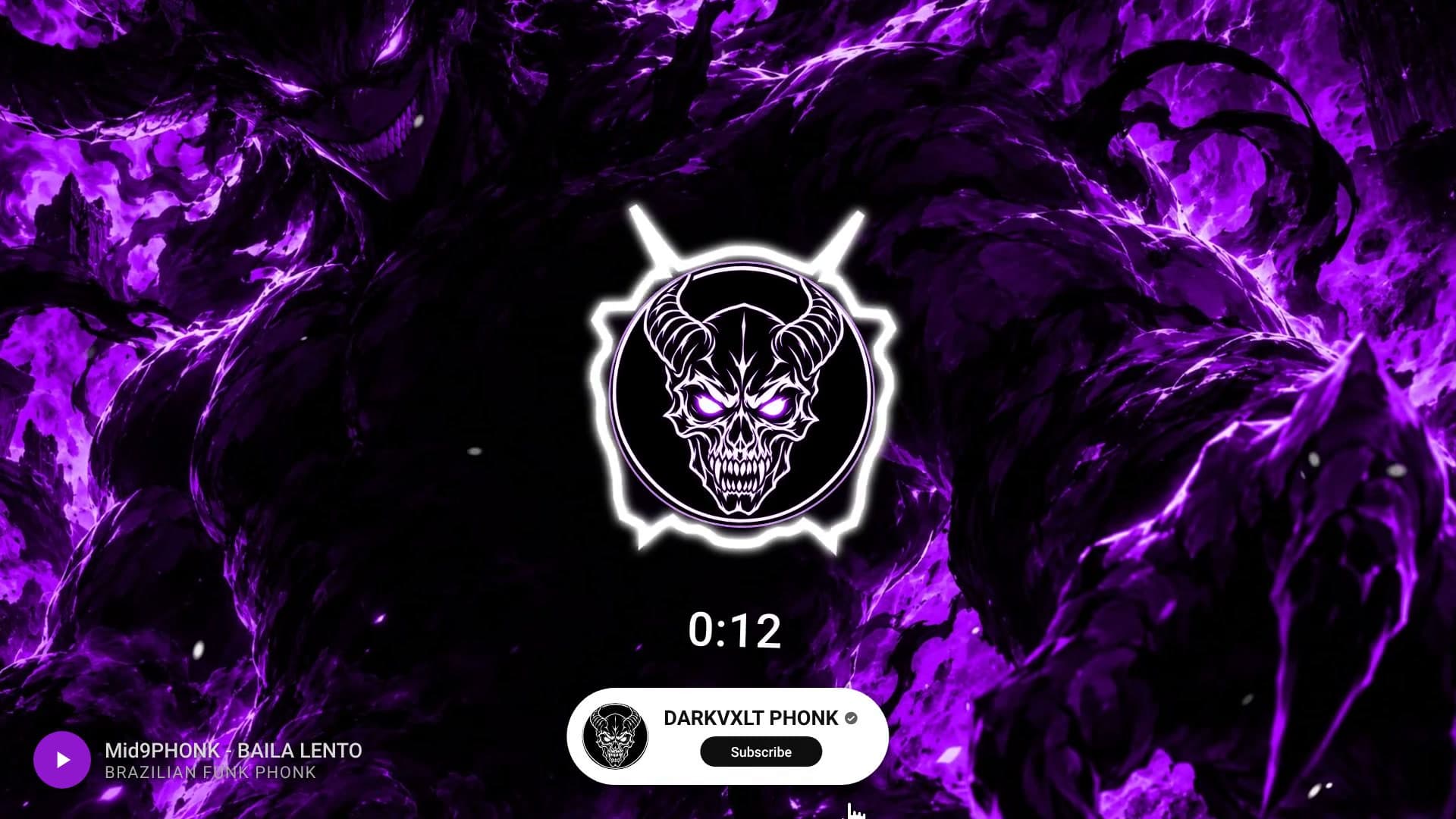
Audio visualizer for YouTube
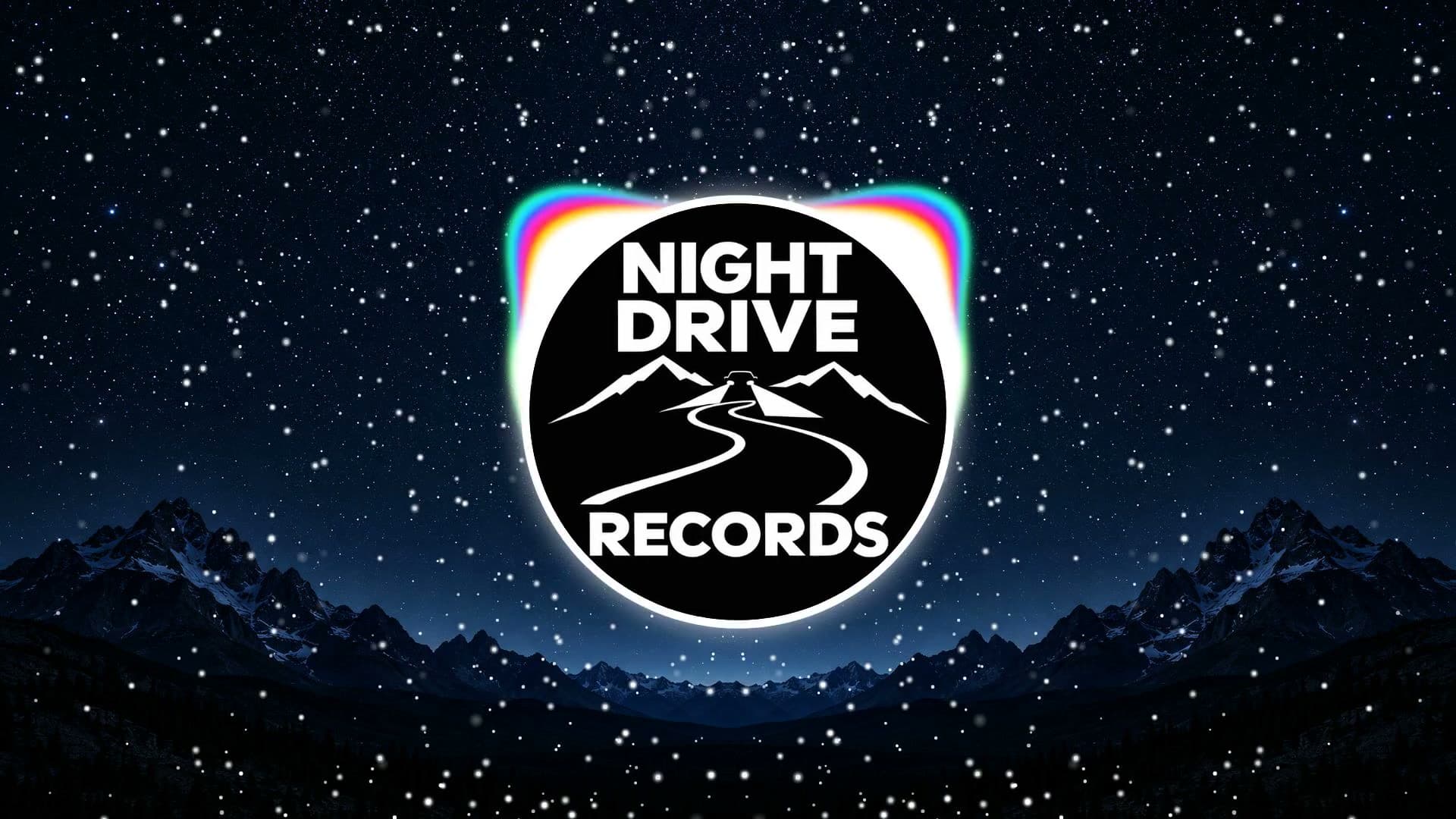
A 16:9 visualizer over your cover art, for putting your track on your channel.
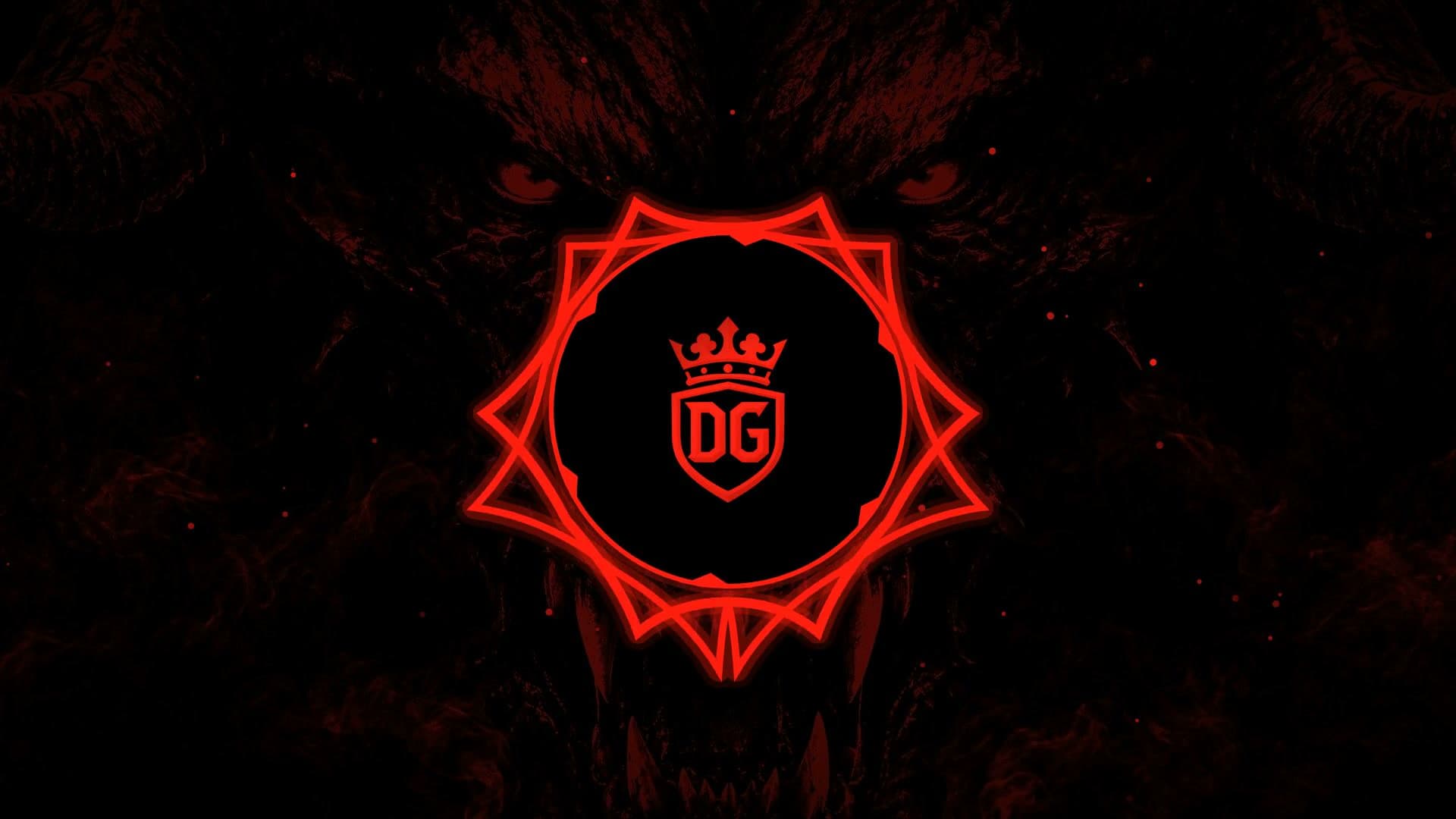
Create now: Bass Emblem VisualizerWaveform and spectrum videos
Bars, rings and waveforms that rise and fall with the sound.
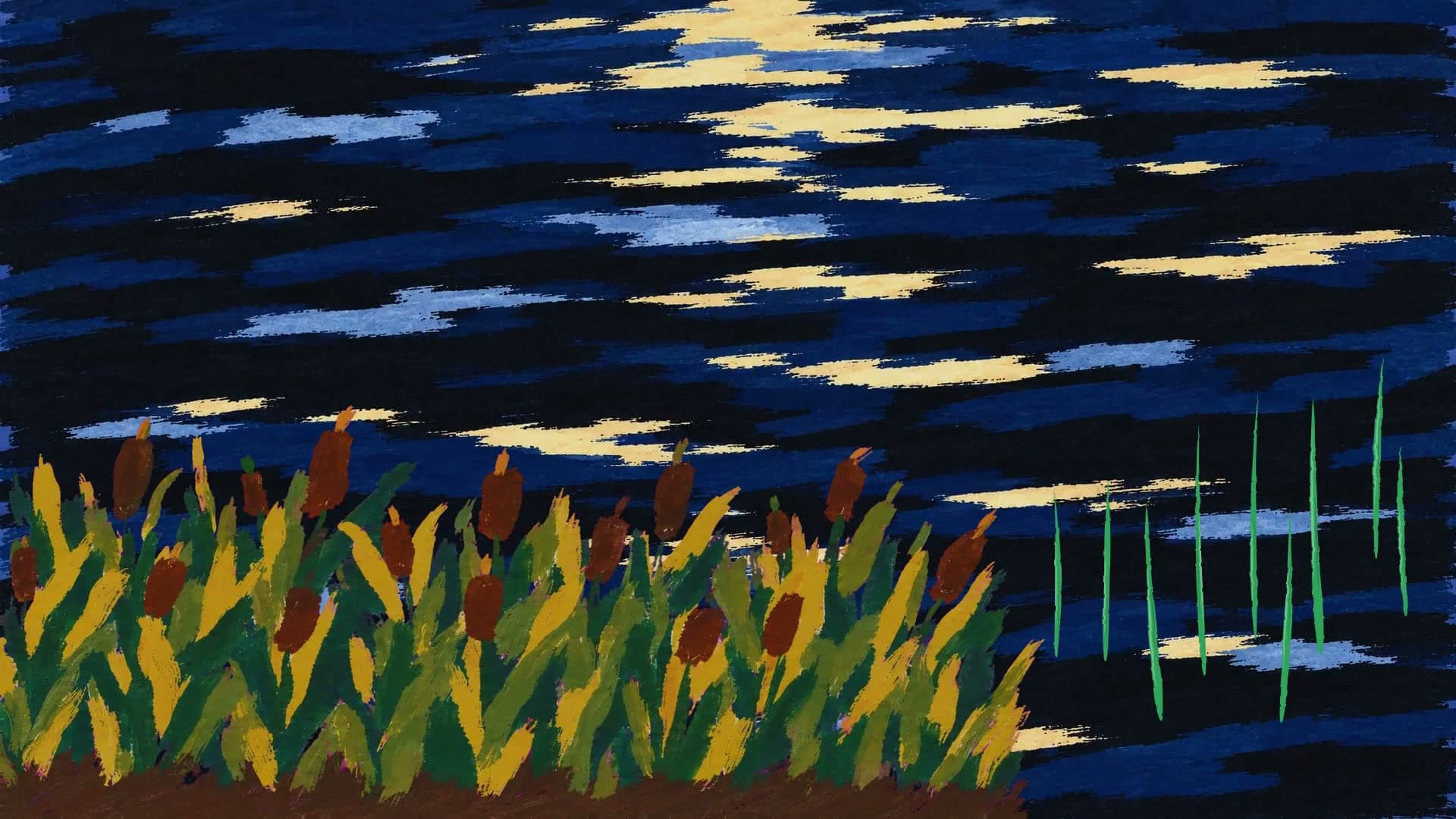
Create now: Logo Spectrum RevealLooping visuals
A short loop to play behind a song, for a stream, a DJ set or a Canvas.
Create now: Painted Leap LoopVisualizers for Reels and TikTok
A 9:16 clip of the hook with the visuals moving to it, to post before or after release day.