Make an AI music video

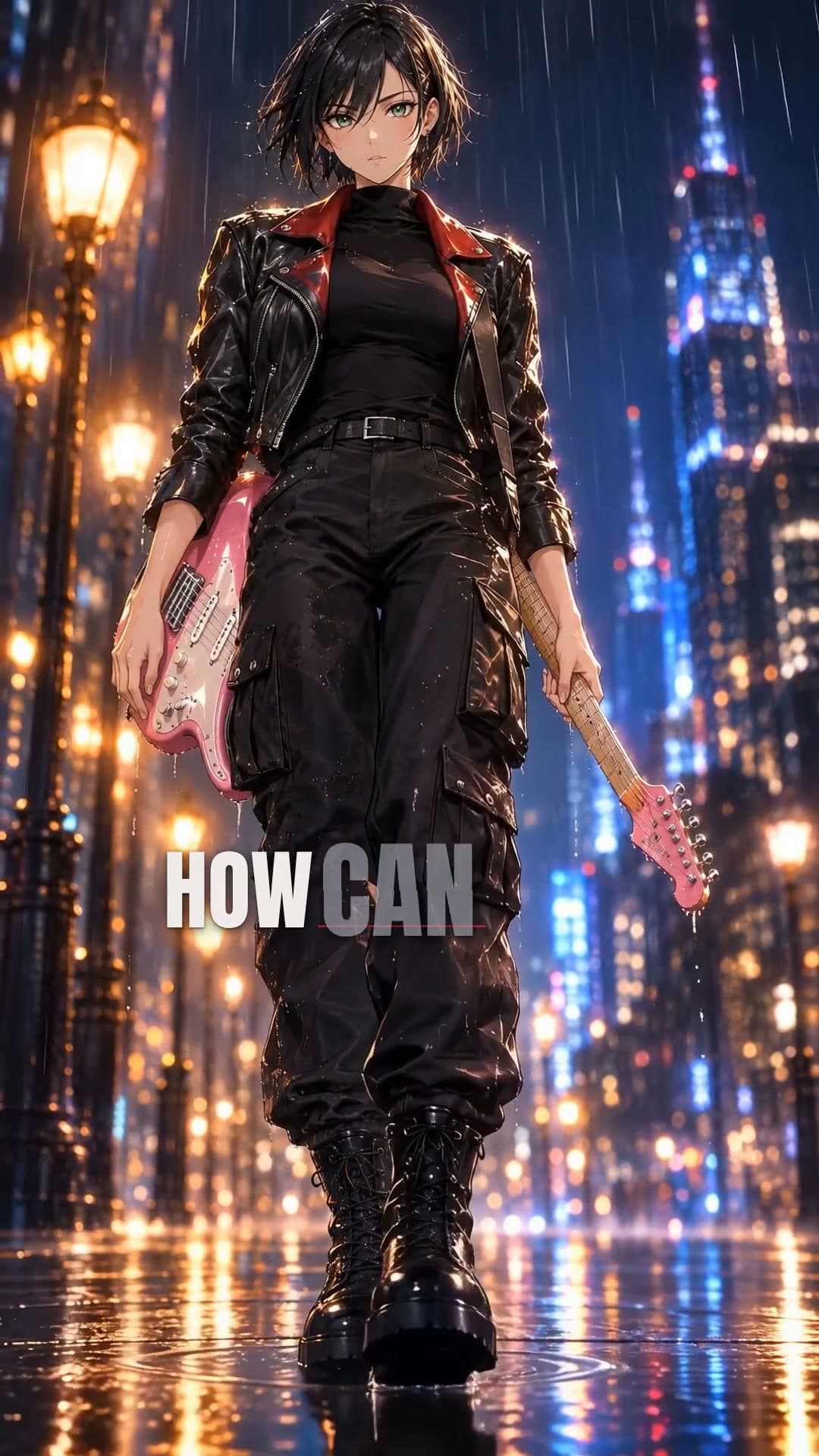
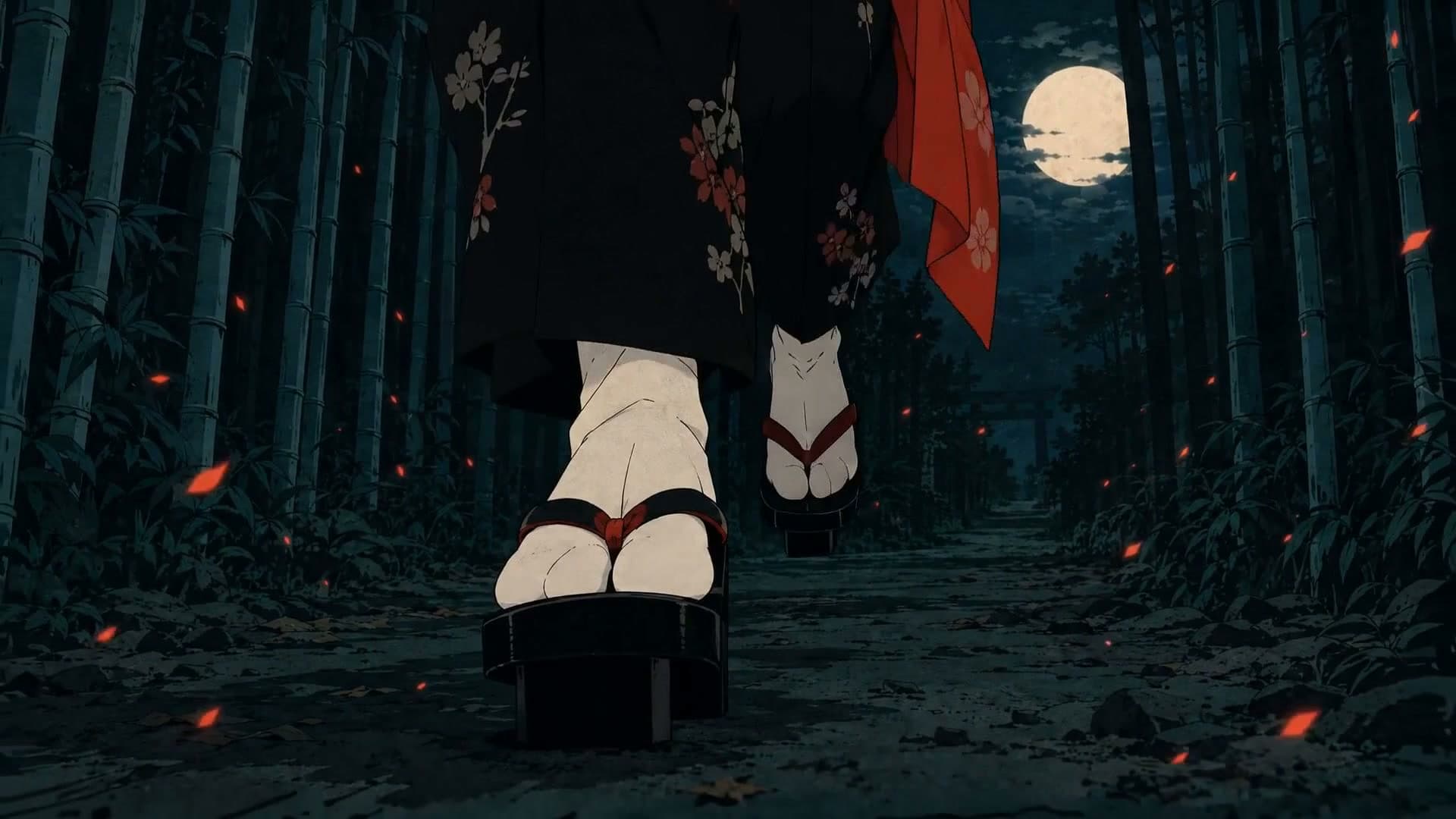
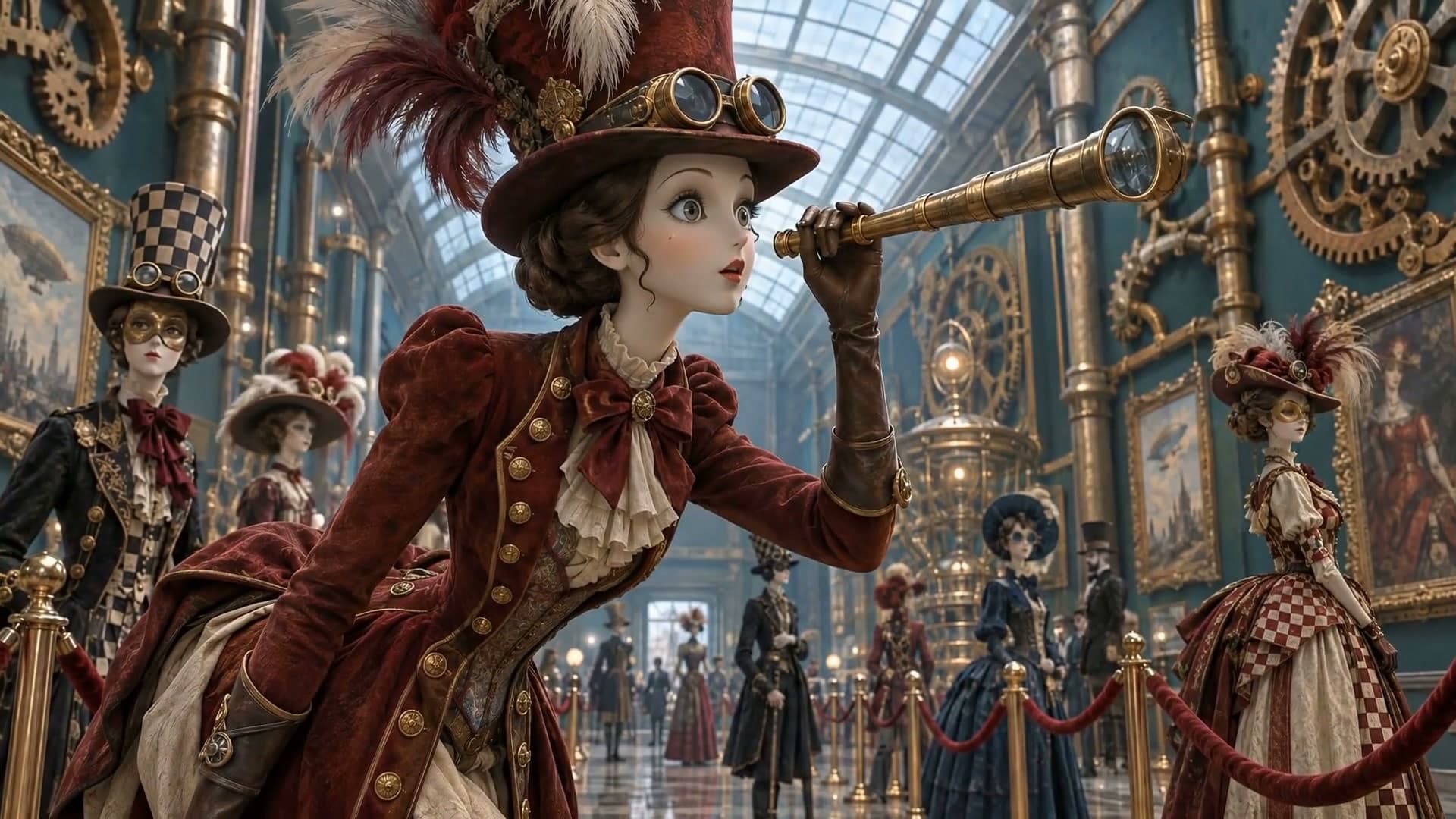
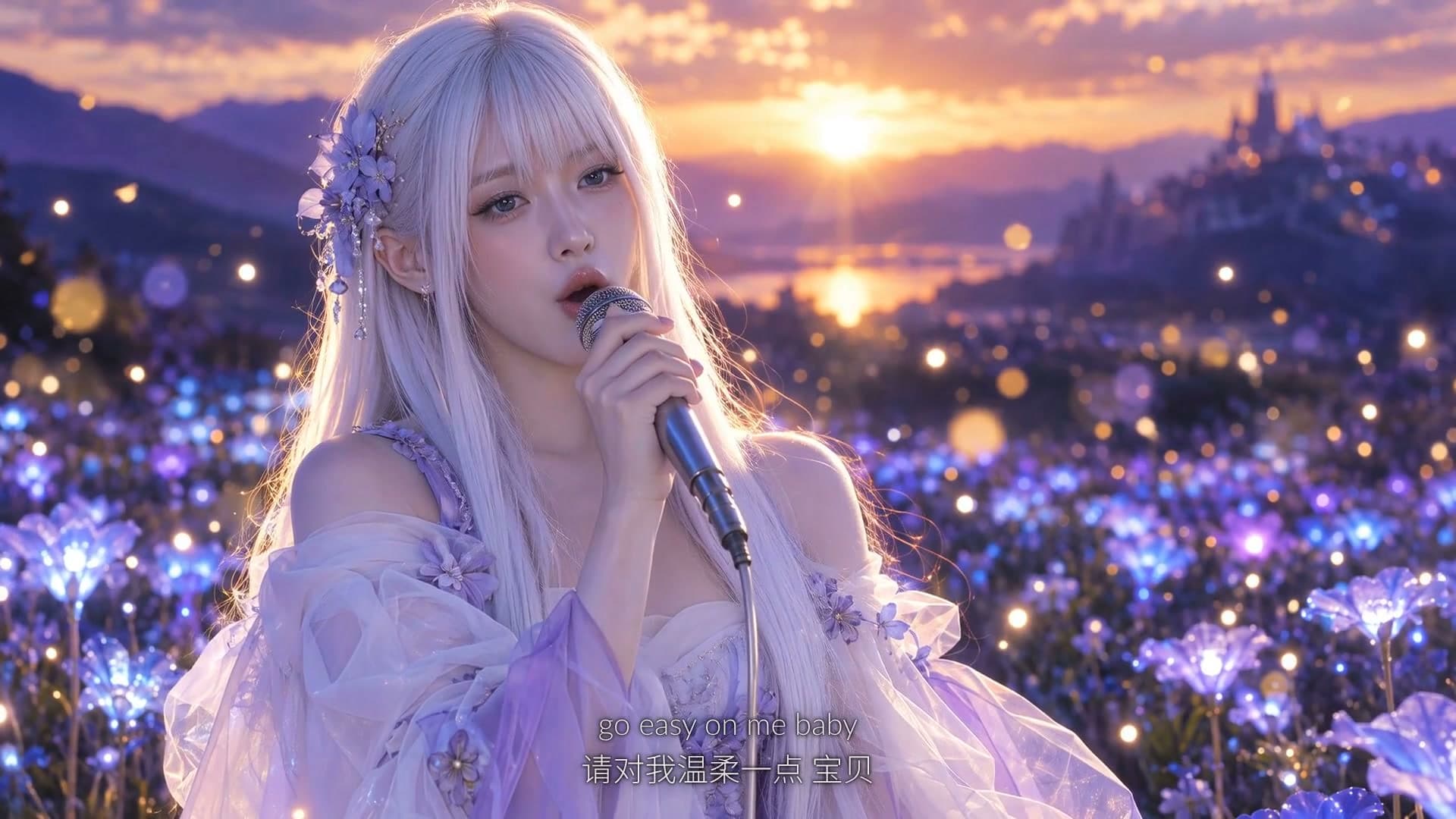
How to make an AI music video
- 1
Pick a template
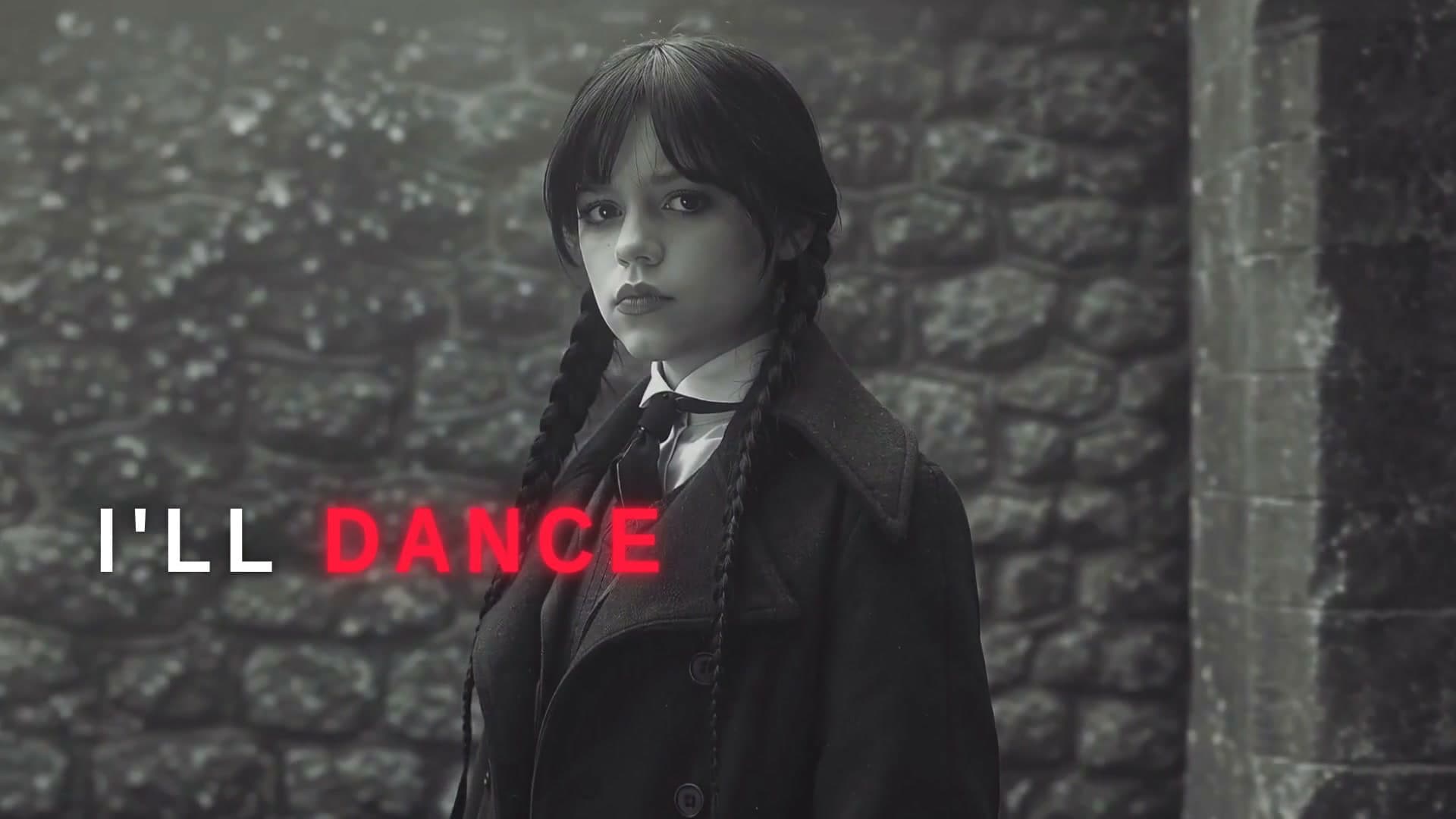
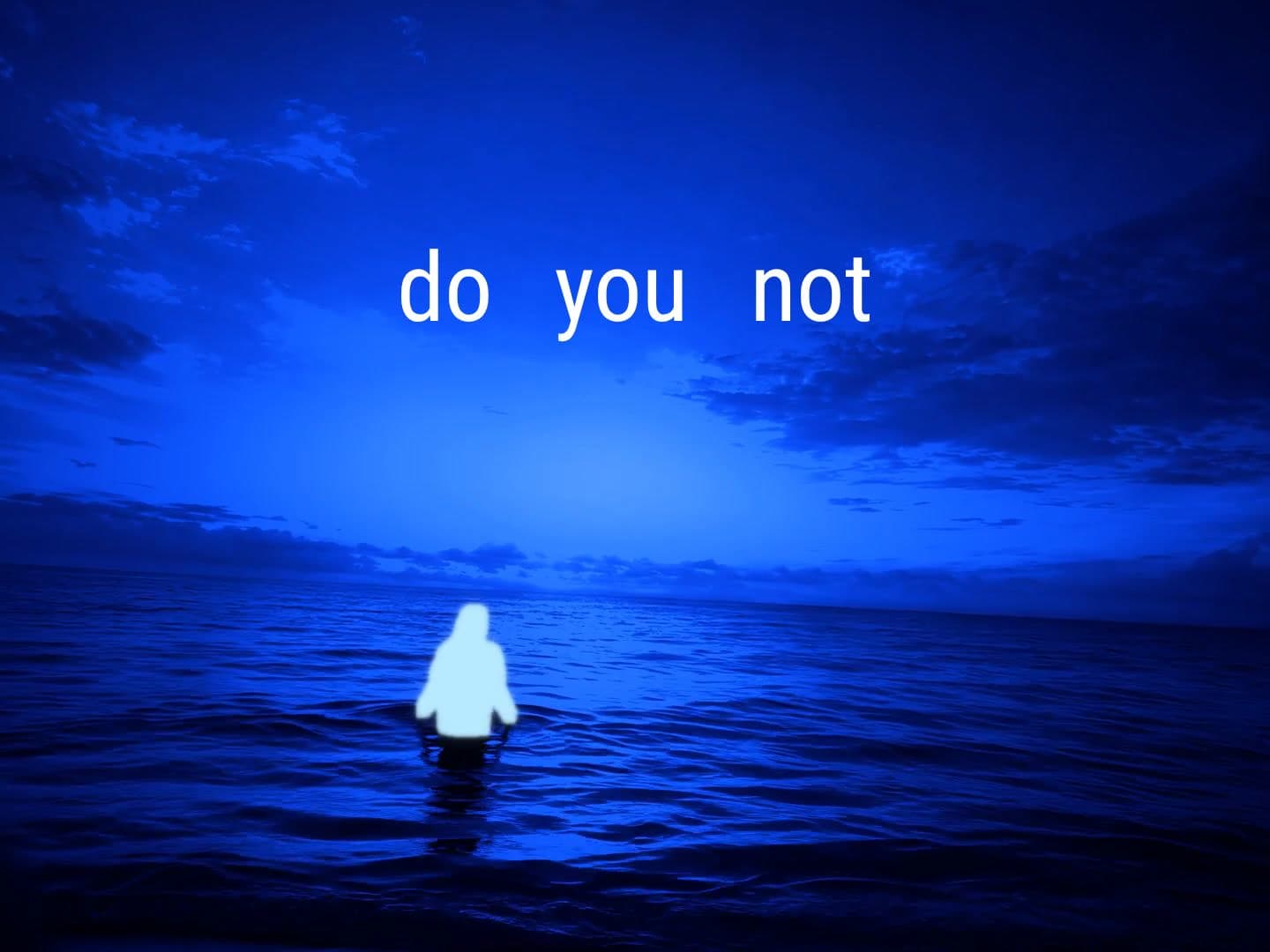
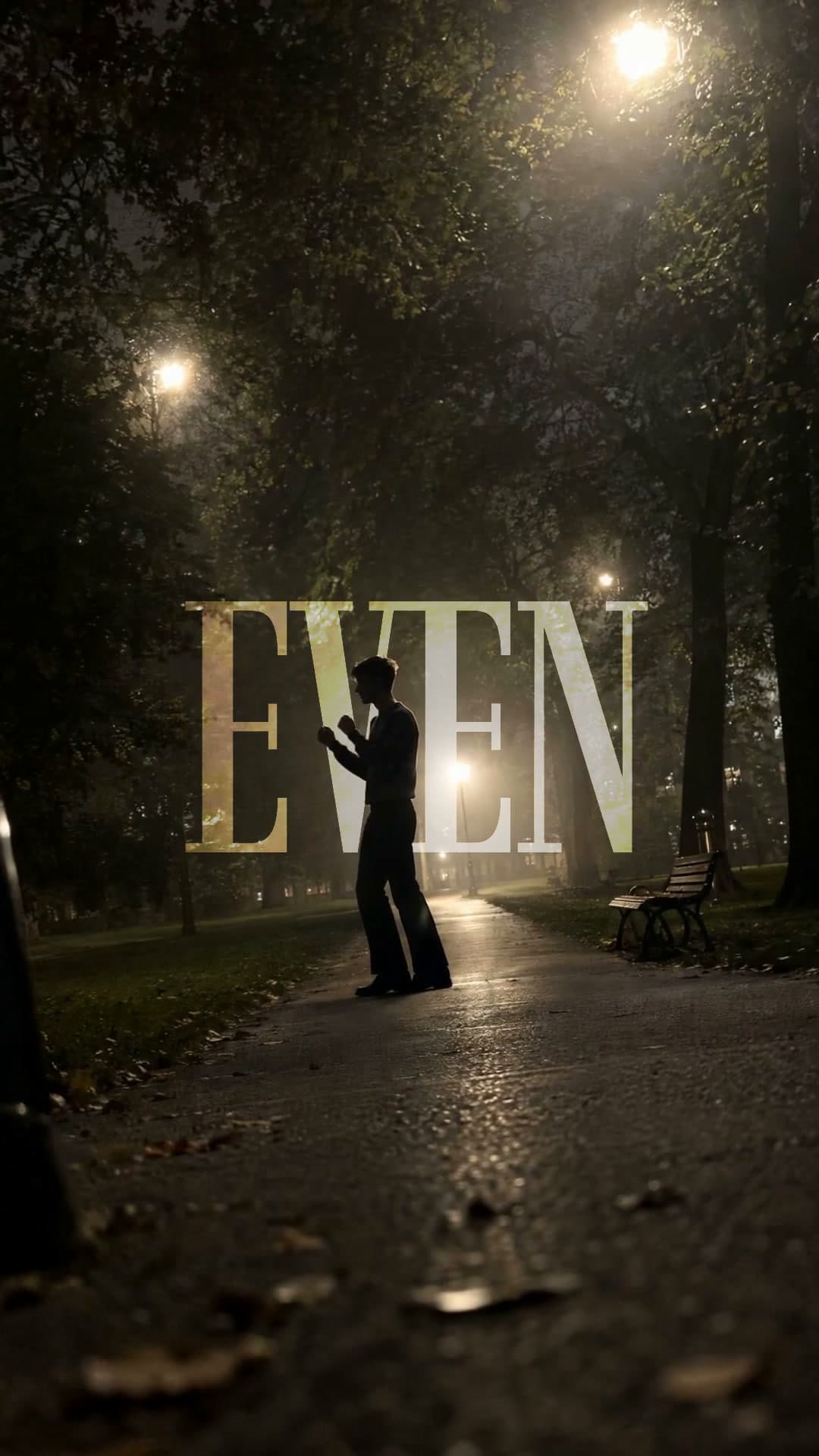
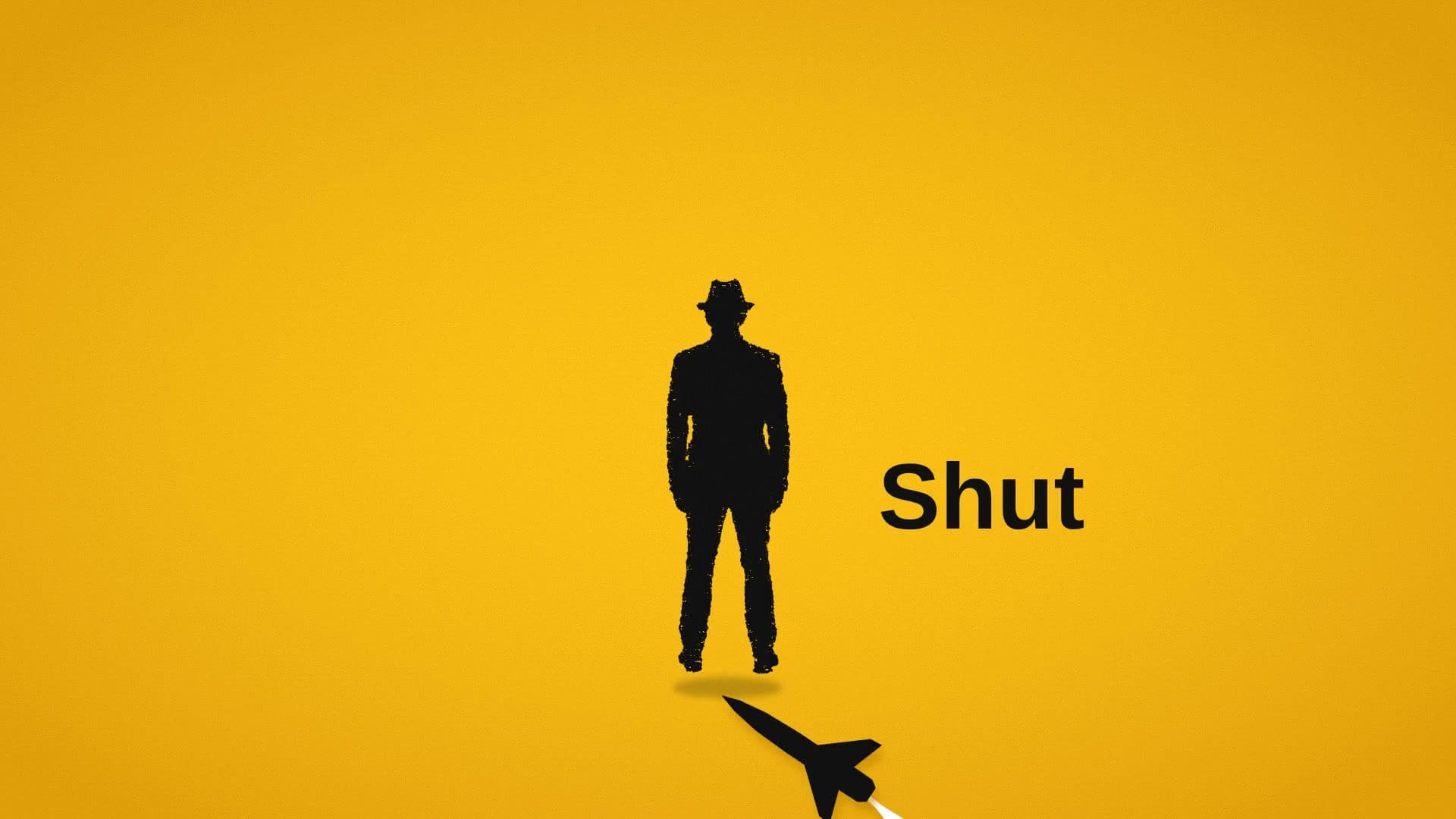
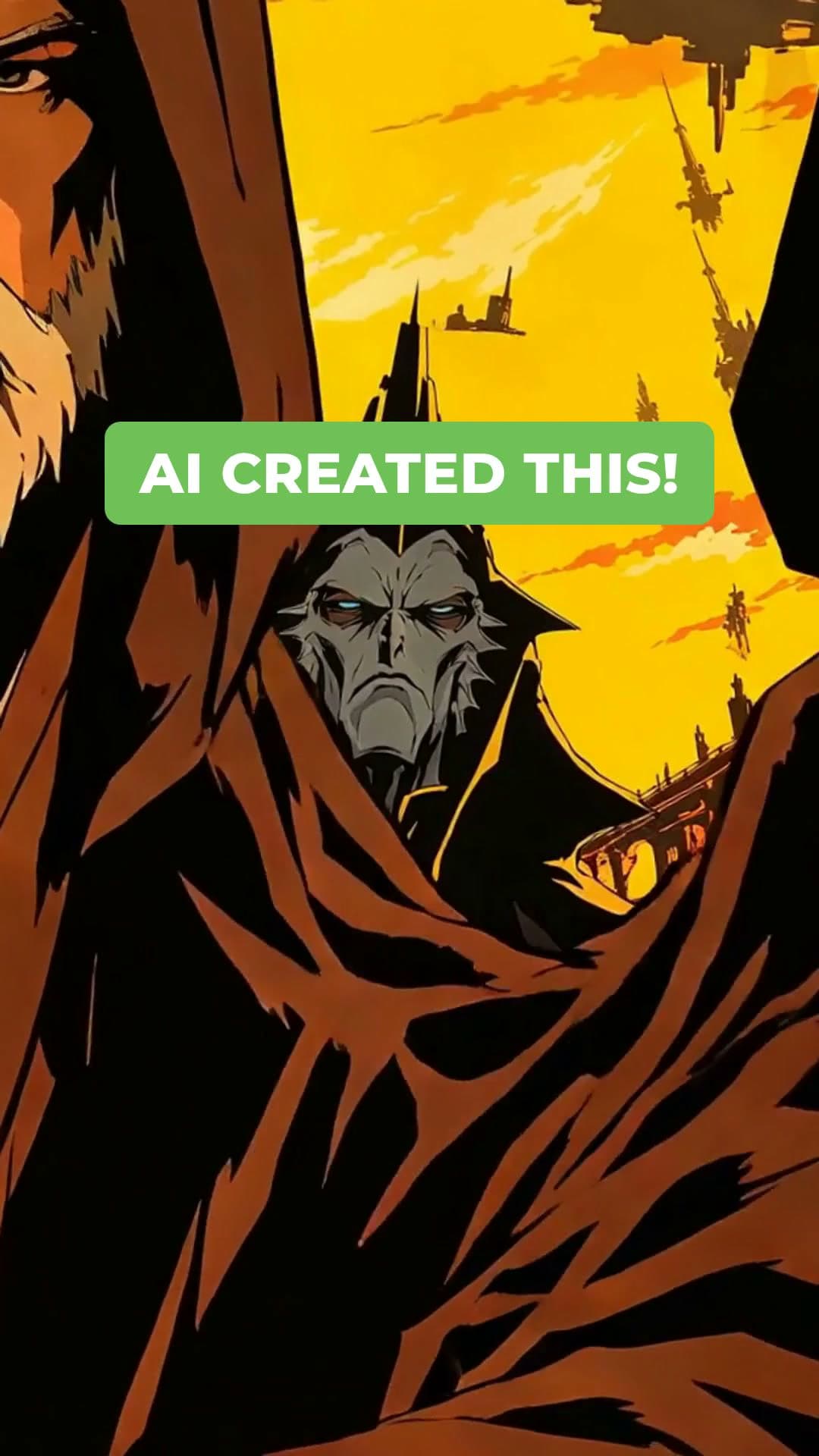
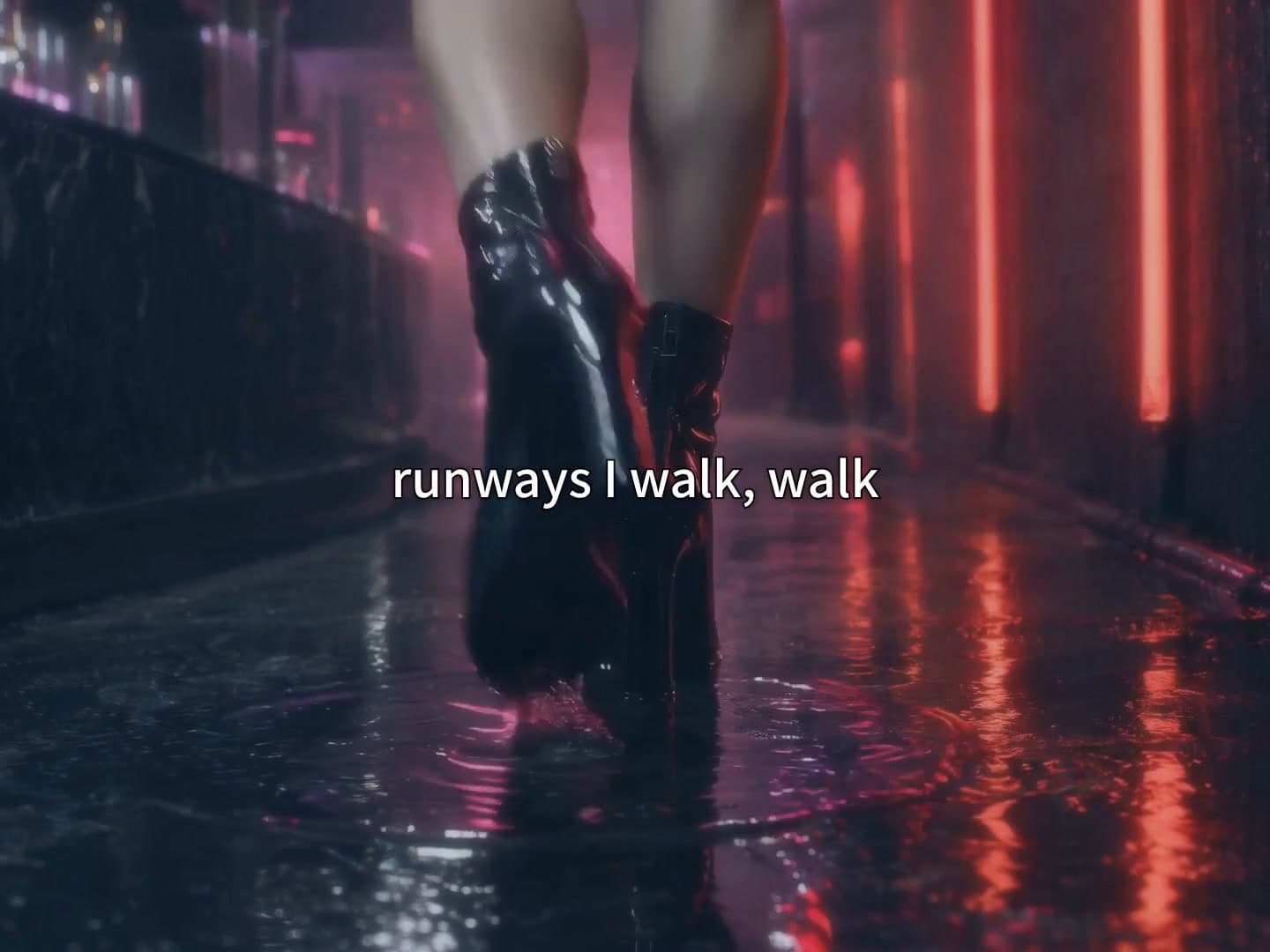
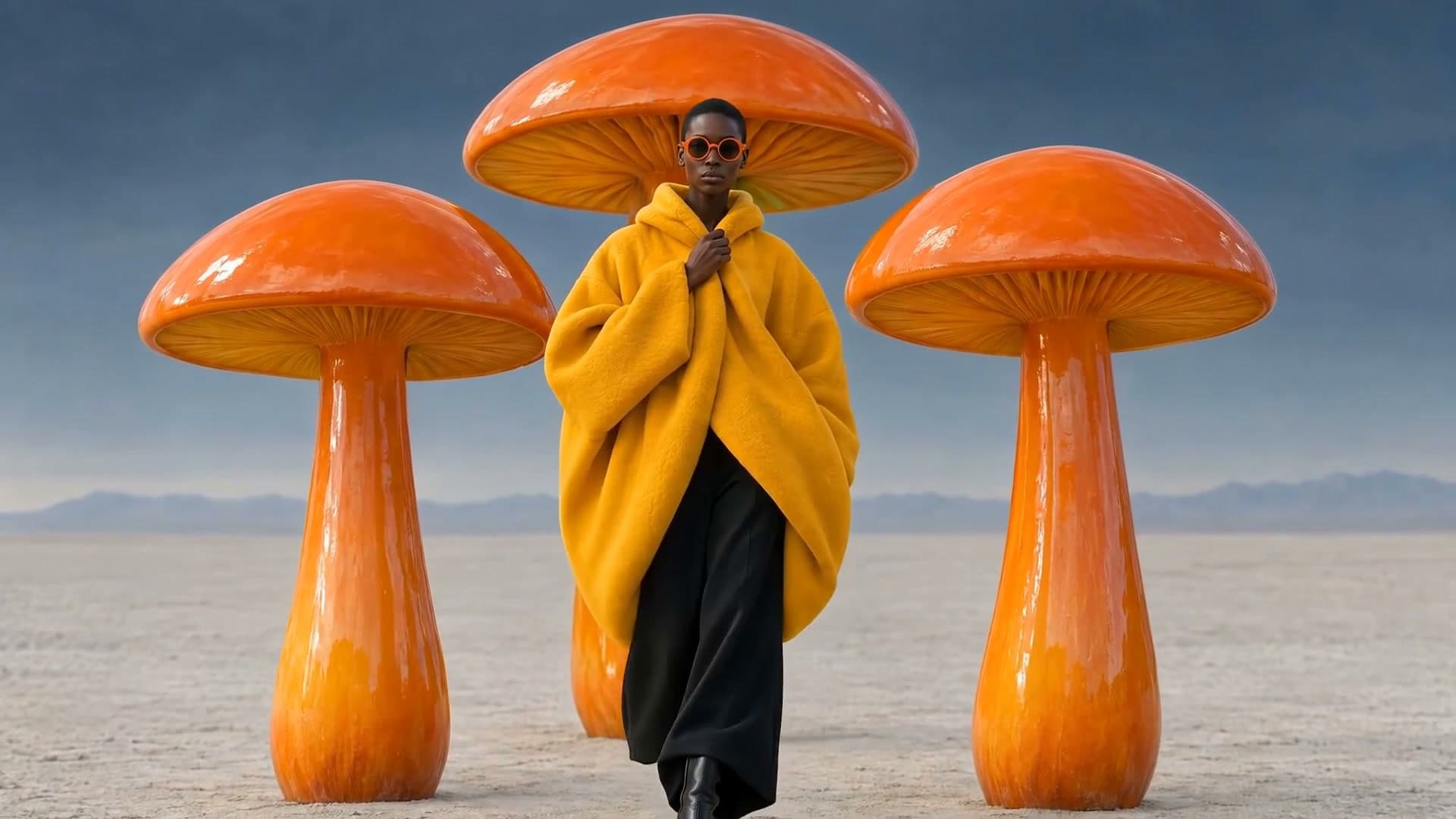
Anime, idol, folklore and dreamlike styles. Each plays a real example.
- 2
Add your song and ask
Attach your track and say what the video should show. Waffle makes the scenes and cuts them to the beat.
- 3
Export and share
Download for YouTube, TikTok, Reels or Shorts and post it with the song.
Questions
How do I make an AI music video?
Pick a style, add your song and describe what you want to see. Waffle makes the scenes and cuts them to the beat, and you download the MP4.
Can I be in the video?
Yes. Add a photo or a clip of yourself and Waffle casts you in the scenes. Without one, it makes the singer from your description.
Can it put the lyrics on screen?
Yes. Add your lyrics and Waffle puts each line on screen as it's sung, timed to your vocals.
Can I try it for free?
Yes. You can start making videos for free.
Can I change the video after it's made?
Yes. Type what you want different, like "make it slower" or "swap the title", and Waffle updates the video.
What sizes can I download?
9:16 for TikTok, Reels and Shorts, square for Instagram posts, and 16:9 for YouTube or a TV. Every video downloads as an MP4.
AI music videos for singles, covers and fan edits
AI music video generator
Describe the scenes and Waffle makes them, cut to your track from the first line to the last.
Create now: K-pop MV Lyric EditAnime music videos
Your song drawn as an anime, with every scene showing what the lyrics say.
Create now: AI Morph AnimeDreamlike and morphing visuals
Each thing the song sings about melts into the next picture, nonstop.
Create now: Dreamcore Film ReelVideos for rappers and singers
Put yourself in the video: a verse to camera, a stage or a world built around the song.
Create now: Cut-Out Rap Opener