Make a Spotify Canvas
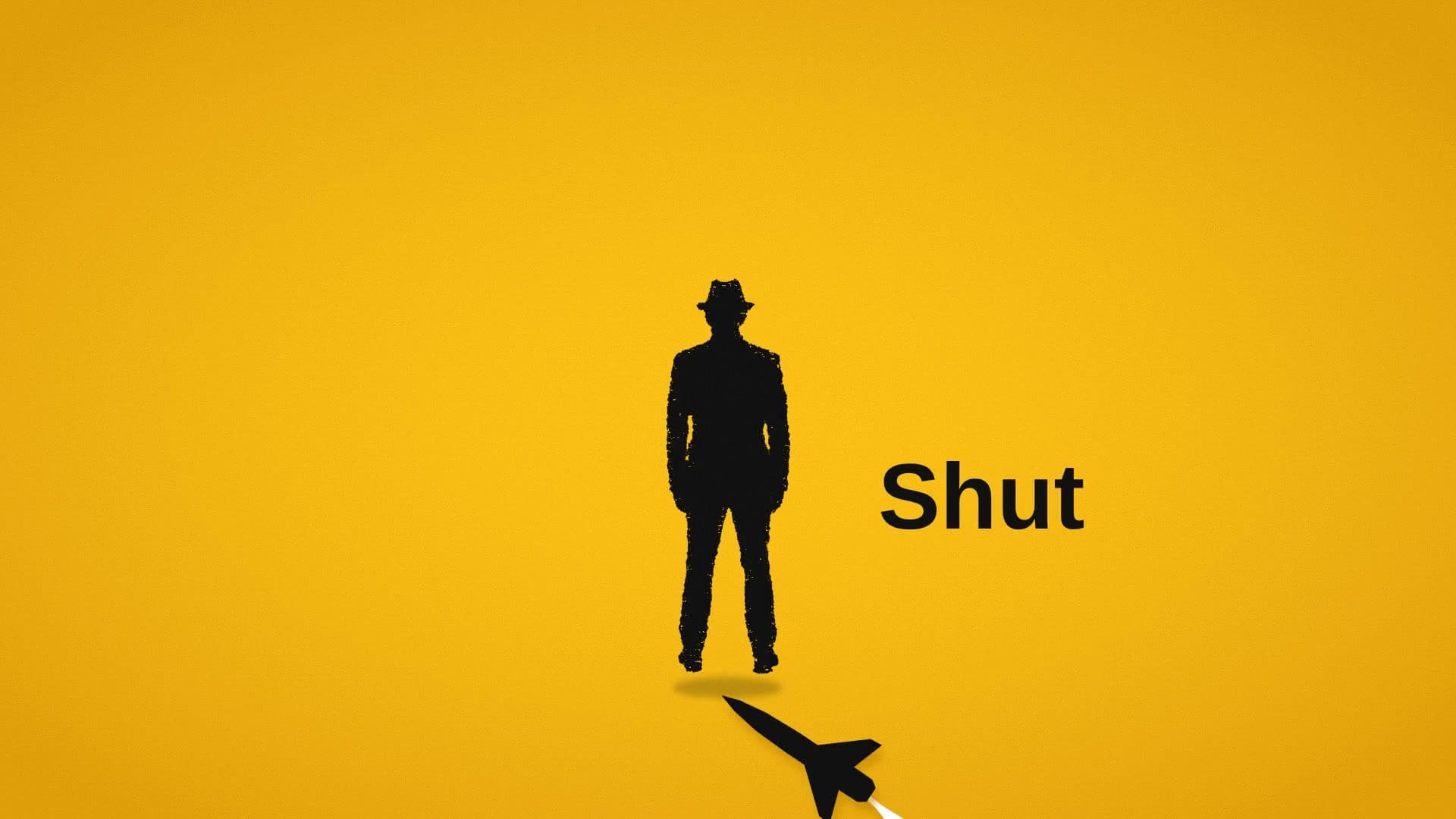
How to make a Spotify Canvas
- 1
Pick a template
Spinning record, art pulse, film loop and more. Each plays a real example.
- 2
Add your cover art and ask
Attach your cover art or clips. Waffle makes a seamless 3 to 8 second vertical loop.
- 3
Export and share
Download the MP4 and add it to your track in Spotify for Artists.
Questions
What size is a Spotify Canvas?
A 9:16 vertical loop between 3 and 8 seconds long. Waffle's Canvas templates export in that format.
How do I add a Canvas to my song?
Download the MP4, then upload it to your track in Spotify for Artists.
Can I make a music visualizer for YouTube?
Yes. Visualizer templates move with your track over your artwork, in 16:9 for YouTube or square for Instagram.
Can I try it for free?
Yes. You can start making videos for free.
Can I make a Canvas from just my cover art?
Yes. Add your cover art and Waffle animates it into a loop. You can add clips too.
Everything release week needs
Spotify Canvas maker
Create a Spotify Canvas from your cover art or clips: a 3 to 8 second vertical loop that plays behind your track.
Music visualizer
An online music visualizer for YouTube and Instagram. Bars, rings and waveforms move with your track.
Release teasers
Pre-save countdowns and hook clips for TikTok, Reels and Shorts, so people hear the song before it's out.
Out now posts
Release-day videos that point people to the song, in the same style as your Canvas.
More use cases
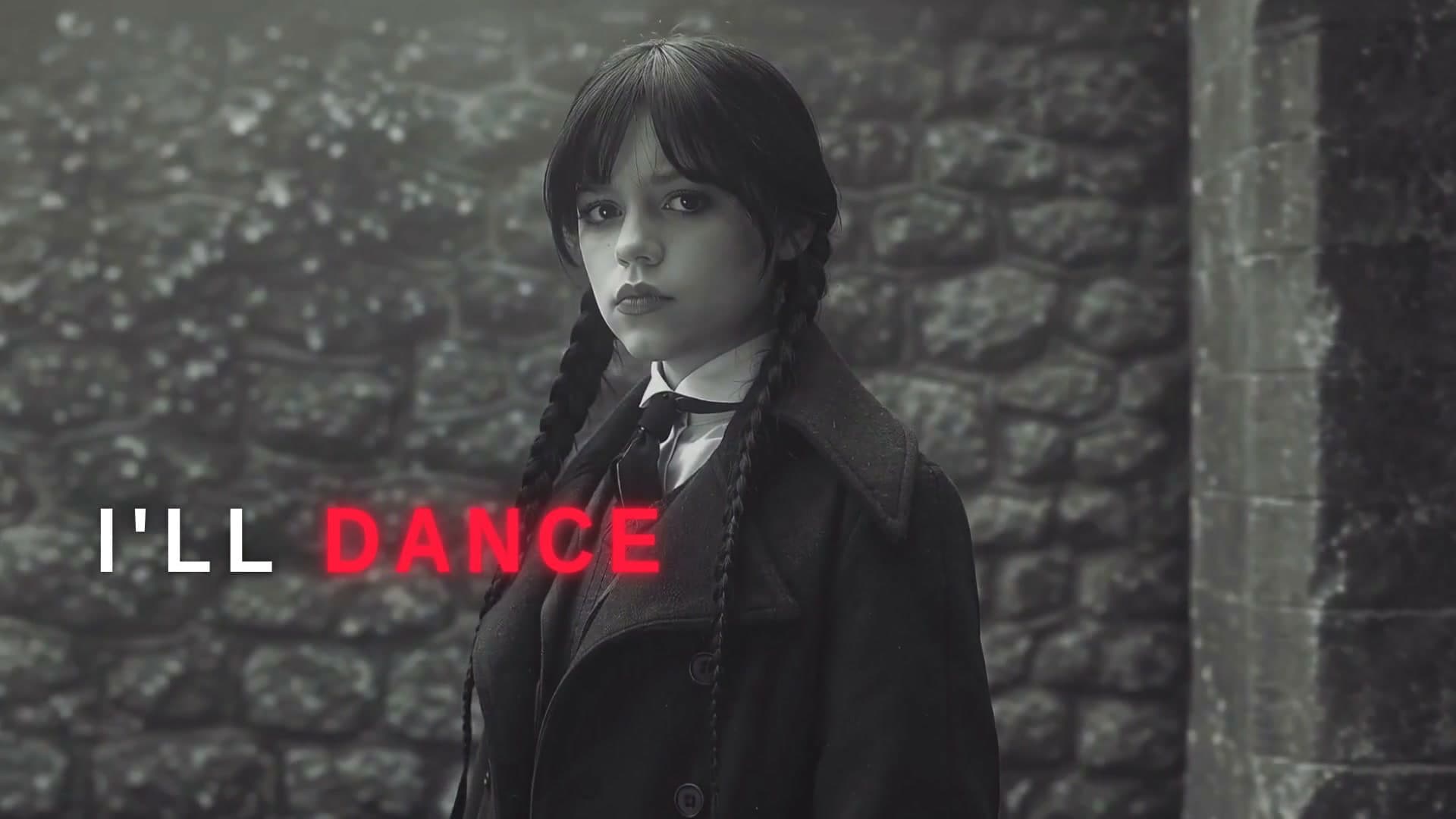
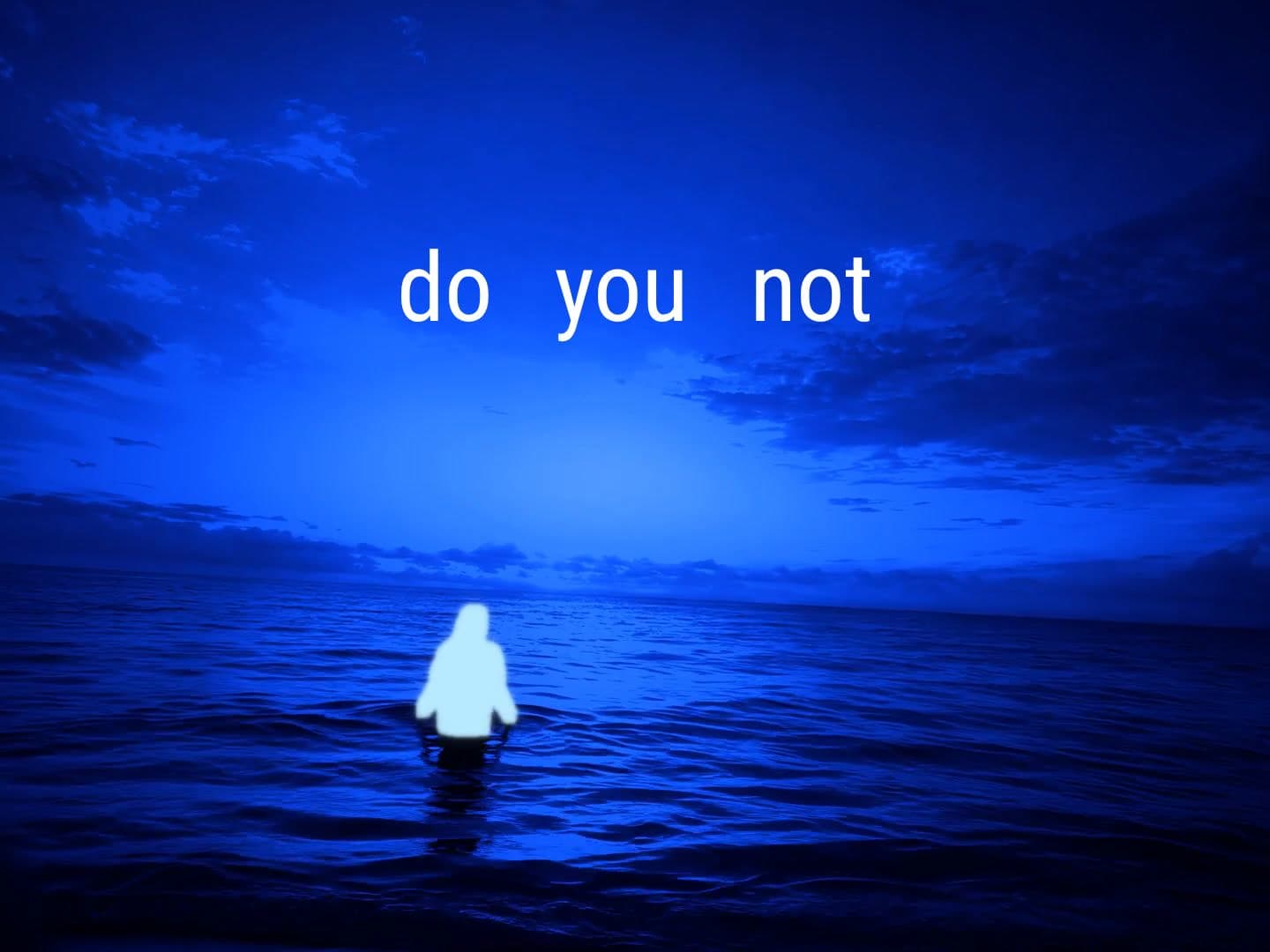
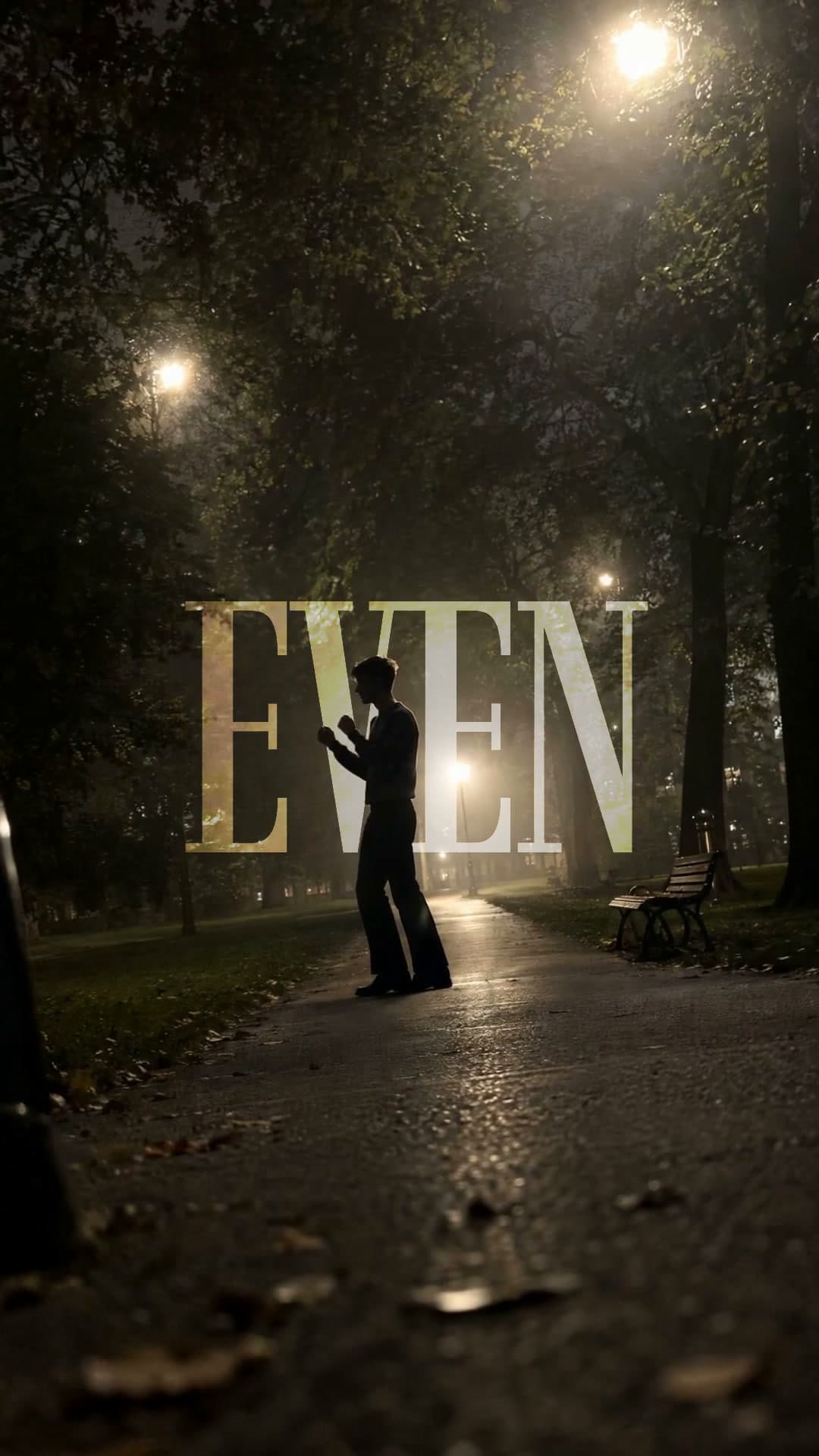
Spotify is a trademark of Spotify AB. Waffle is not affiliated with Spotify.