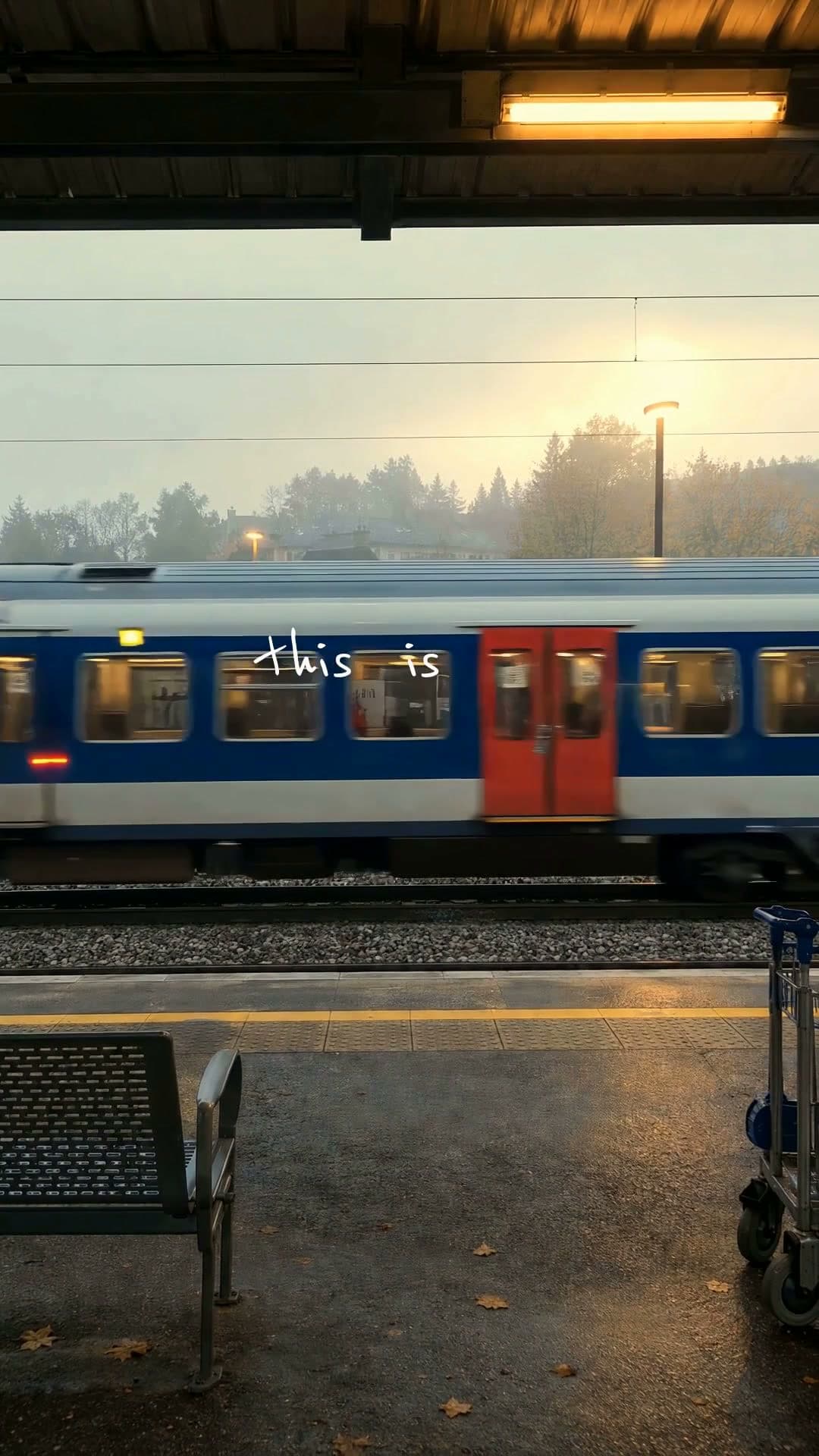
Turn a photo into a video

How to turn a photo into a video
- 1
Pick a template
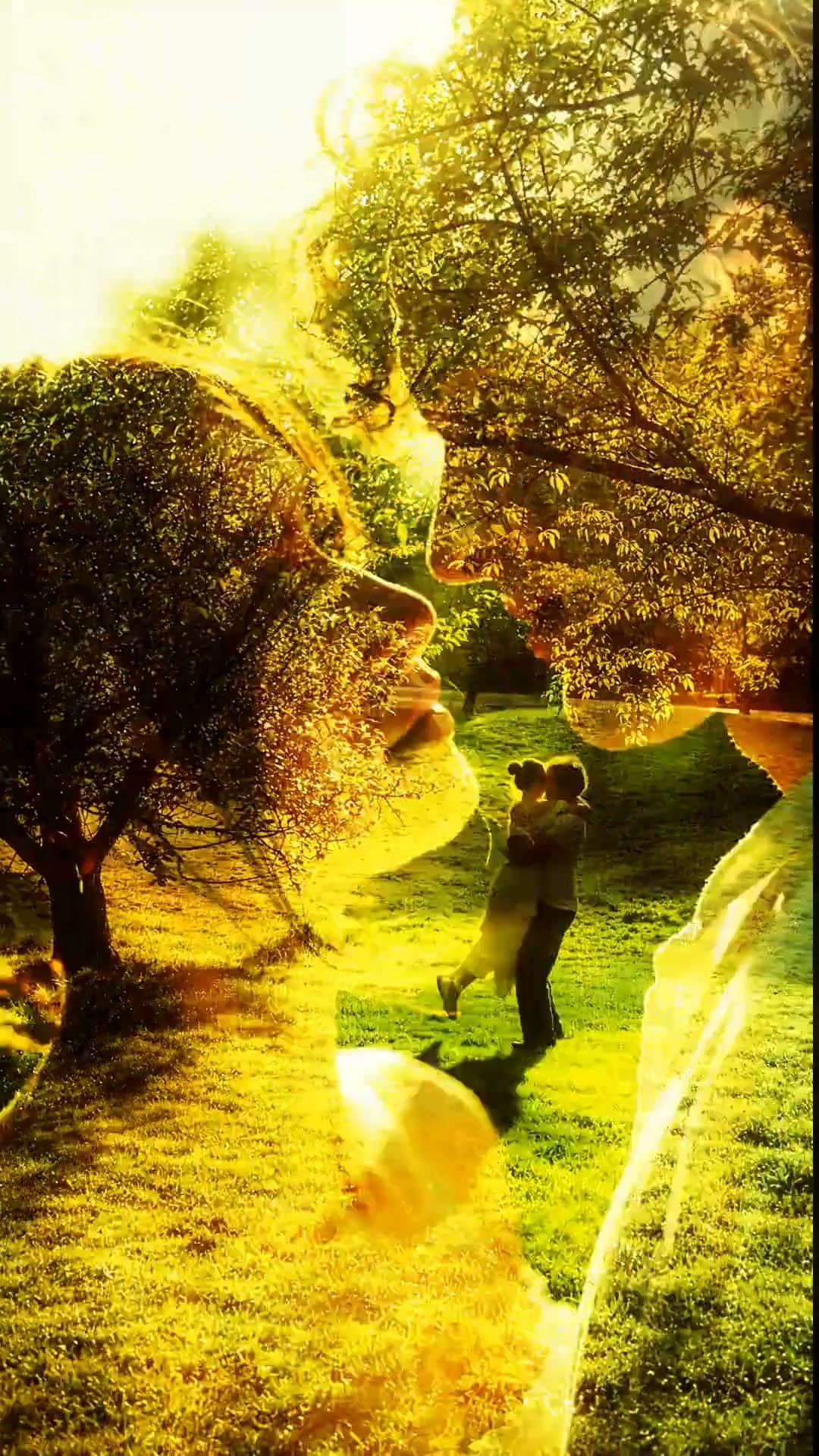
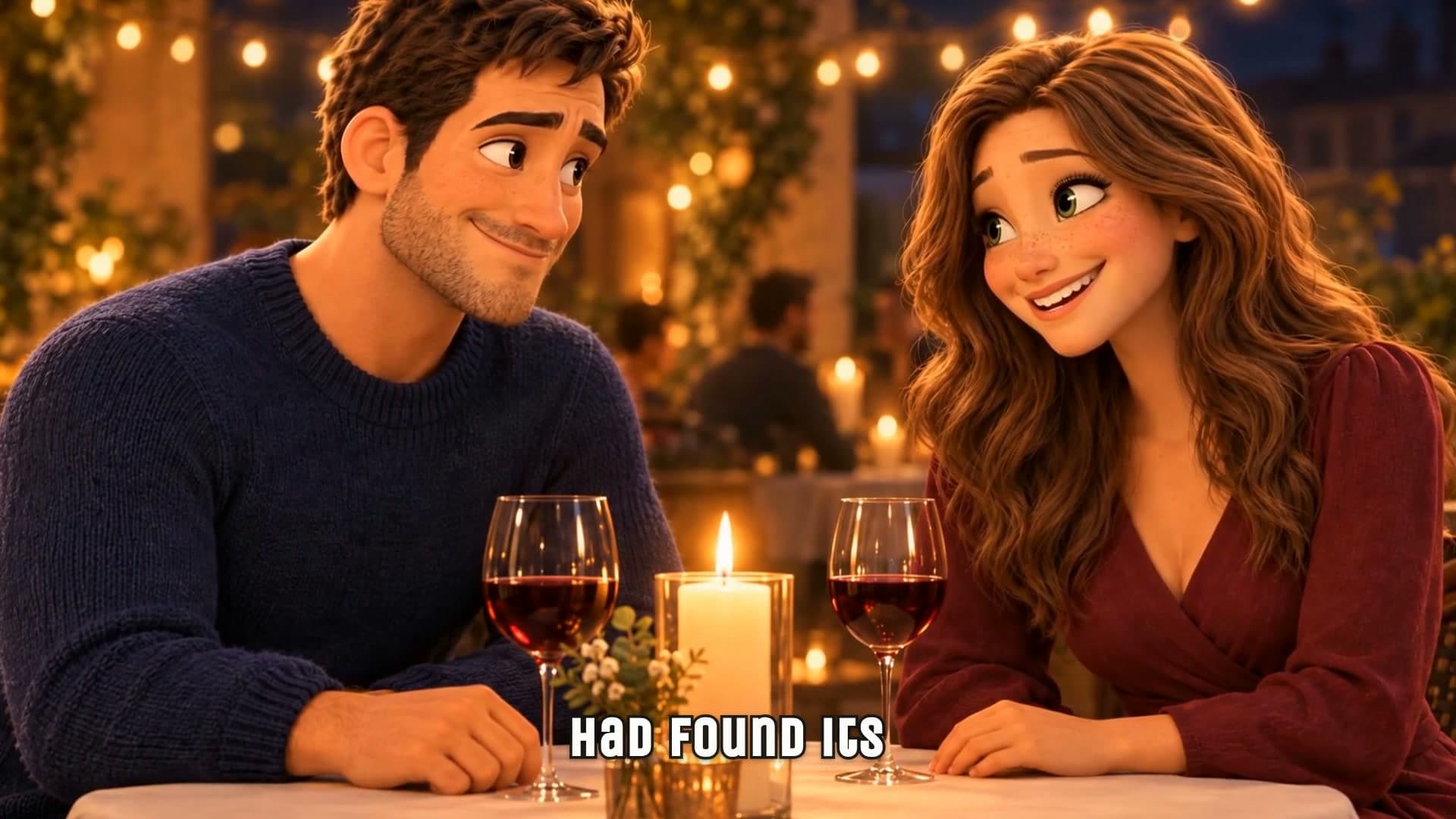
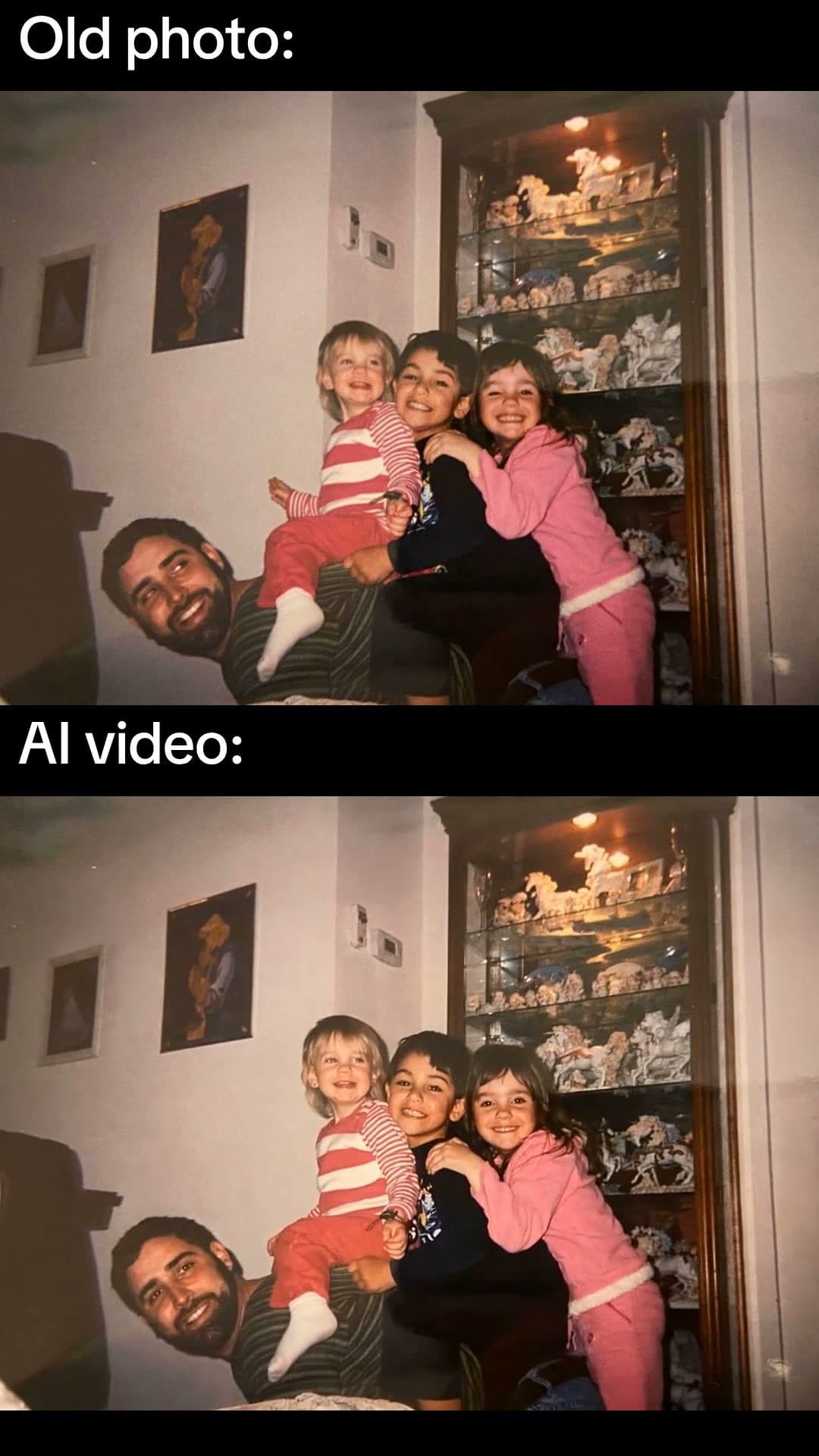
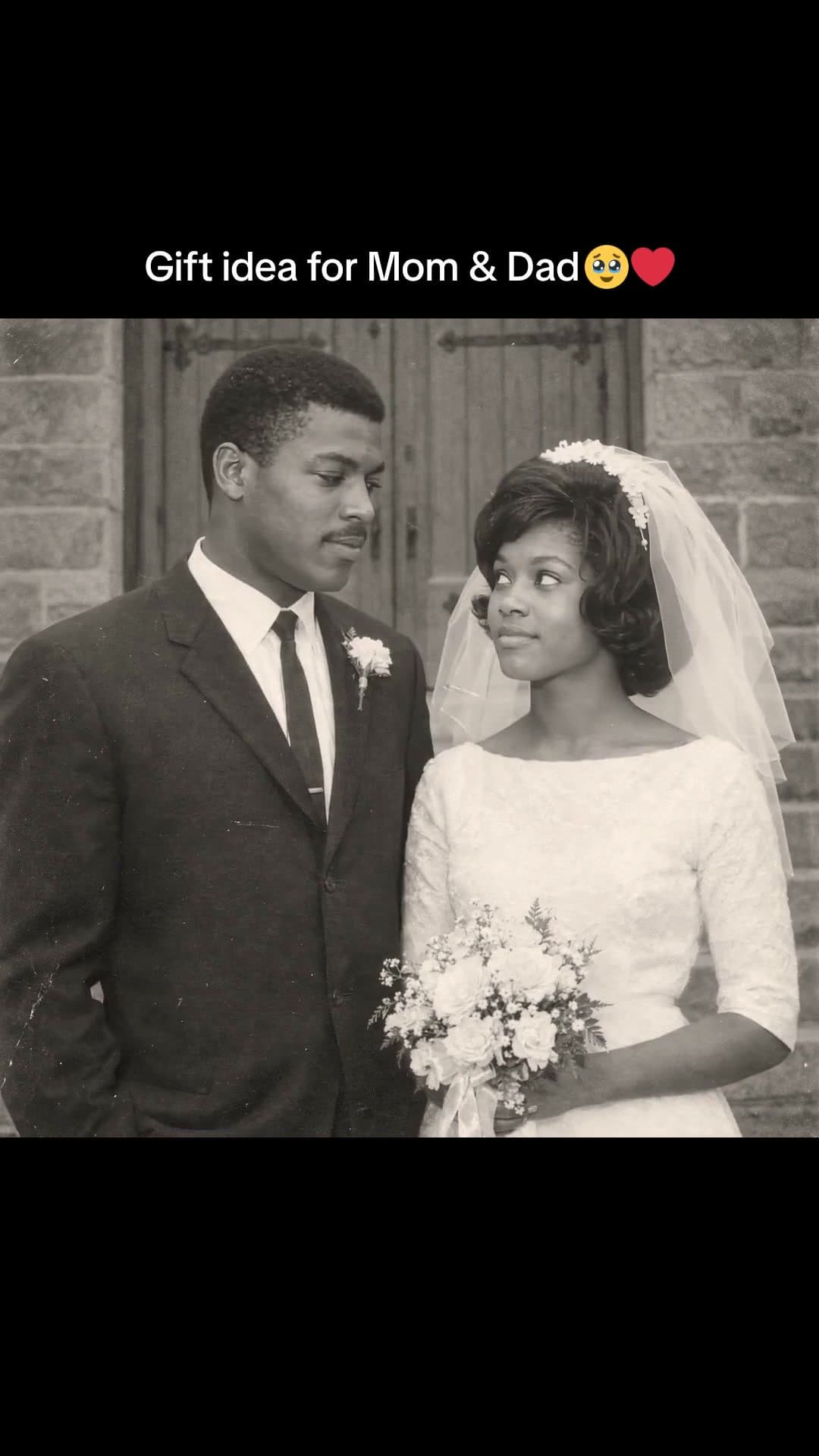
Old photos that come alive, walks into paintings, ink sketches and more. Each plays a real example.
- 2
Add your photo and ask
Attach a photo and say what should happen in it. Waffle turns it into a moving shot in the style you picked.
- 3
Export and share
Download the MP4 and send it to the family, or post it to TikTok or Reels.
Questions
How do I turn a photo into a video?
Pick a style, add your photo and say what should happen. Waffle animates it, and you download the MP4.
Does it work with old photos?
Yes. Scan the print or take a photo of it and add it. Waffle brings the people in it to life.
Can I turn my photo into a painting or a drawing?
Yes. Pick a style like an ink sketch, a famous painting or a knitted doll, add your photo, and Waffle makes you part of it.
Do I need a photo?
No. Most styles also work from a description of the person and the moment.
Can I try it for free?
Yes. You can start making videos for free.
Can I change the video after it's made?
Yes. Type what you want different, like "make it slower" or "swap the title", and Waffle updates the video.
What sizes can I download?
9:16 for TikTok, Reels and Shorts, square for Instagram posts, and 16:9 for YouTube or a TV. Every video downloads as an MP4.
Photo to video with AI
Old photos that come alive
A family snapshot that starts to move: a couple turns to each other, a grandparent smiles back.
Create now: Old Photo vs AI VideoPhoto to painting and drawing
Your photo as an ink sketch, a crayon drawing or a world inside a famous painting.
Create now: Ink Sketch PortraitThen and now
Hug your younger self, or watch one face age from a child to very old.
You, remade
You as a knitted doll, a clay figure or a giant in the city, from one photo.