Make a slideshow

How to make a slideshow with music
- 1
Pick a template
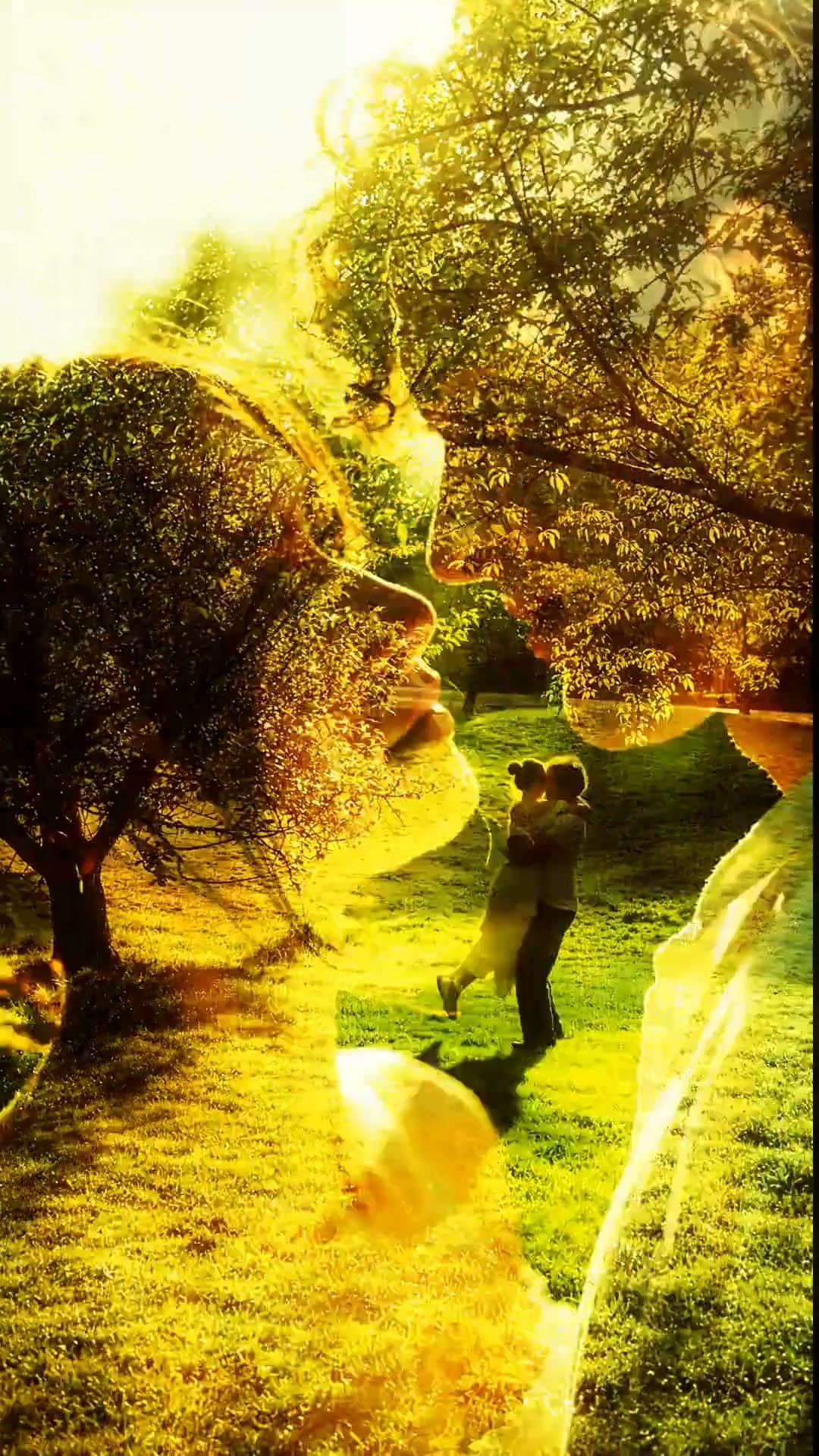
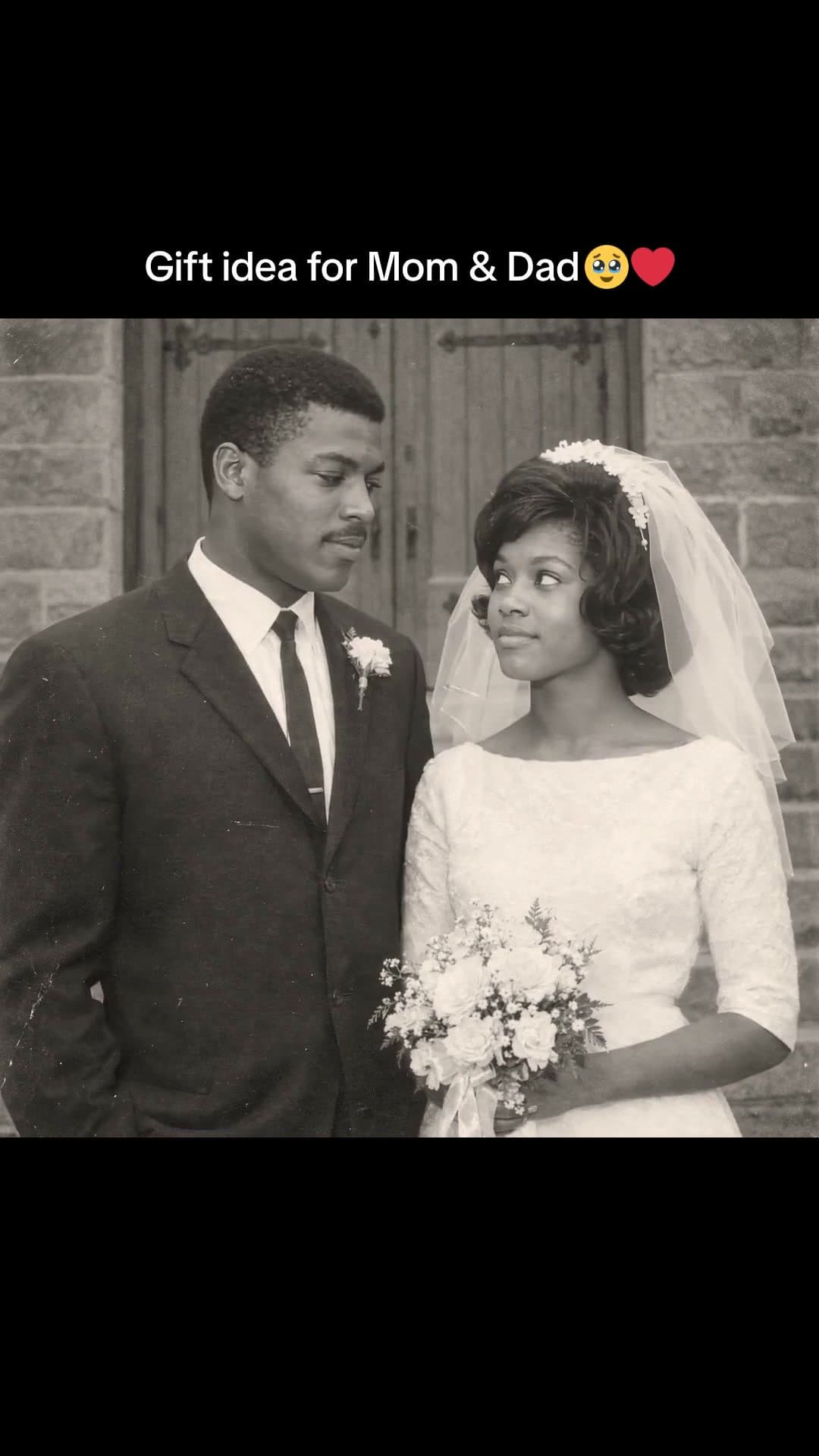
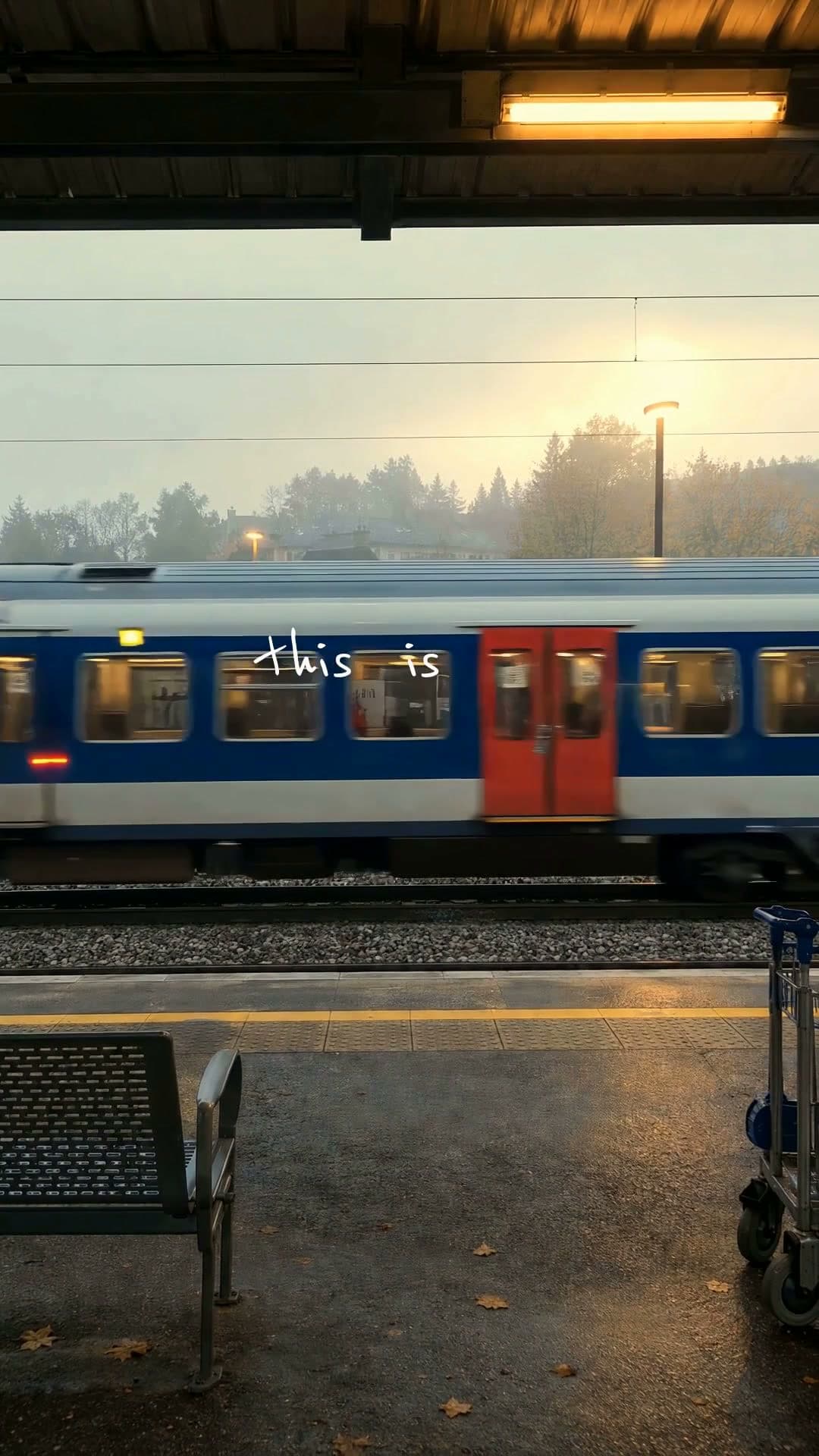
Photo dumps, polaroids, scrapbooks and year recaps. Each plays a real example.
- 2
Add your photos and ask
Attach your photos and a song, then say what it's for. Waffle paces the photos to the music and adds your titles.
- 3
Export and share
Download the MP4 to post, send or play on a TV.
Questions
How do I make a slideshow with music?
Pick a template, add your photos and a song, and say what it's for. Waffle cuts the photos to the music, and you download the MP4.
How many photos can I add?
Add the photos you have. Waffle paces the slideshow to fit them and the song.
Can I add names, dates or captions?
Yes. Type the words you want and where they go, like a title at the start or a date on each photo.
Can I make a memorial slideshow?
Yes. Add their photos and the song you want, and ask for a slower pace with their name and dates at the start.
Can I try it for free?
Yes. You can start making videos for free.
Can I change the video after it's made?
Yes. Type what you want different, like "make it slower" or "swap the title", and Waffle updates the video.
What sizes can I download?
9:16 for TikTok, Reels and Shorts, square for Instagram posts, and 16:9 for YouTube or a TV. Every video downloads as an MP4.
Slideshows for every kind of memory
Photo slideshow maker
Make a slideshow online from your photos and a song, paced to the music.
Photo dumps
A camera roll flash-cut to a song, swiped like a carousel, piled into collages or flipped inside a polaroid.
Create now: Sunset Photo DumpYear and month recaps
Your year in photos, one per beat, or every place you went this month.
Create now: Year in PhotosTributes and dedications
A slower slideshow for a memorial, a retirement or someone you love, with their name on screen.