Make a lyric video
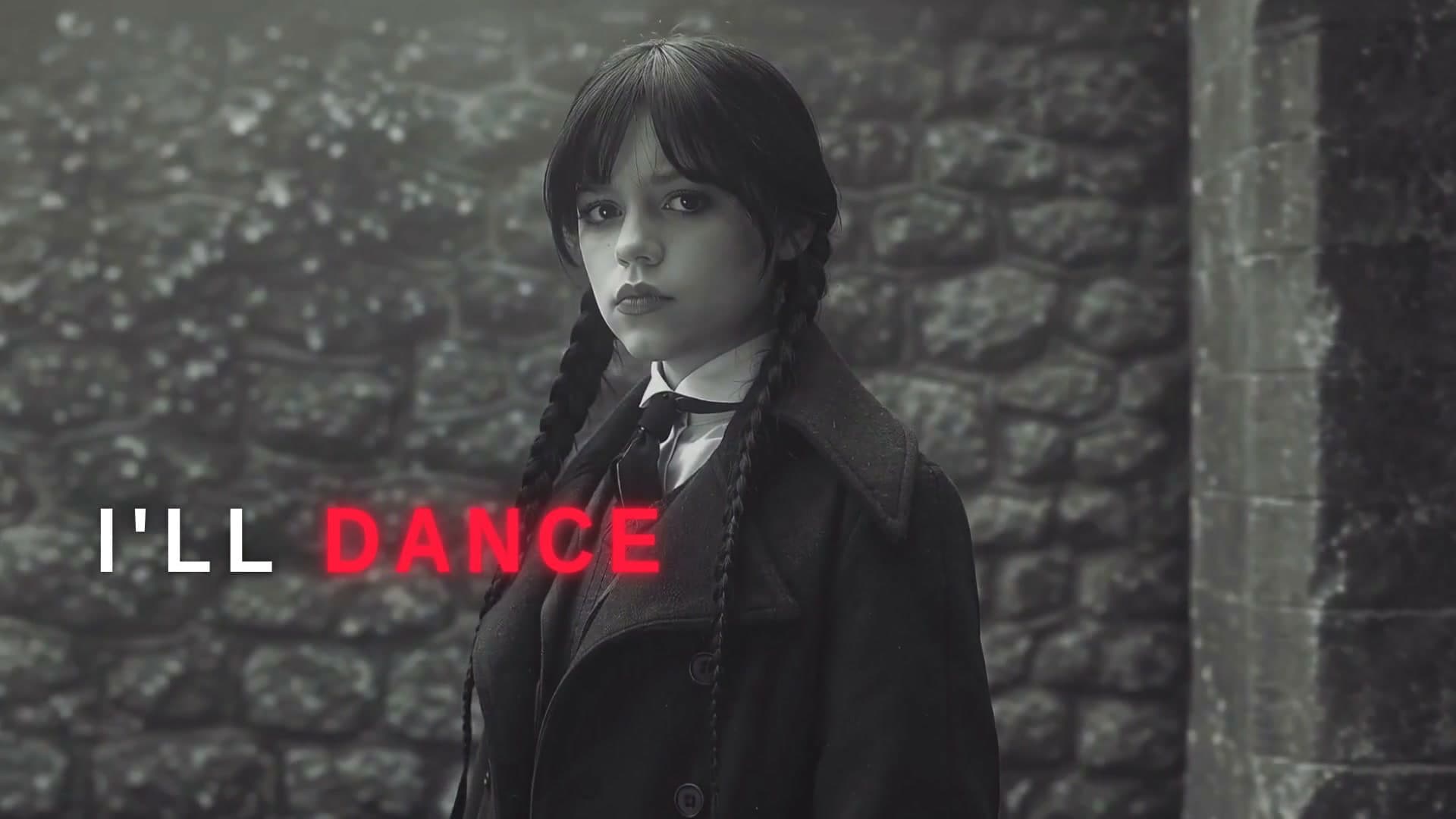
How to make a lyric video
- 1
Pick a template
Karaoke, typewriter, handwritten and more. Each plays a real example.
- 2
Add your song and ask
Attach your track and lyrics. Waffle listens to the vocals and writes each word in as it's sung.
- 3
Export and share
Download for YouTube, TikTok, Reels or Shorts and post it.
Questions
How does Waffle time the lyrics?
Upload your song and add your lyrics. Waffle listens to the vocals and writes in each word as it's sung. If a line is off, tell it which one and it fixes the timing.
Do I need After Effects or a lyric template?
No. Pick a style, add your song and Waffle makes the video in your browser. There's no software to learn.
Can I try it for free?
Yes. You can start making videos for free.
Which formats can I export?
16:9 for YouTube, 9:16 for TikTok, Reels and Shorts, and square for Instagram posts. Every video downloads as an MP4.
Does it work for rap and fast verses?
Yes. Timing comes from the vocals, so fast verses get the same word-by-word timing as slow ones.
Can I change the video after it's made?
Yes. Type what you want different, like "make it slower" or "swap the title", and Waffle updates the video.
Lyric videos for YouTube, TikTok and Reels
Lyric video maker
Make a lyric video online without After Effects. The words are timed to your vocals automatically.
Create now: Lyric Fan EditFree lyric video maker
Start for free in your browser: add your song and lyrics, pick a style and download the video.
Lyric edits for TikTok and Reels
The 9:16 lyric edits trending on TikTok, made with your own song and photos or clips.
CapCut lyric templates, without CapCut
The color-coded lyrics and lyric-over-photos trends, with nothing to download and nothing to line up by hand.