Glitch and datamosh edits
Your photos and clips, glitched, smeared and cut to the beat.
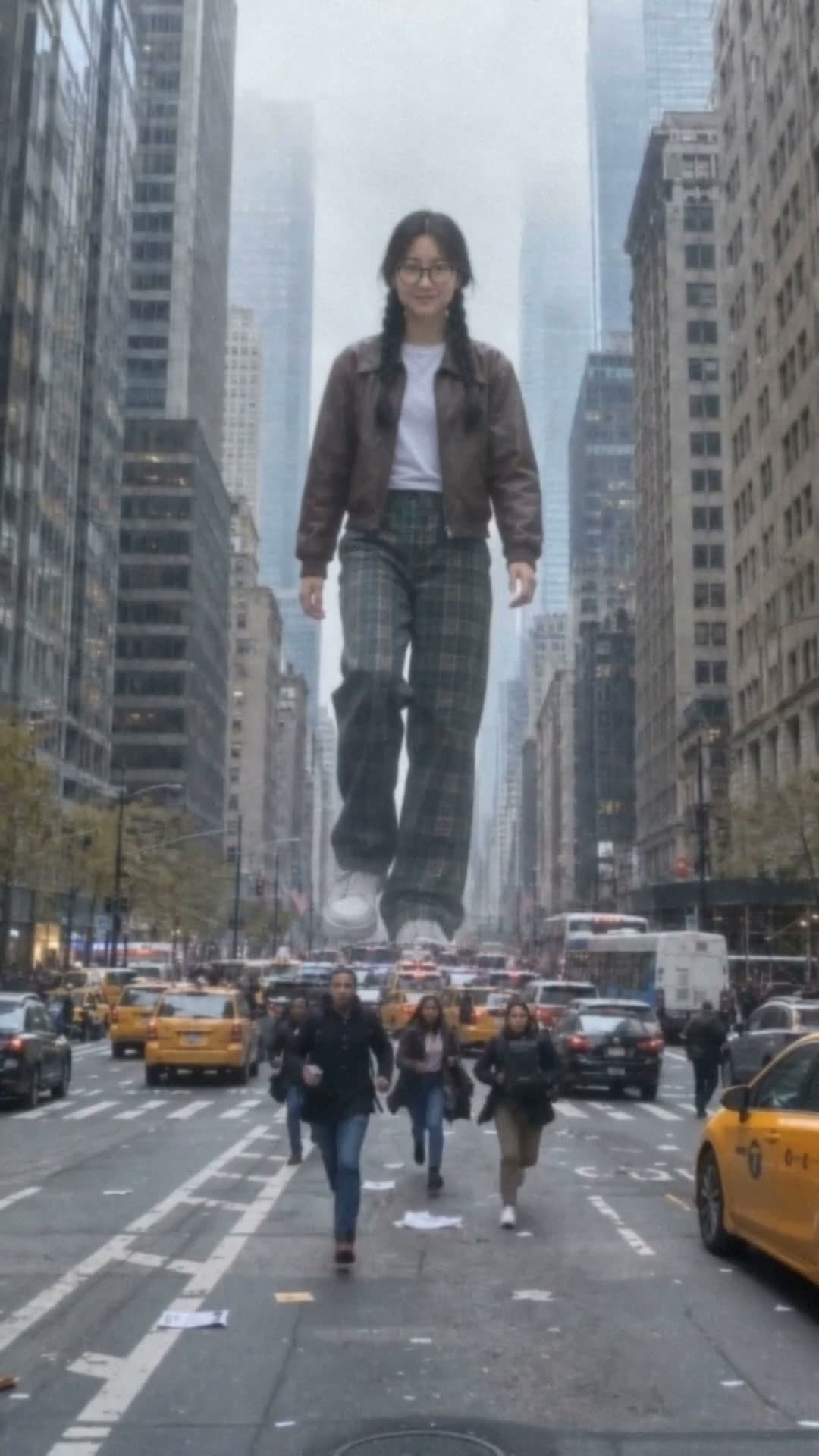
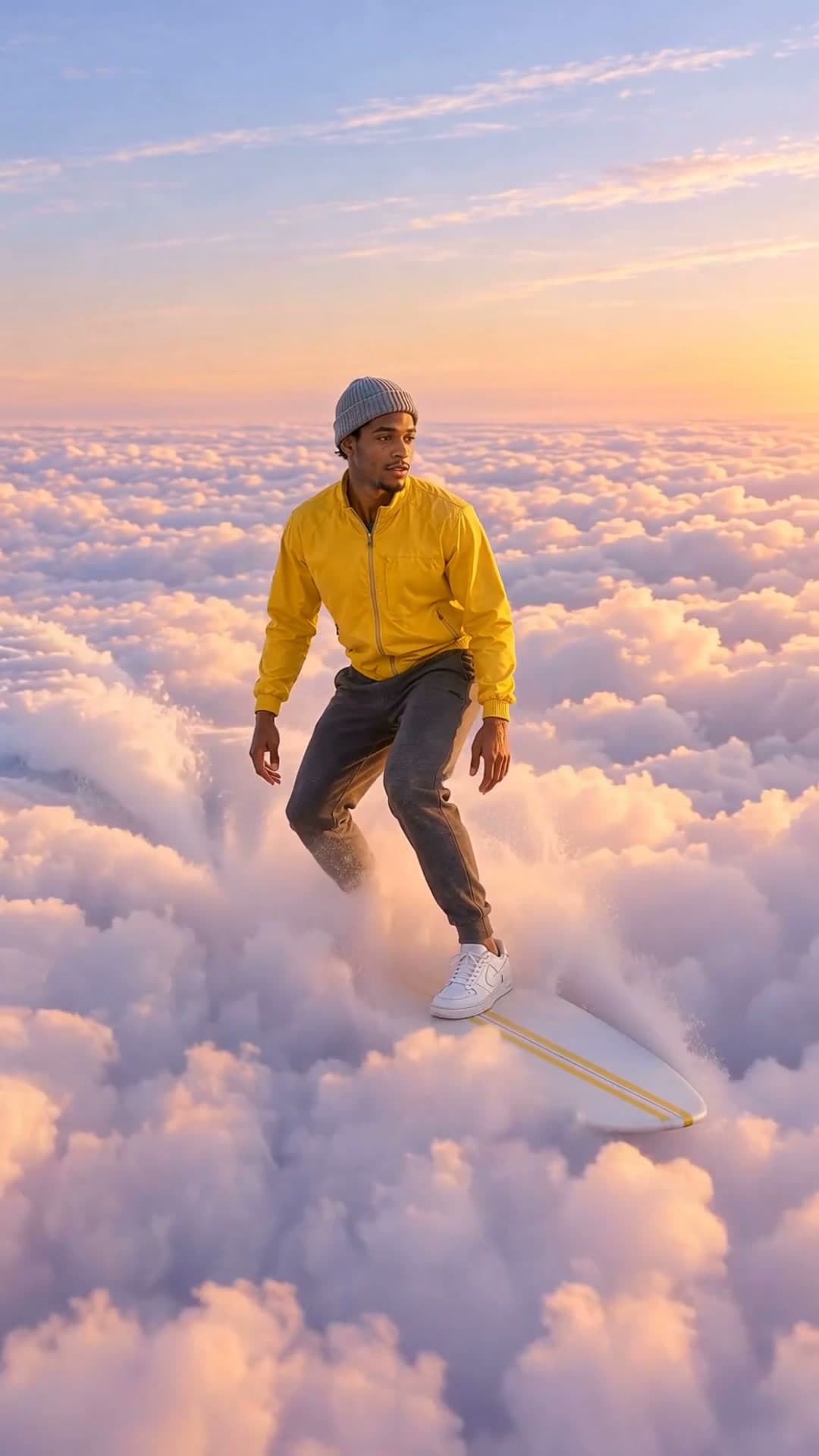



How to make a glitch edit
- 1
Pick a template
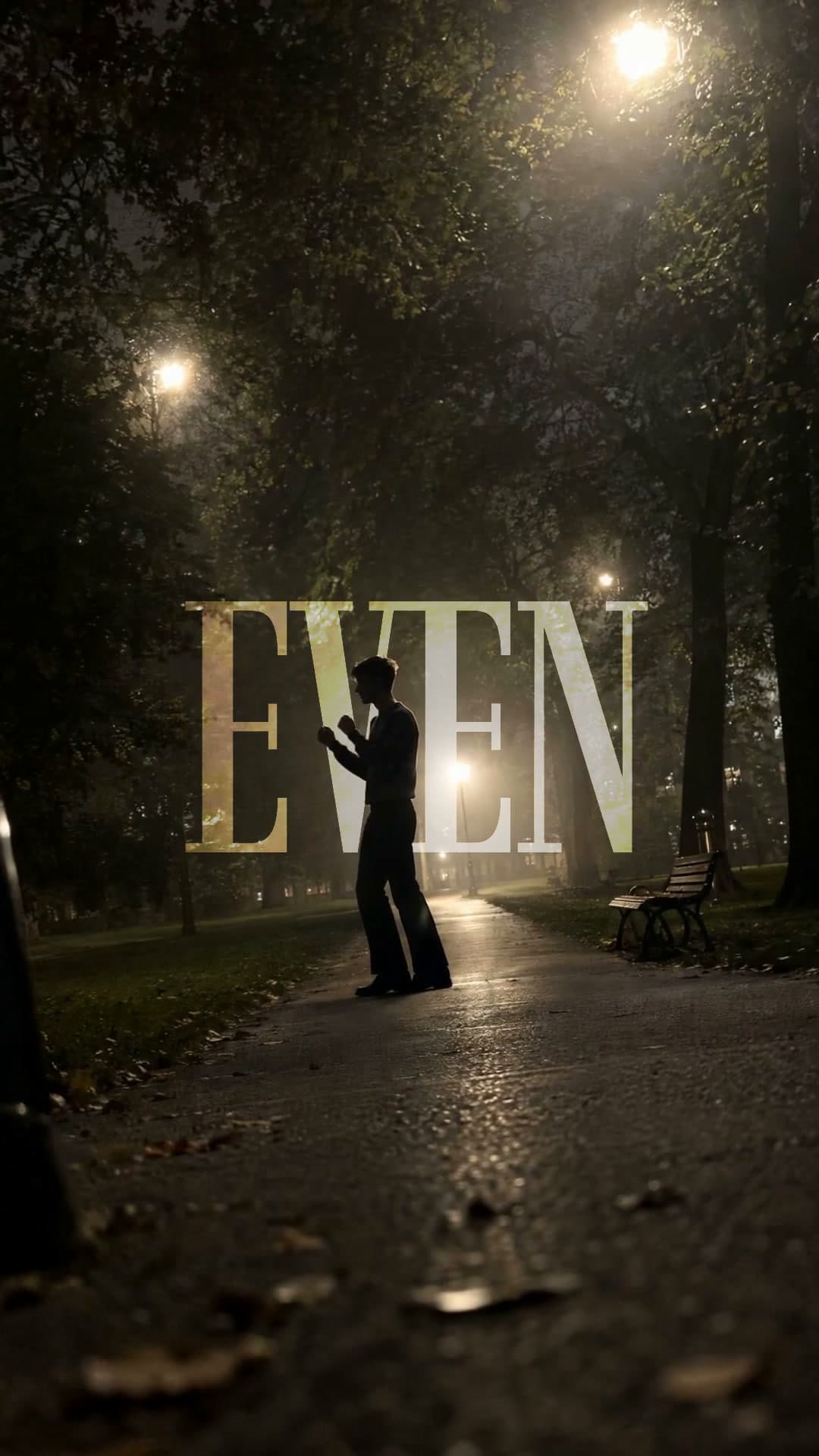
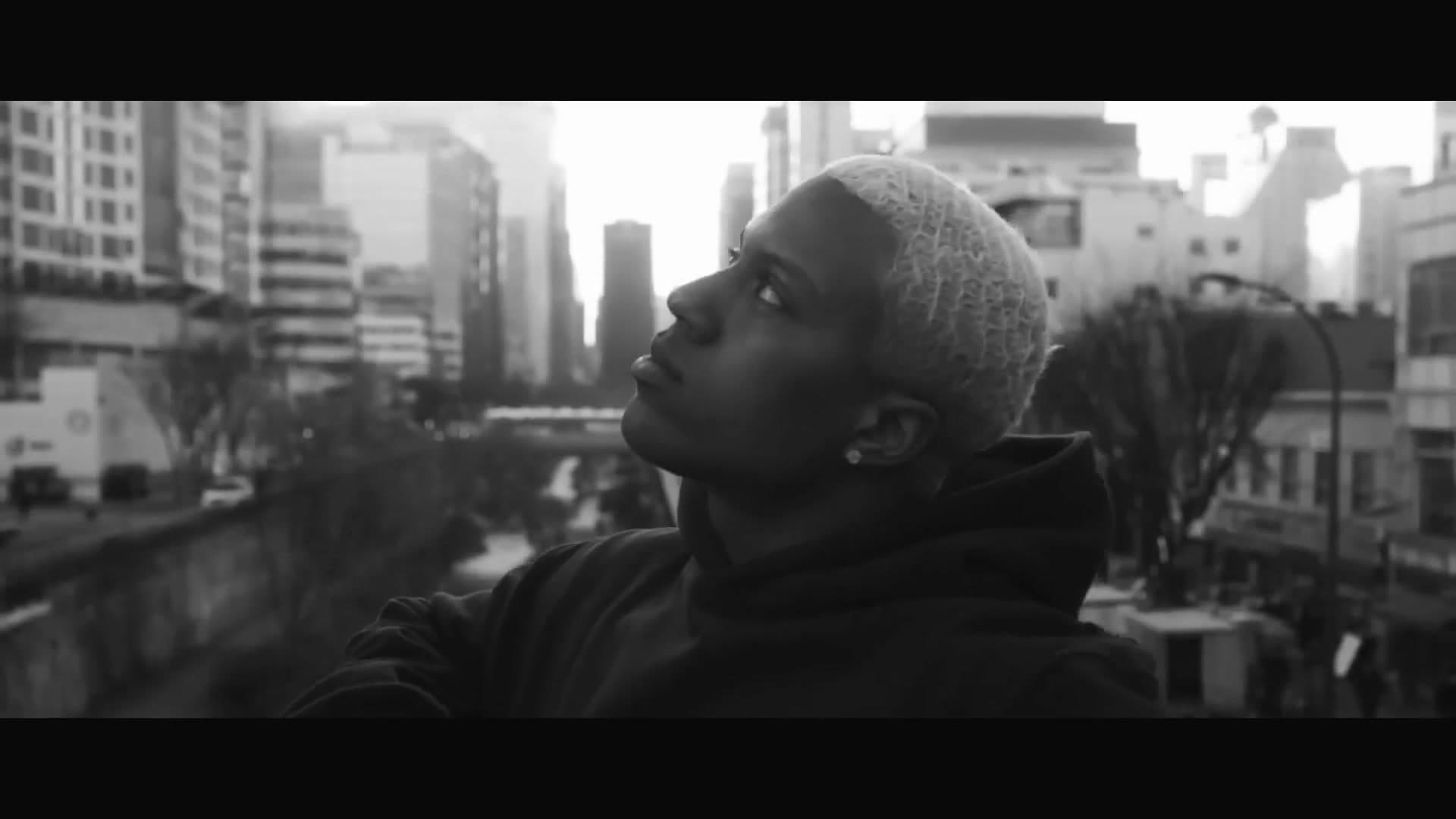
Glitch, strobe, morph and dreamcore effects. Each plays a real example.
- 2
Add your clips and ask
Attach your photos or clips and say what you want. Waffle adds the effect and times it to the beat.
- 3
Export and share
Download an MP4 and post it to TikTok, Reels or Shorts.
Questions
How do I add a glitch effect to my video?
Pick an effect, add your photos or clips and say where you want it. Waffle adds the glitch and times it to the beat.
Do I need After Effects?
No. Waffle makes the edit in your browser. There's no software to install or learn.
Can I use my own clips?
Yes. Upload photos and clips from your phone or camera. Some effects can also make the shots for you from a description.
Can I try it for free?
Yes. You can start making videos for free.
Can I change the video after it's made?
Yes. Type what you want different, like "make it slower" or "swap the title", and Waffle updates the video.
What sizes can I download?
9:16 for TikTok, Reels and Shorts, square for Instagram posts, and 16:9 for YouTube or a TV. Every video downloads as an MP4.
Glitch, strobe and morph effects
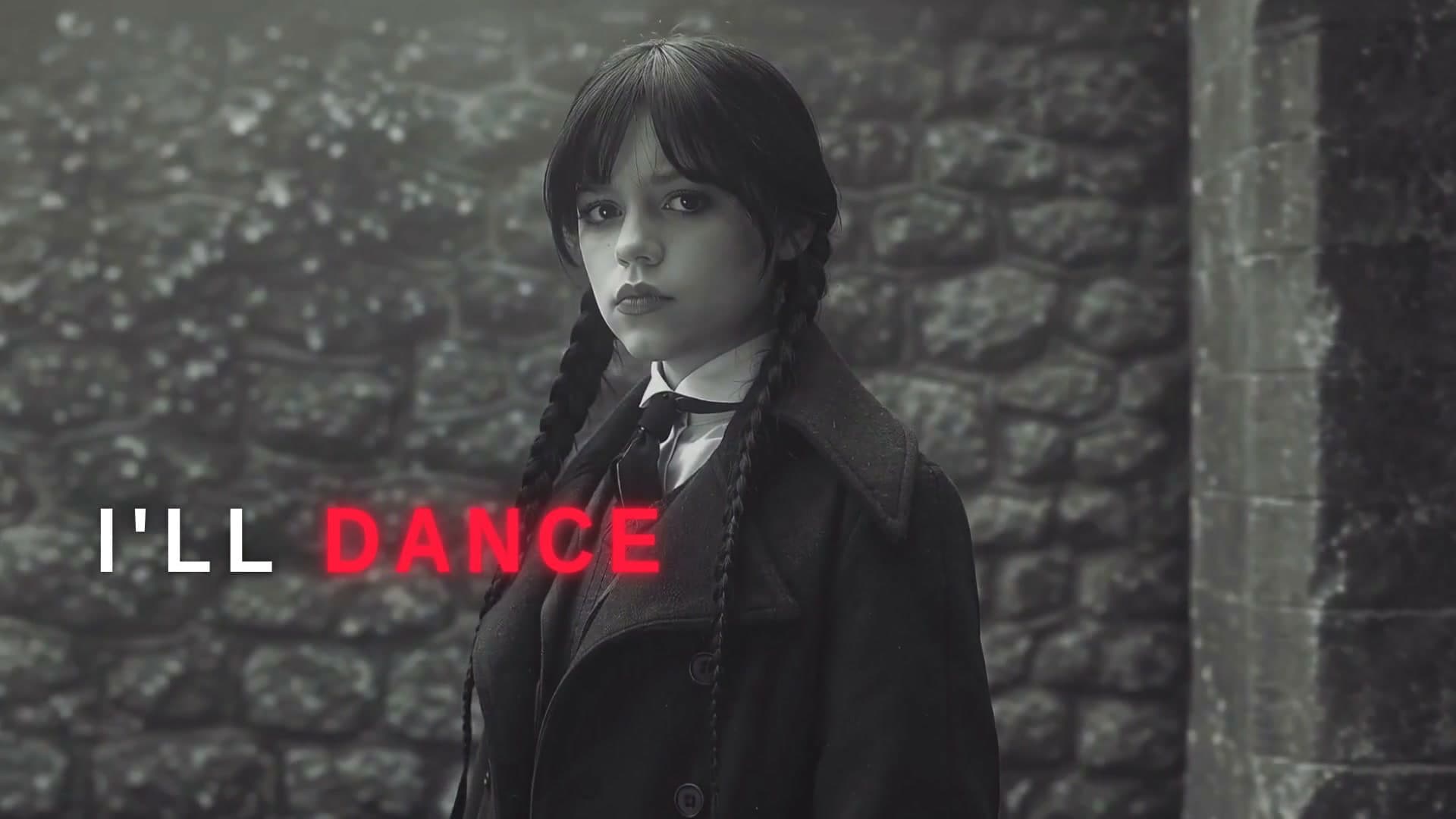
Glitch lyric edits
Words that flip, strobe and flash with the vocal, over black or your clips.
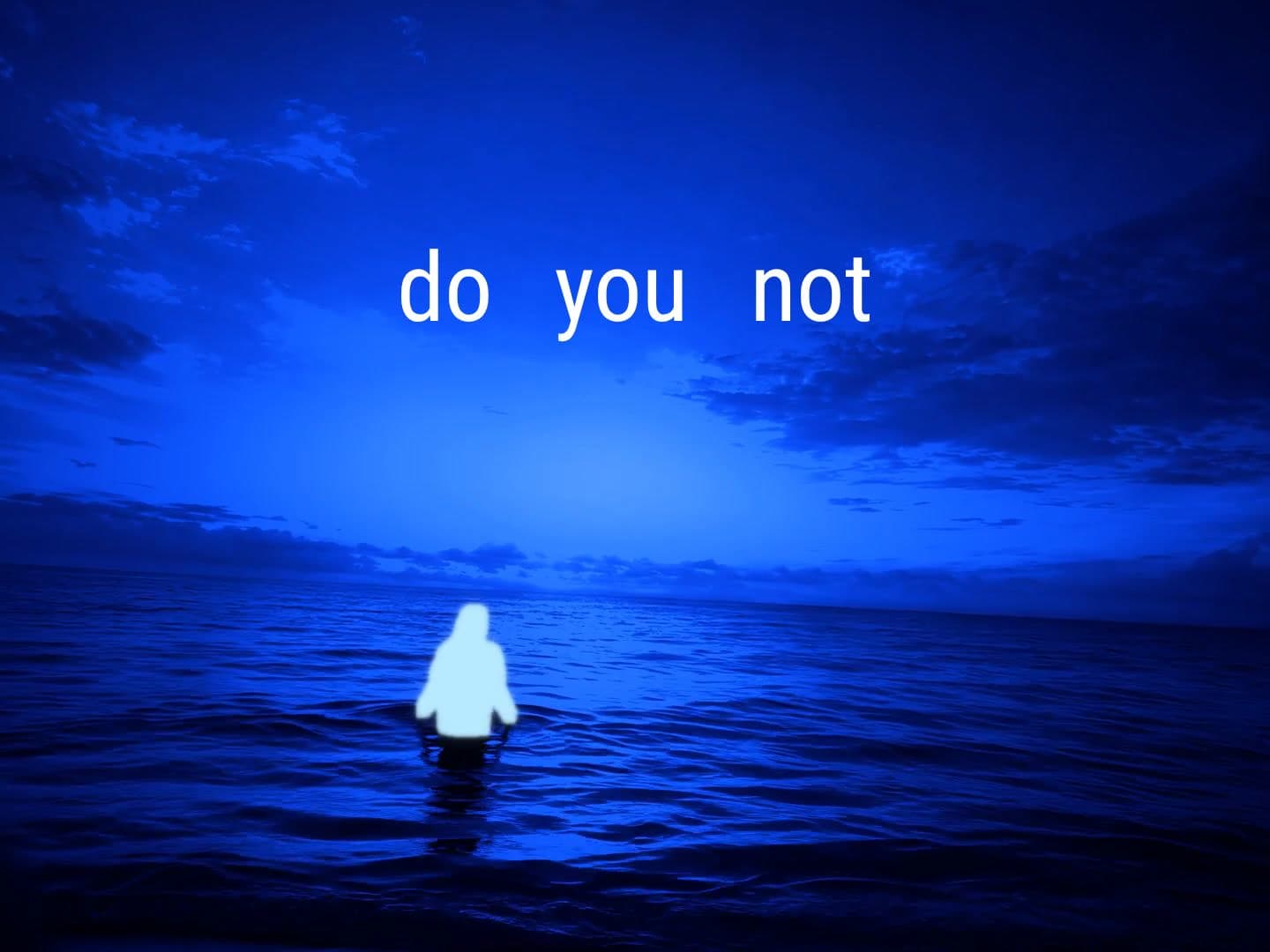
AI morph edits
Each line of your song melts into the next picture, nonstop.
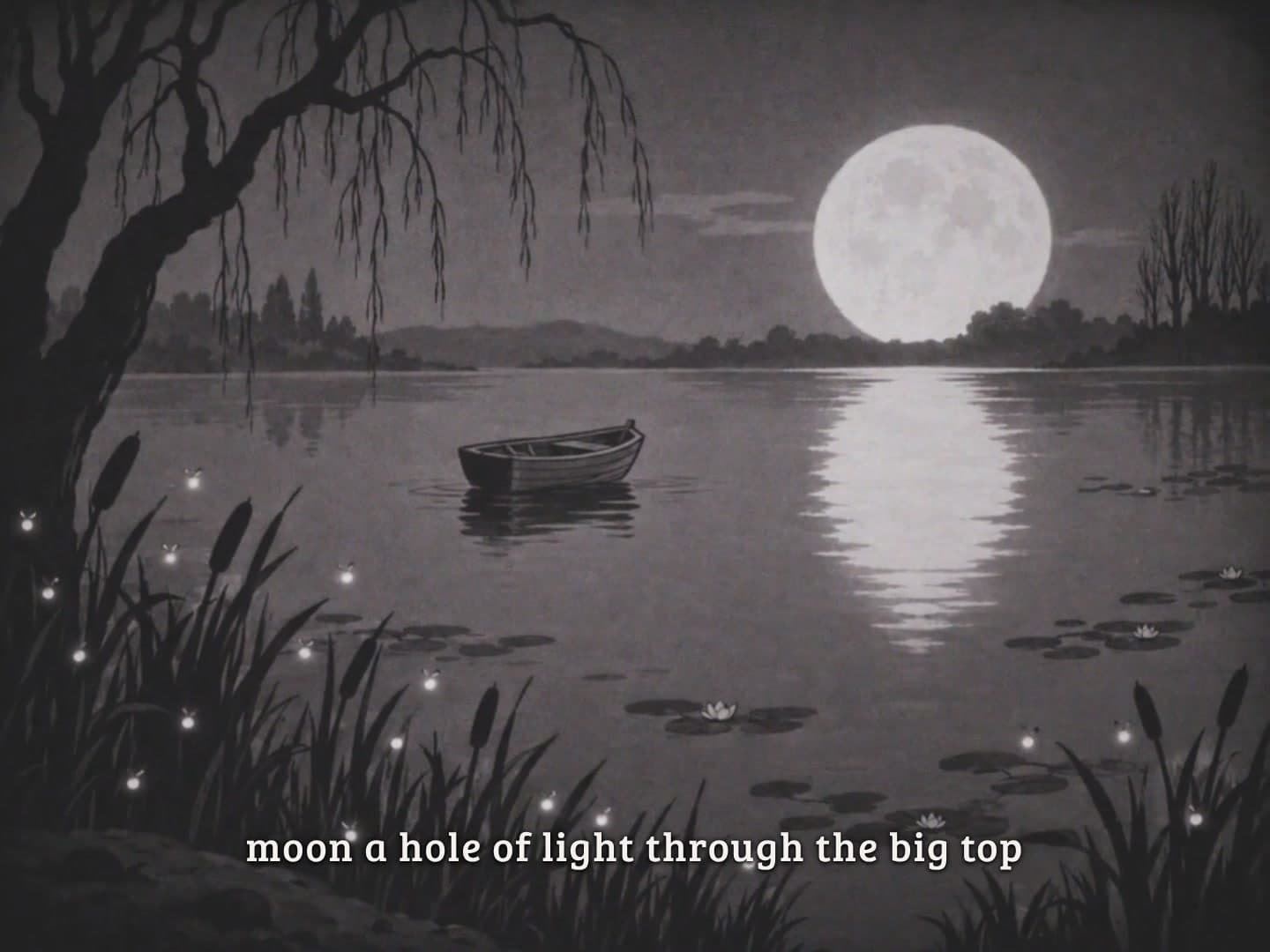
Dreamcore and surreal edits
Ordinary places with one impossible thing in them, under an old-film look.
Photo effects
An old photo that comes alive, a face that ages decades or a person who melts into a puddle.
Create now: Melt Into a Puddle