Fan edits
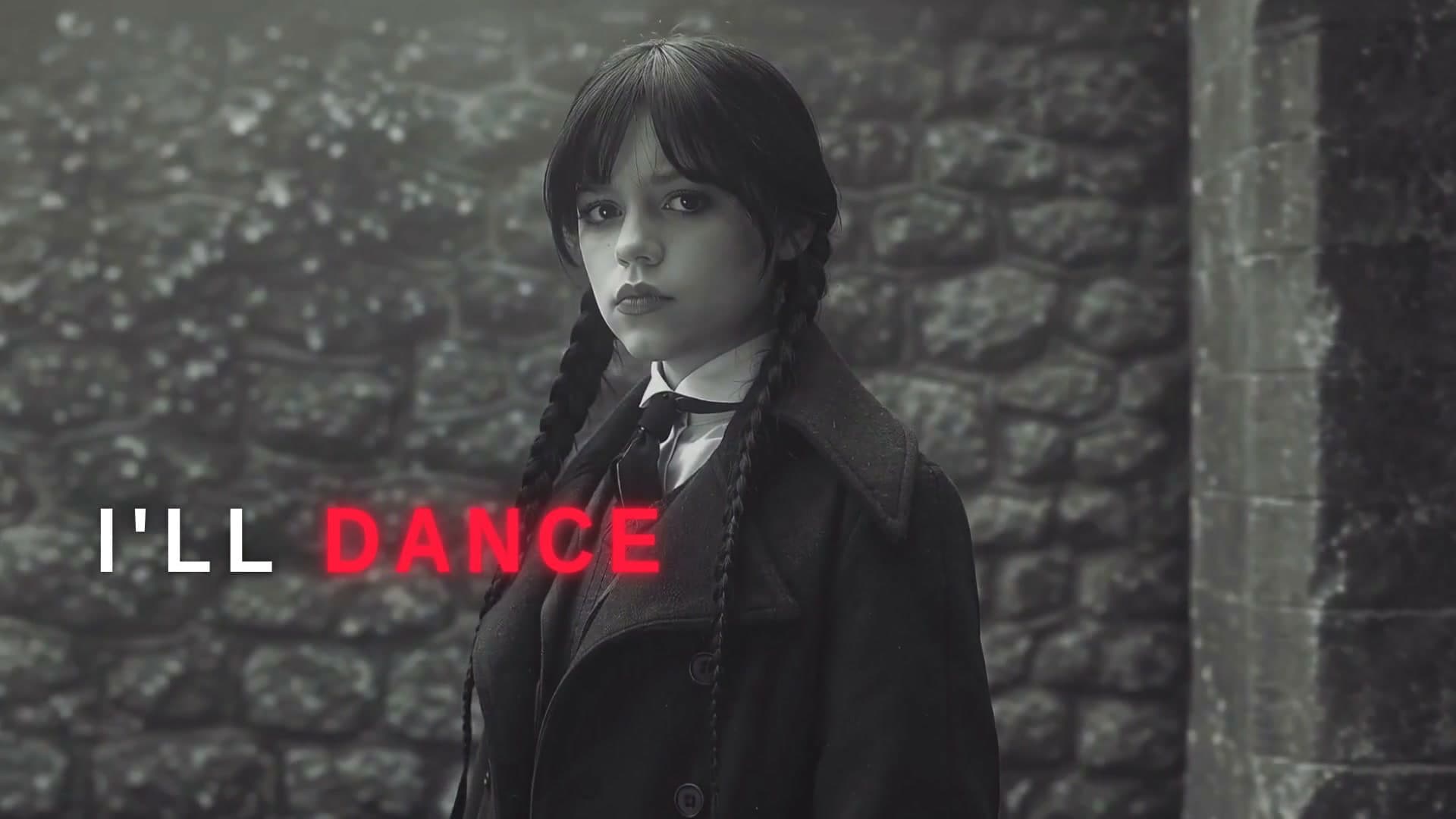
Photos of one person, cut into an edit with graphics and a lyric card.
How to make a fan edit
- 1
Pick a template
Lyric edits, K-pop videos, anime and comic styles. Each plays a real example.
- 2
Add your photos and ask
Attach photos of who the edit is about and name the song. Waffle cuts them to the beat and puts each word on screen as it's sung.
- 3
Export and share
Download the MP4 and post it to TikTok, Reels or your fan account.
Questions
How do I make a fan edit?
Pick a style, add photos of the person or character and name the song. Waffle cuts the edit to the beat and adds the lyrics as they're sung, then you download the MP4.
Do I need CapCut or After Effects?
No. Waffle runs in your phone or computer's browser, with nothing to install.
How are the lyrics timed?
Waffle listens to the vocals and puts each word on screen as it's sung. If a line is off, tell it which one and it fixes the timing.
Can I try it for free?
Yes. You can start making videos for free.
Can I change the video after it's made?
Yes. Type what you want different, like "make it slower" or "swap the title", and Waffle updates the video.
What sizes can I download?
9:16 for TikTok, Reels and Shorts, square for Instagram posts, and 16:9 for YouTube or a TV. Every video downloads as an MP4.
Fan edits for every fandom
Lyric fan edits
Your person or character cut to the song, with every word on screen as it's sung.
Create now: Lyric Fan EditK-pop and idol edits
A fast-cut idol music video with each sung line in the middle of the screen.
Anime edits
Anime singers, fights and rainy neon cities, cut to the song's hits.
Comic and manga edits
Your favorite drawn as an inked comic or a manga sketch that moves.