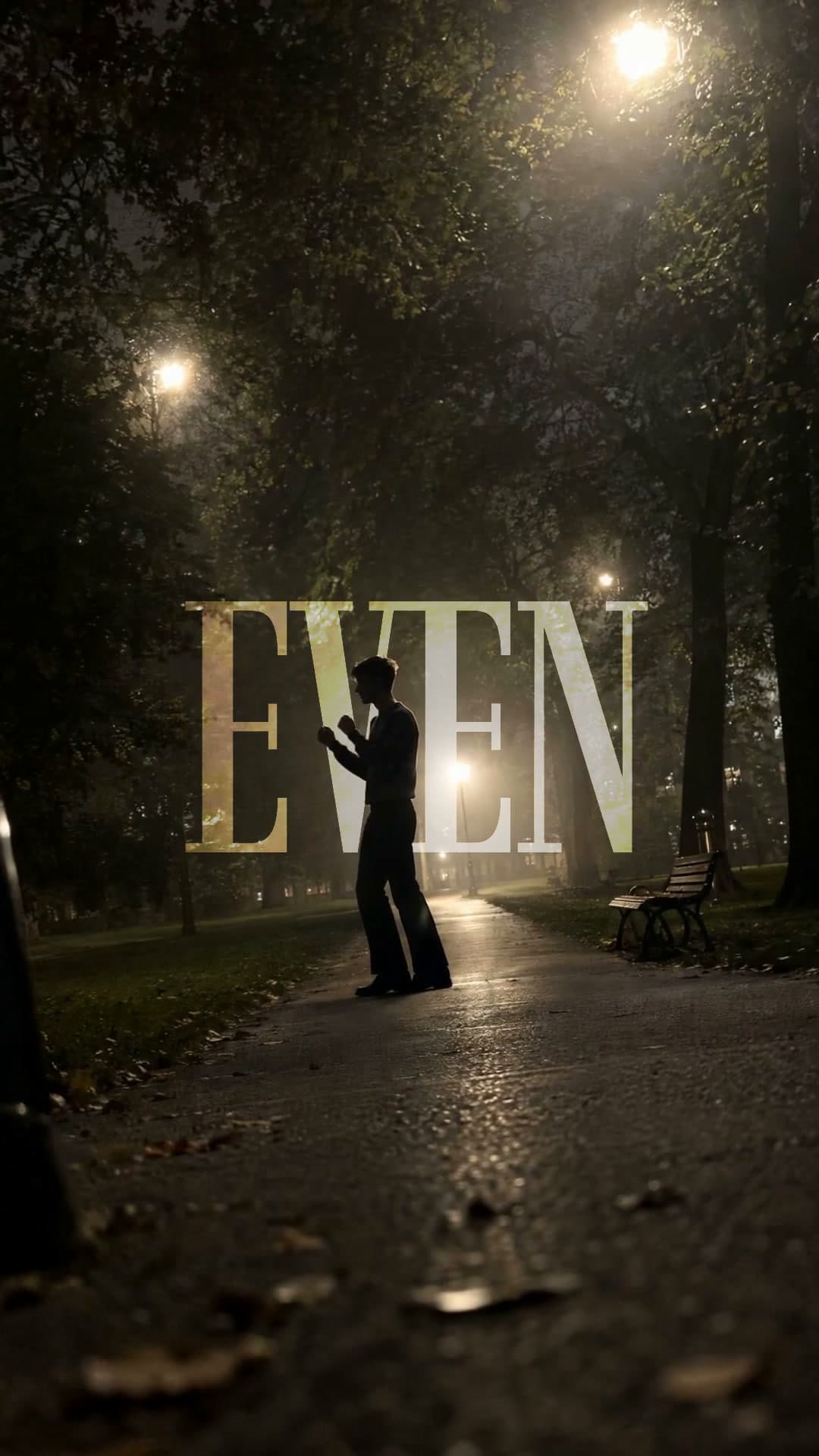
Make a dance edit
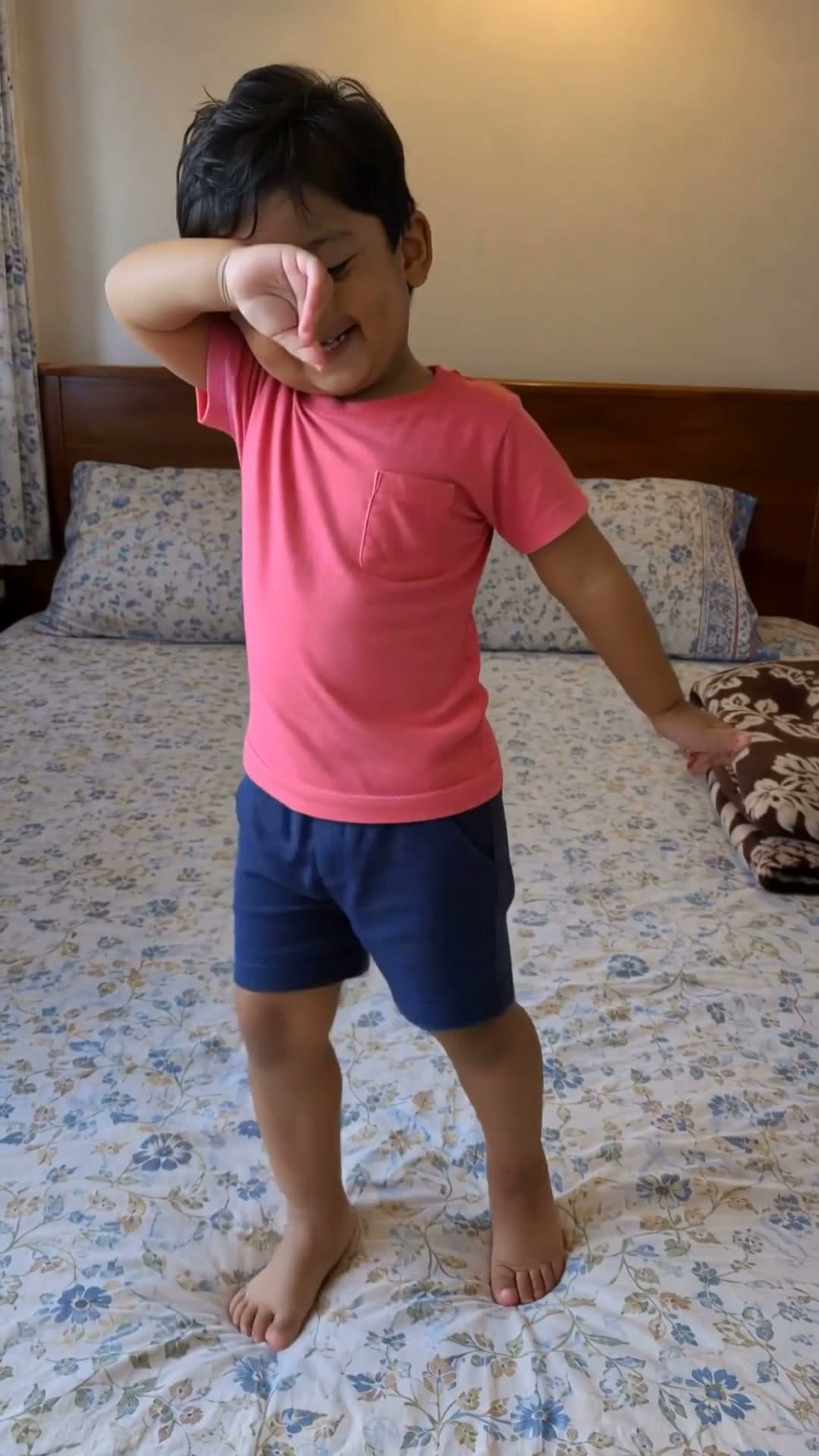
How to make a dance edit
- 1
Pick a template
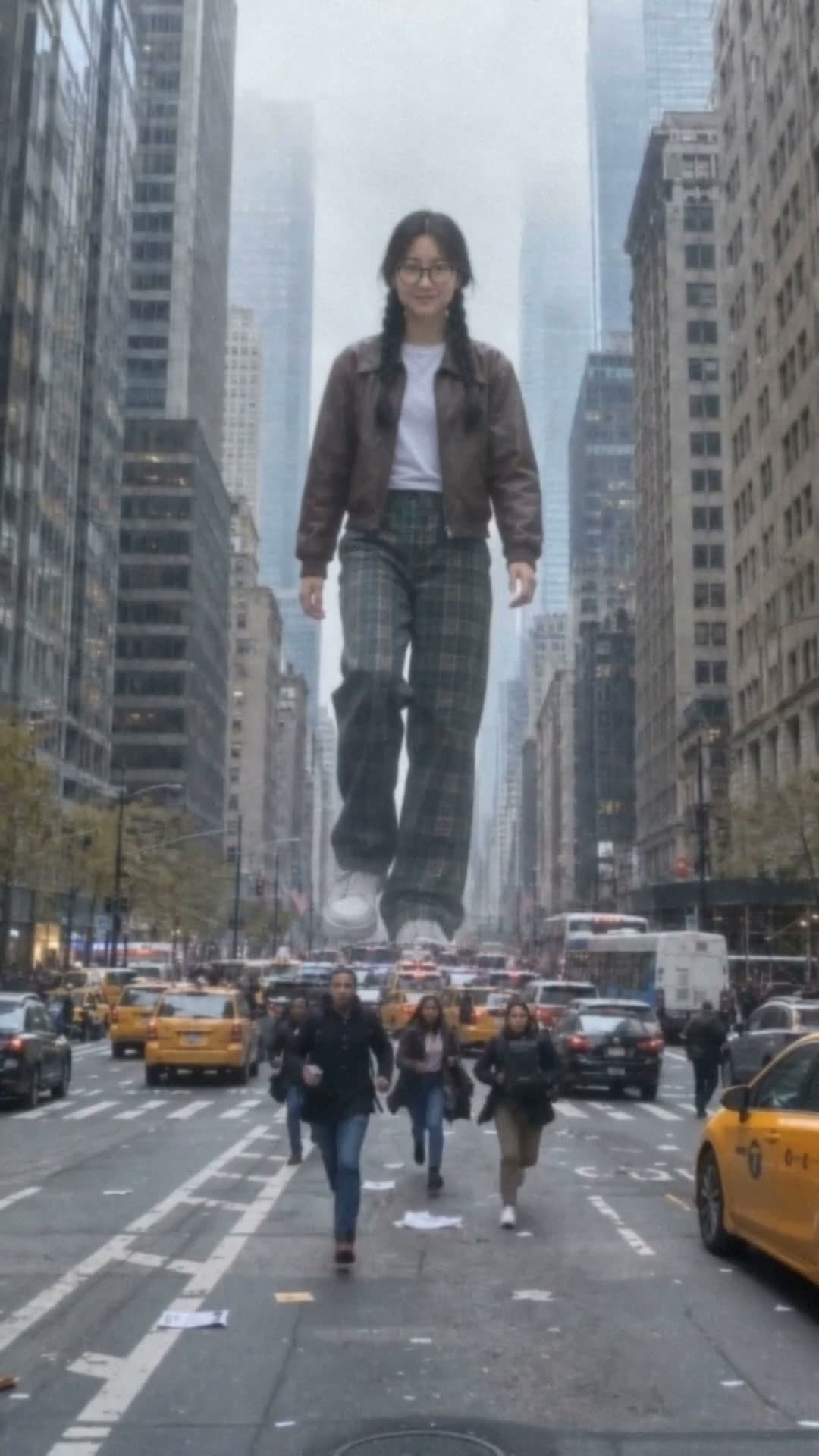
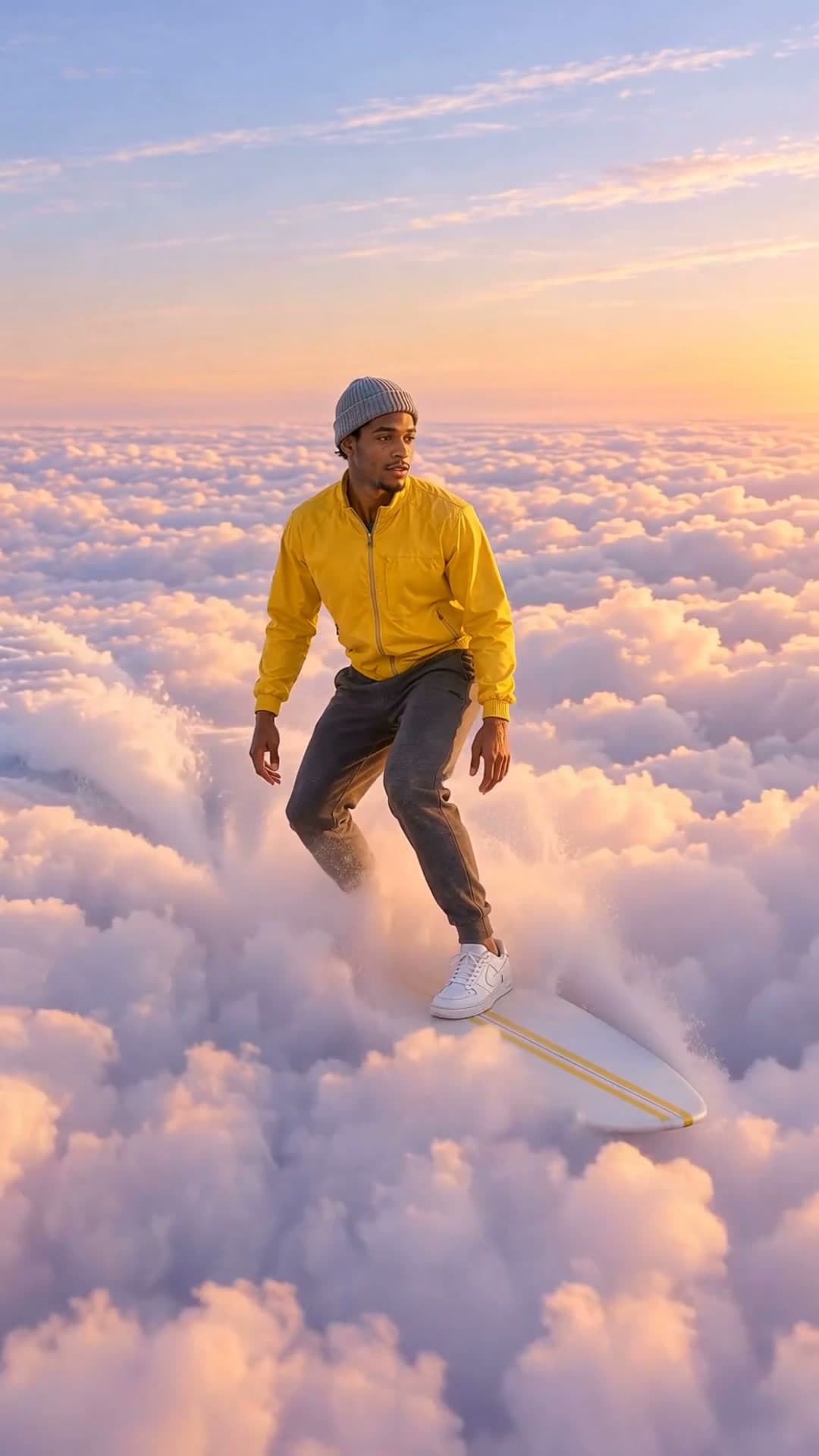
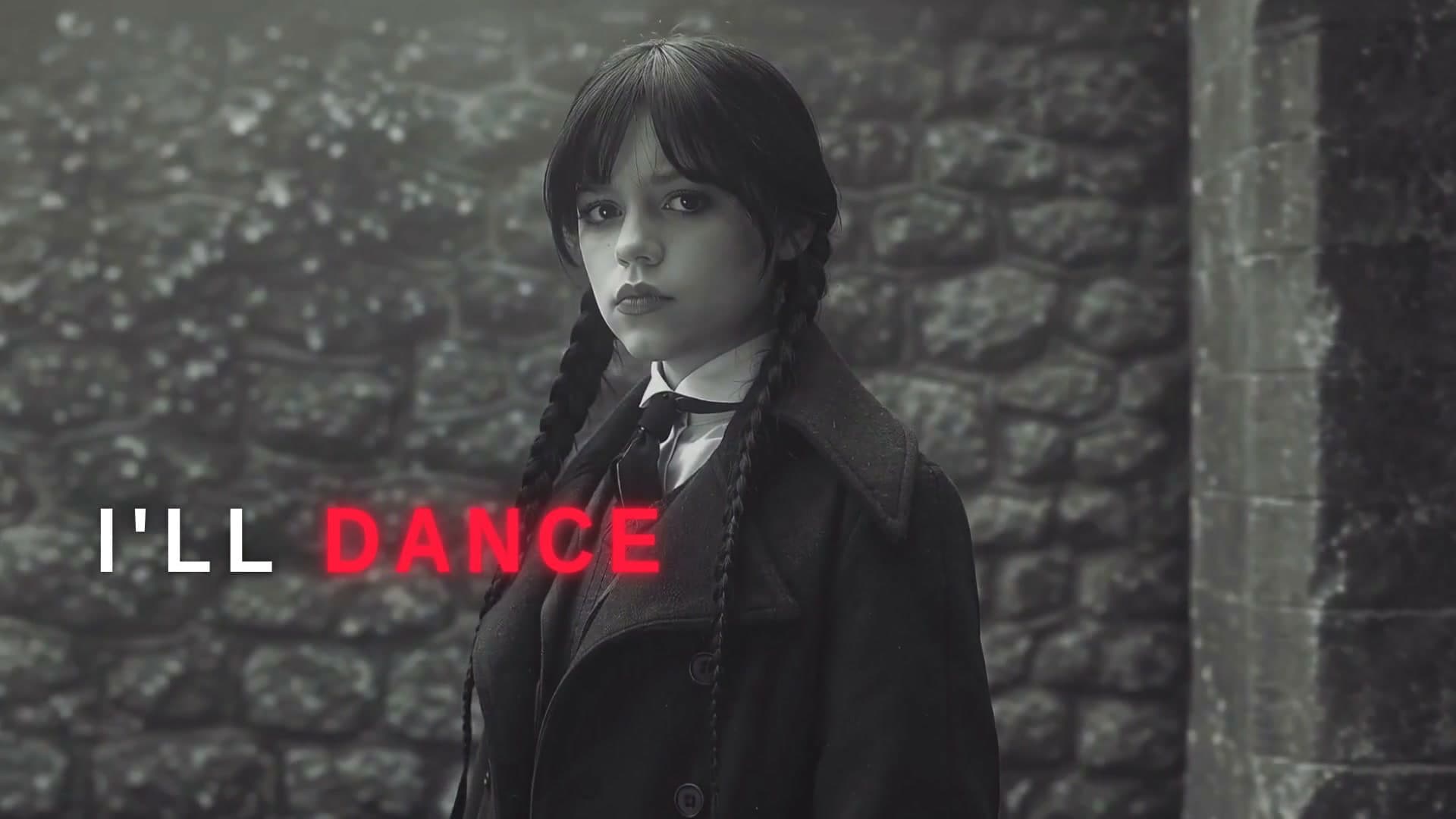
Beat cuts, speed ramps, freeze frames and trend formats. Each plays a real example.
- 2
Add your clips and ask
Attach your dance clips and the song. Waffle lines up the cuts and speed changes with the beat.
- 3
Export and share
Download the MP4 and post it to TikTok, Reels or Shorts.
Questions
How do I make a dance edit?
Pick a template, add your dance clips and the song, and Waffle cuts them to the beat with speed ramps and freeze frames. Download the MP4 and post it.
What is a speed ramp?
A clip that speeds up and slows down inside one move, so the hits land on the beat. Waffle times each ramp to your song.
Can I edit a dance class or a group routine?
Yes. Add clips from class, rehearsal or a show, from one angle or several, and say whose part goes where.
Does it work with phone footage?
Yes. Upload videos straight from your phone's camera roll.
Can I try it for free?
Yes. You can start making videos for free.
Can I change the video after it's made?
Yes. Type what you want different, like "make it slower" or "swap the title", and Waffle updates the video.
What sizes can I download?
9:16 for TikTok, Reels and Shorts, square for Instagram posts, and 16:9 for YouTube or a TV. Every video downloads as an MP4.
Dance edits for trends, classes and crews
Speed ramps and freeze frames
Slow down into a move, freeze on the drop, then snap back to speed.
Dance trends
This week's dance trend, made with your own clips.
Class and crew videos
Rehearsals and shows cut into one reel for the studio's page.