Make an anniversary video


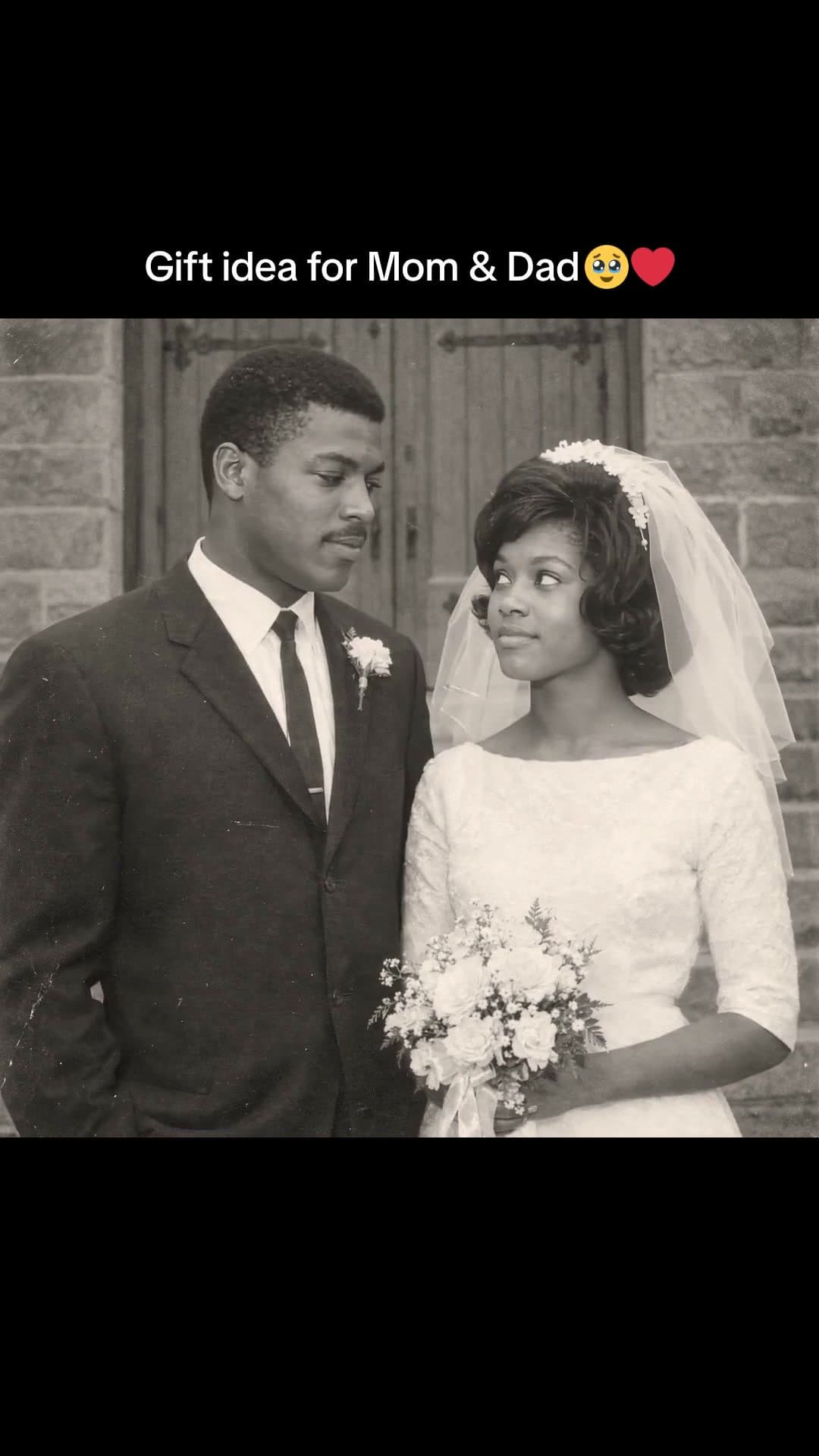
How to make an anniversary video
- 1
Pick a template
Then and now, love letter, polaroids and more. Each plays a real example.
- 2
Add your photos and ask
Attach your photos and your song, then type your message and your dates.
- 3
Export and share
Download the MP4 and share it, or play it on the TV at the party.
Questions
How do I make an anniversary video?
Pick a template, add your photos and a song, and type your message. Waffle makes the video and you download it as an MP4.
Can I make one for my parents' anniversary?
Yes. Collect photos from the family, share the project so siblings can help, and play it on a TV at the party.
Can I try it for free?
Yes. You can start making videos for free.
Can I add our song?
Yes. Add the song you want and Waffle cuts the video to it.
Can I make it on my phone?
Yes. Waffle works in your phone's browser, with nothing to install.
Can I change the video after it's made?
Yes. Type what you want different, like "make it slower" or "swap the title", and Waffle updates the video.
What sizes can I download?
9:16 for TikTok, Reels and Shorts, square for Instagram posts, and 16:9 for YouTube or a TV. Every video downloads as an MP4.
Anniversary videos for every milestone
Anniversary video maker
Make an anniversary video online from your photos, with your song and your words.
First anniversary
One year together: your first photos, first trips and the moments in between.
Parents' and grandparents' anniversaries
A tribute for a 40th or golden anniversary, with photos from the whole family.
Anniversary video for your boyfriend or girlfriend
Then and now or a love letter, ready to send on the day.