Make a launch video
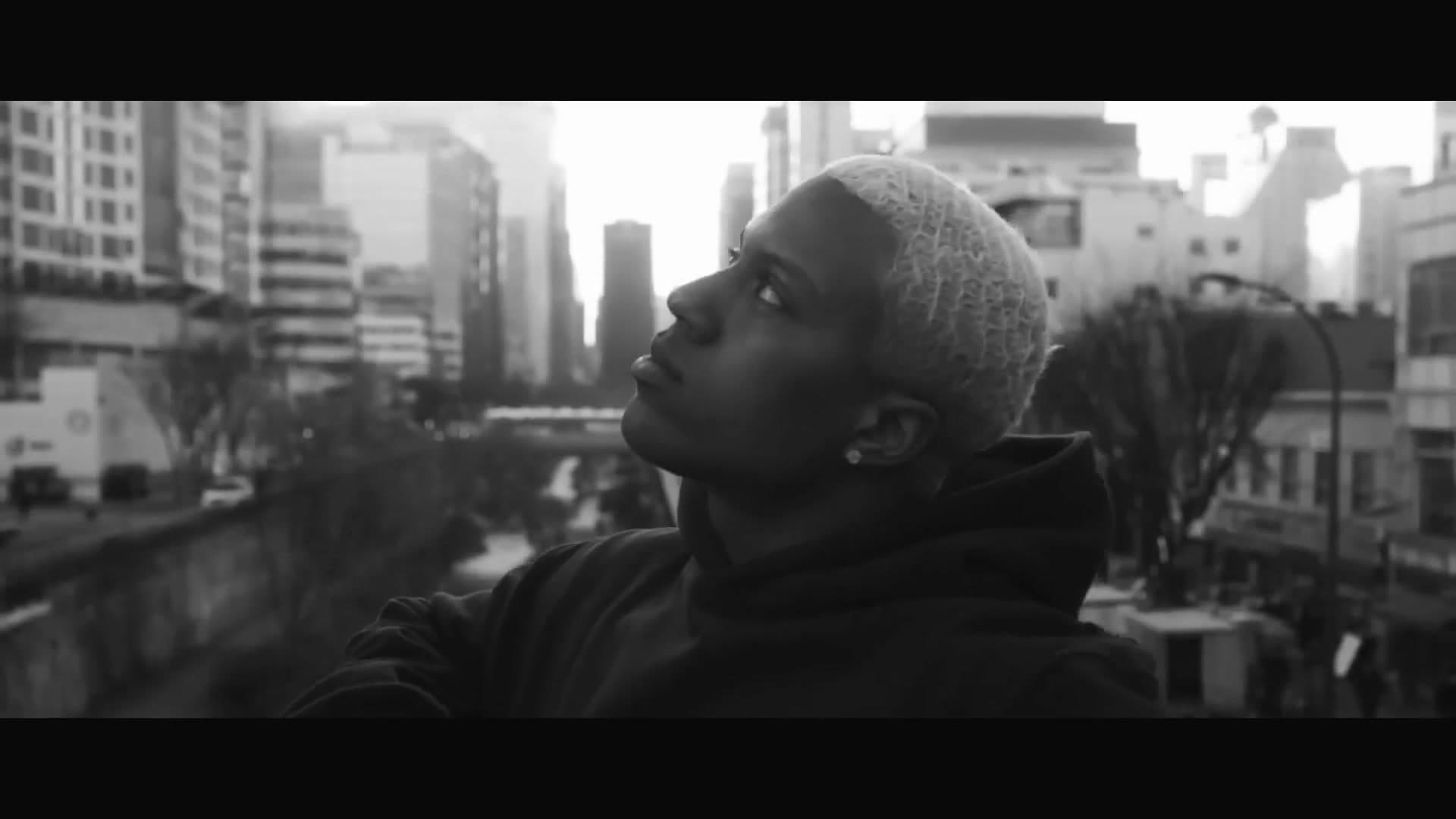
How to make a product launch video
- 1
Pick a template
Founder launches, product ads, flavor drops and explainers. Each plays a real example.
- 2
Add your clips and ask
Attach founder clips, product shots or screenshots, and say what you're launching. Waffle writes the script and cuts the video around them.
- 3
Export and share
Download the MP4 for your launch post, your site or your ads.
Questions
How do I make a startup launch video?
Pick a launch template, add clips of the founders and screenshots of your product, and say what you're launching. Waffle writes the script and cuts the video, and you download the MP4.
Do we need to film anything?
No. Clips of you talking to camera are used as they are. With only a photo or a description, Waffle makes the takes of you saying each line.
Can I show my product's screens?
Yes. Add screenshots and Waffle shows each one on the line about that feature.
Can I try it for free?
Yes. You can start making videos for free.
Can I change the video after it's made?
Yes. Type what you want different, like "make it slower" or "swap the title", and Waffle updates the video.
What sizes can I download?
9:16 for TikTok, Reels and Shorts, square for Instagram posts, and 16:9 for YouTube or a TV. Every video downloads as an MP4.
Launch videos and product ads
YC-style startup launch videos
Founders pitch to camera, cut against archive footage, product screens and a logo reveal.
E-commerce product ads
Short ads for your shop: a flavor drop, a pour or a before and after, made from your product photos.
App and SaaS promos
A narrated walkthrough of your product's screens, from the problem to the sign-up.
Founder-led ads
You tell why you started, over phone shots that show each line, ending on the offer.
More categories


Y Combinator is a trademark of its owner. Waffle is not affiliated with Y Combinator.