Make a logo animation




How to make a logo animation
- 1
Pick a template
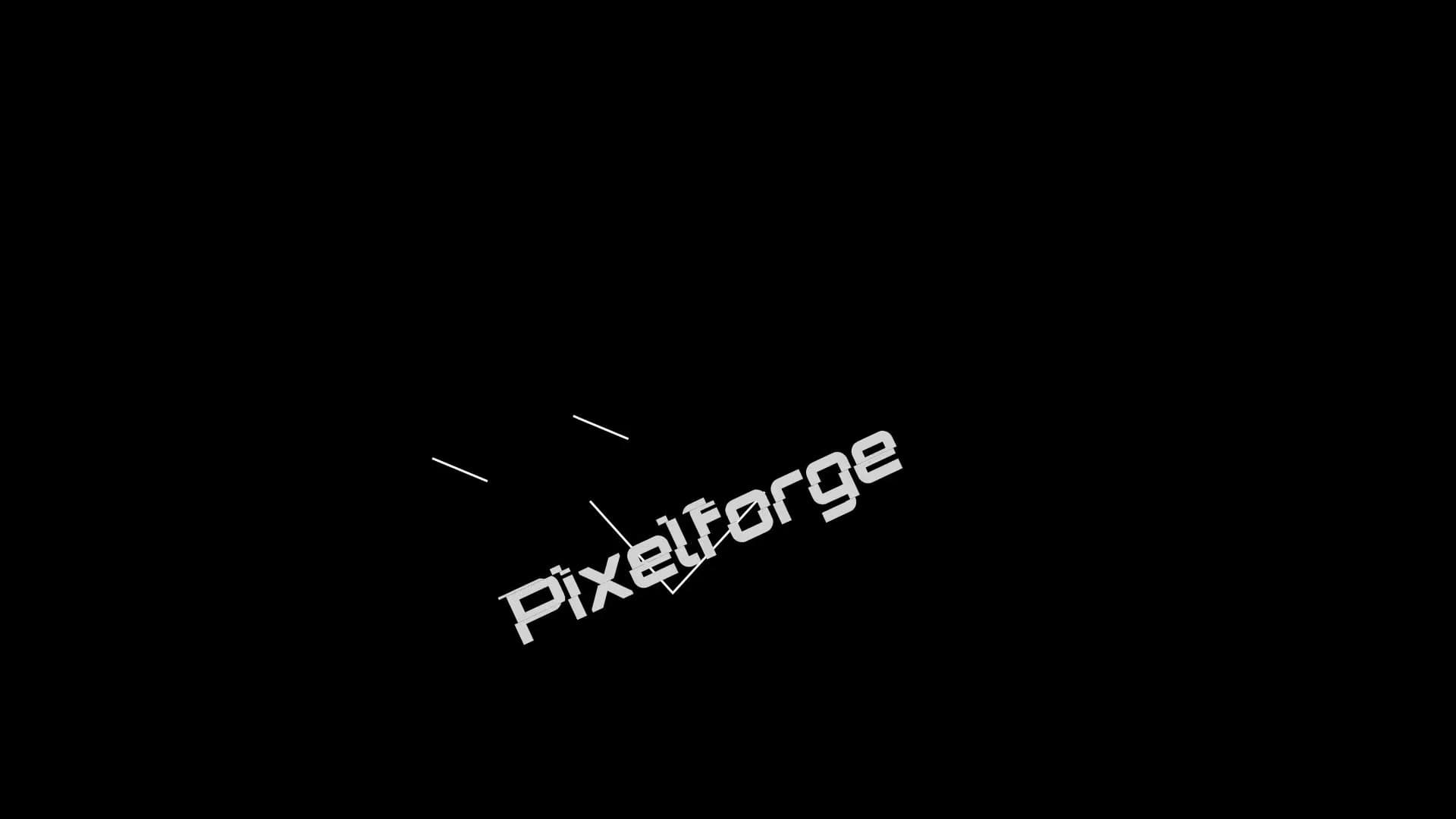
Glitch, neon, paint, ink and 3D metal reveals. Each plays a real example.
- 2
Add your logo and ask
Attach your logo and say what you want. Waffle builds the reveal around it, in your colours.
- 3
Export and share
Download the MP4 for your video intros, your ads or your socials.
Questions
How do I make a logo animation?
Pick a style, add your logo and Waffle animates it. Download the MP4 and put it at the start or end of your videos.
What should I upload?
An image of your logo. A PNG with a transparent background works best.
Can it use my brand colours?
Yes. Name your colours, or Waffle takes them from your logo.
Can I try it for free?
Yes. You can start making videos for free.
Can I change the video after it's made?
Yes. Type what you want different, like "make it slower" or "swap the title", and Waffle updates the video.
What sizes can I download?
9:16 for TikTok, Reels and Shorts, square for Instagram posts, and 16:9 for YouTube or a TV. Every video downloads as an MP4.
Logo reveals for every kind of brand
Glitch and neon logo reveals
RGB glitches, flickering neon signs and light streaks that land on your logo.
Create now: Glitch Logo StingPaint, ink and liquid reveals
Splashes, ink drops and liquid strokes that come together into your logo.
Create now: Paint Splat Logo Reveal3D and metal logo intros
Your logo as a 3D metal emblem, lit and turned like a film studio's opener.
Create now: 3D Logo BuildMinimal logos and signatures
Clean line builds, bouncy wordmarks and signature strokes for studios, photographers and personal brands.
Create now: Line-Build Logo Ident