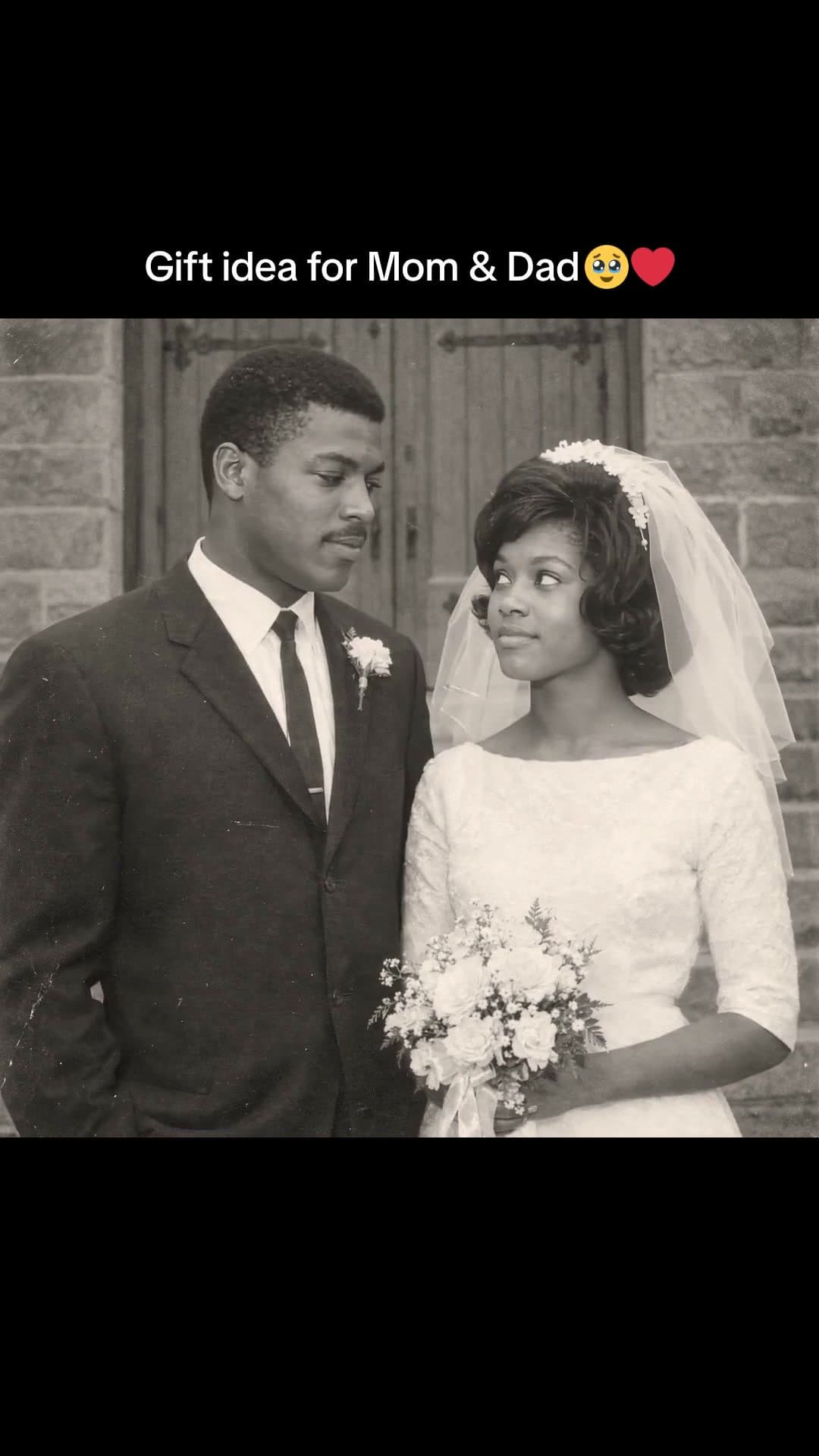
Make a birthday video

How to make a birthday video
- 1
Pick a template
Scroll real birthday videos, from countdowns to then and now, and open the one you like.
- 2
Add your photos and ask
Attach their photos and clips, then type the rest: their name, the song, how it ends.
- 3
Export and share
Download the MP4 and send it, or post it to TikTok, Reels or your story.
Questions
How do I make a birthday video with photos and music?
Pick a template, add their photos (and clips if you have them) and a song, and Waffle cuts them together to the beat. Add their name, then download the MP4.
Can I make it on my phone?
Yes. Waffle works in your phone's browser, with nothing to install.
Can I try it for free?
Yes. You can start making videos for free.
How many photos can I add?
Add the photos you have. Waffle paces the video to fit them and the song.
Can I change the video after it's made?
Yes. Type what you want different, like "make it slower" or "swap the title", and Waffle updates the video.
Birthday videos for every age
Birthday video maker
Make a happy birthday video online from your photos. Add their name and a song for a birthday montage that's ready to send.
First birthday videos
Baby's first year in photos, month by month, for the party or the family chat.
Create now: Baby Mascot DanceMilestone birthdays
18th, 21st, 30th, 50th: then-and-now videos and throwback montages for the big ones.
Surprise videos from friends
Collect photos and messages from friends into one video for the birthday person.