Make an animated video





How to make an animated video
- 1
Pick a template
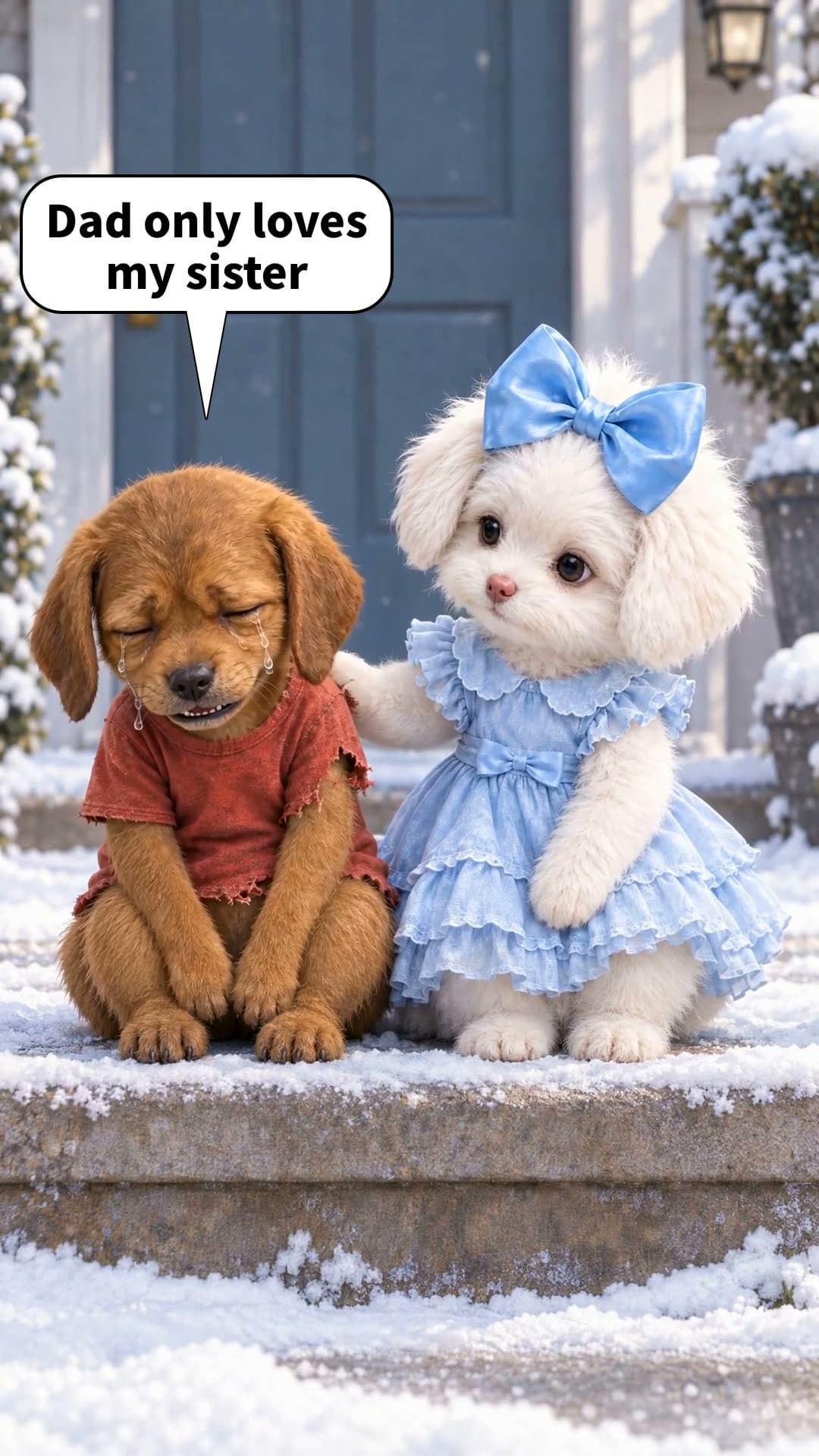
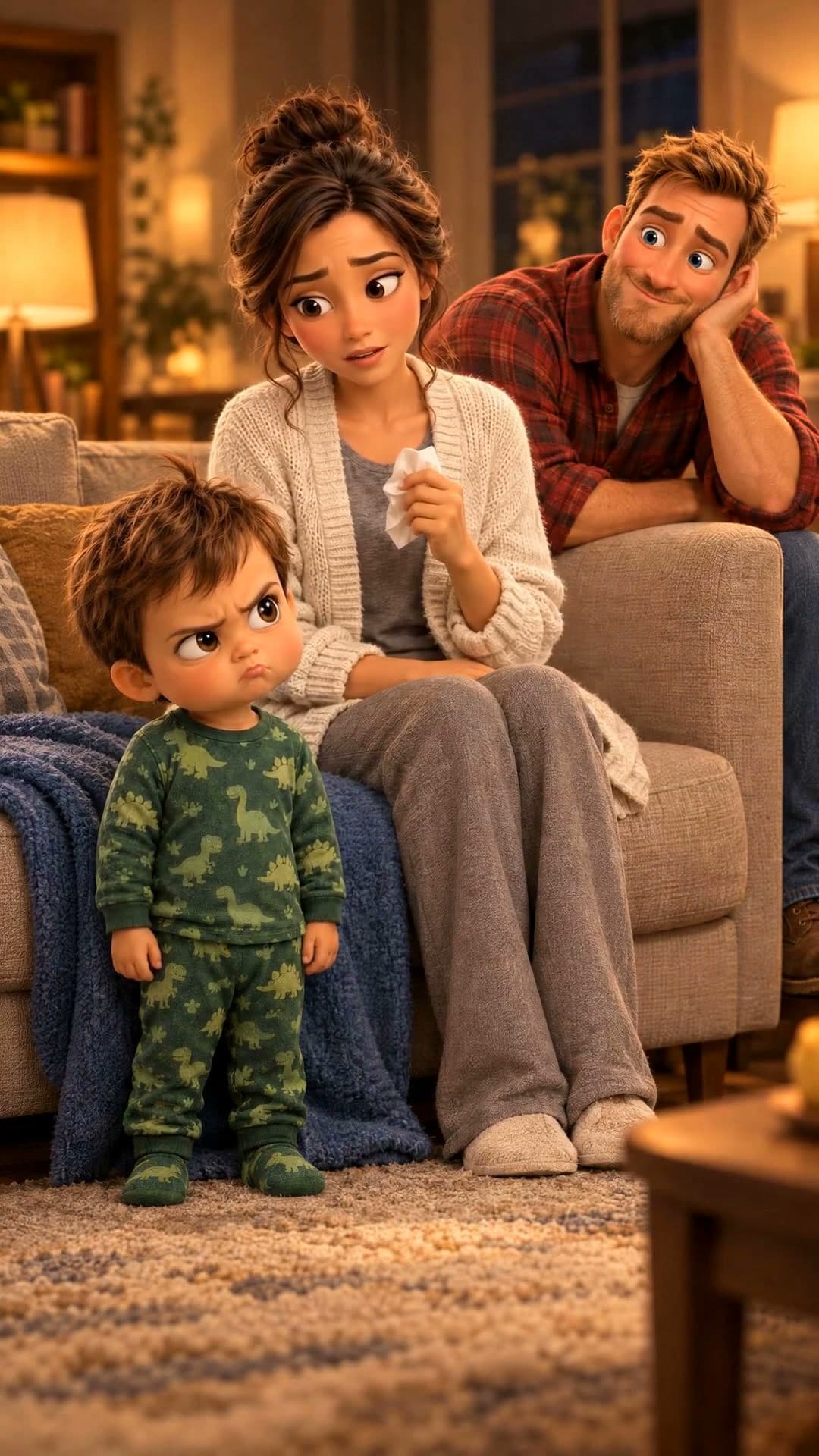
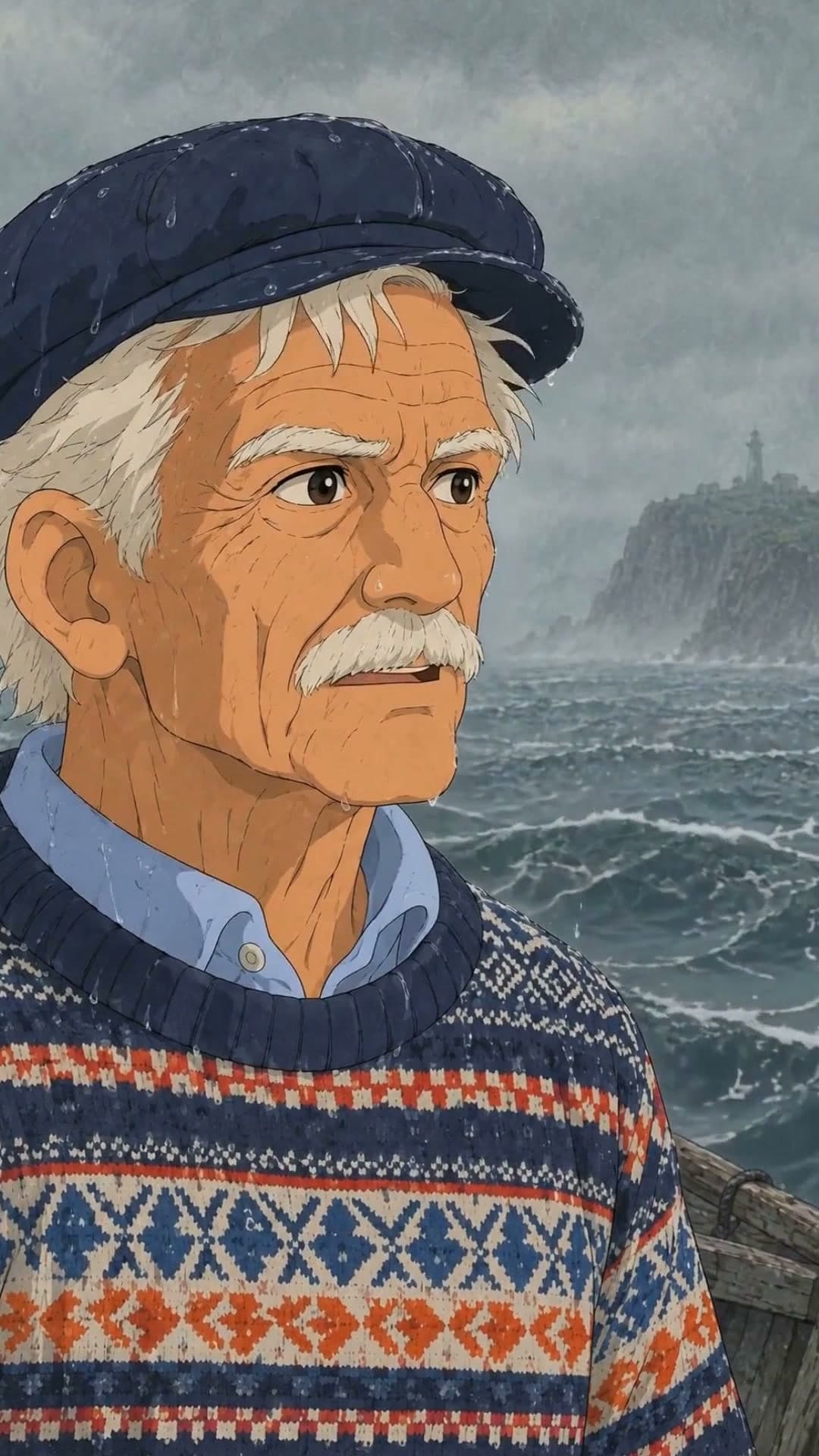
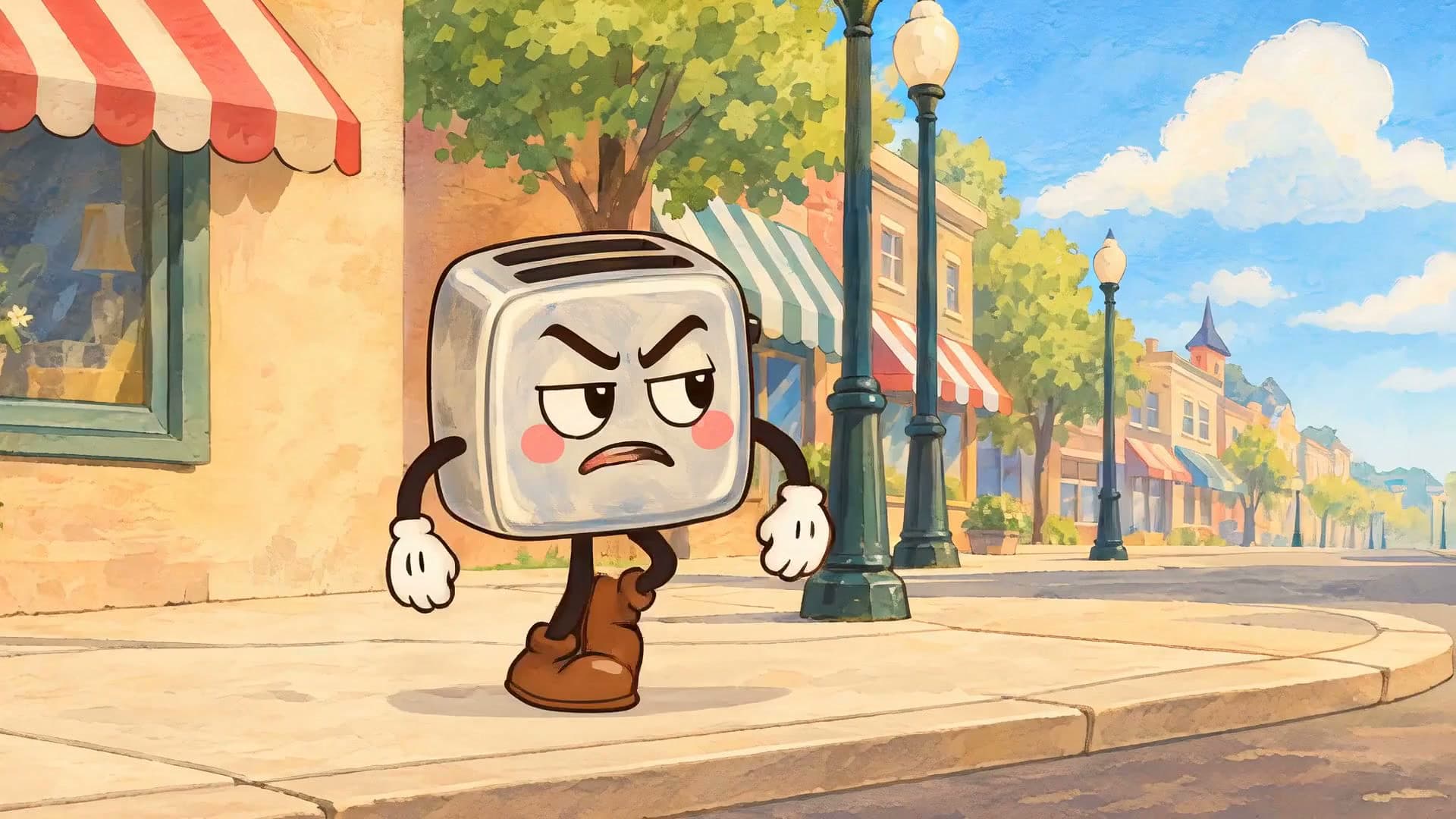
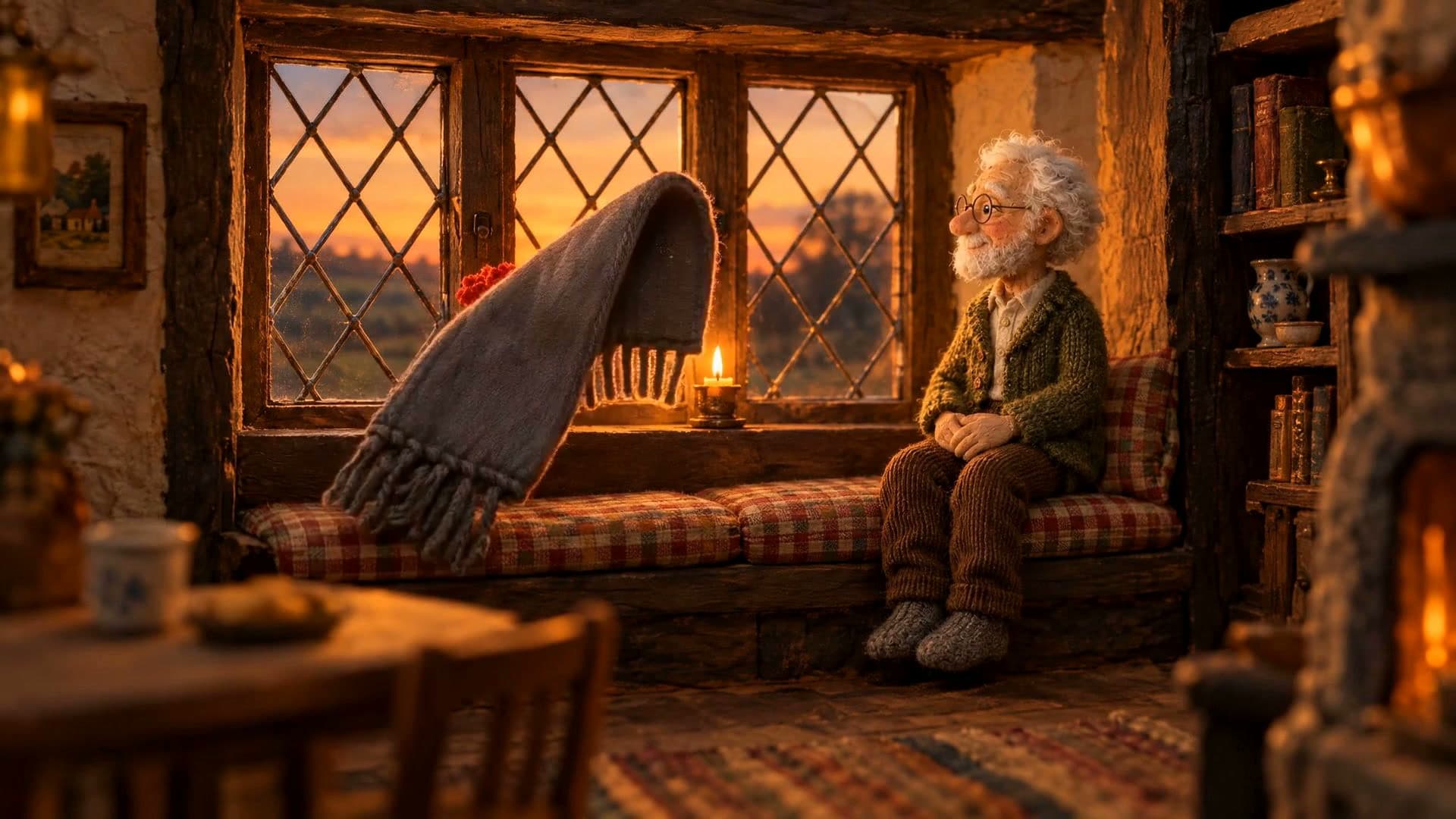
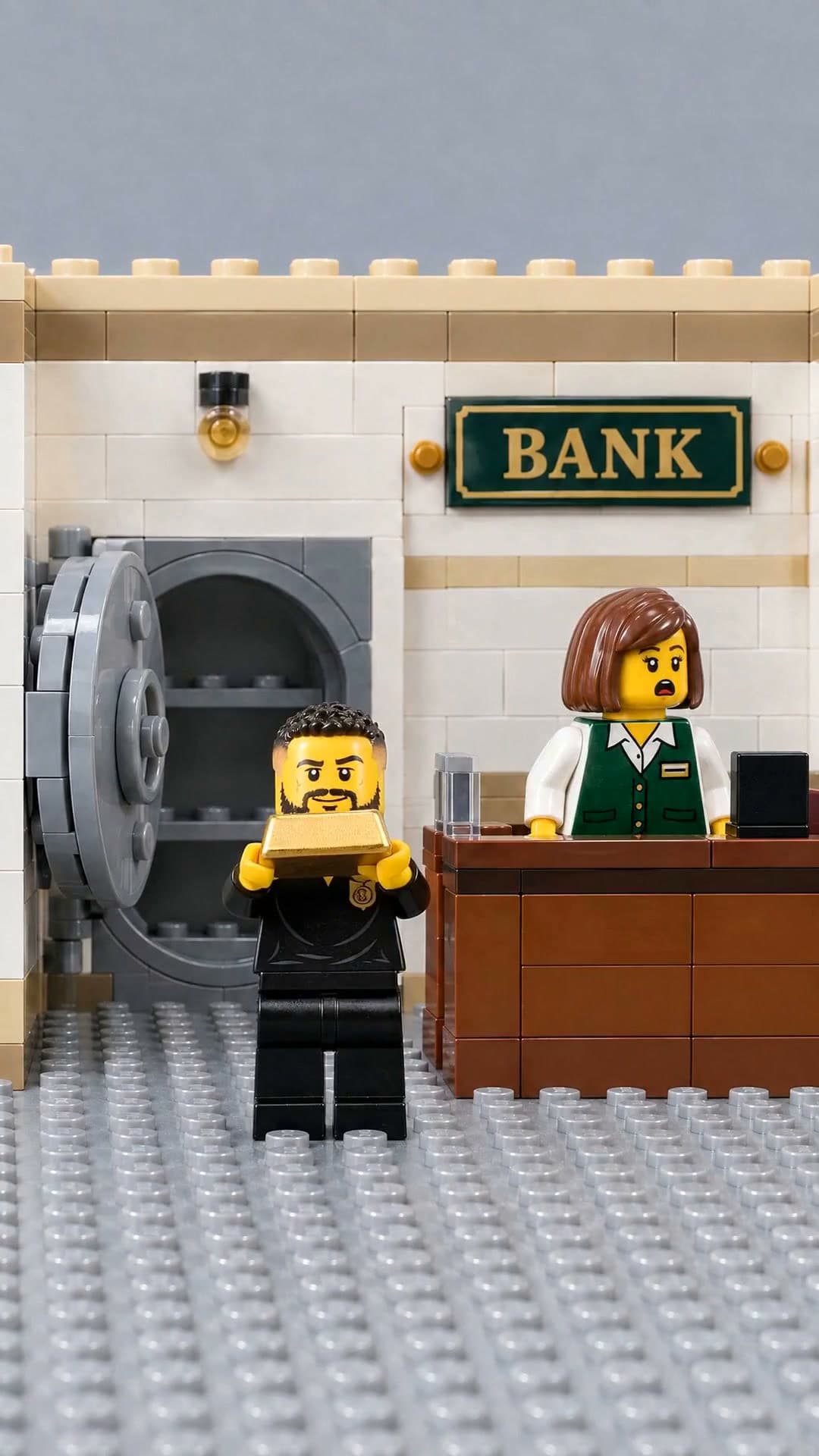
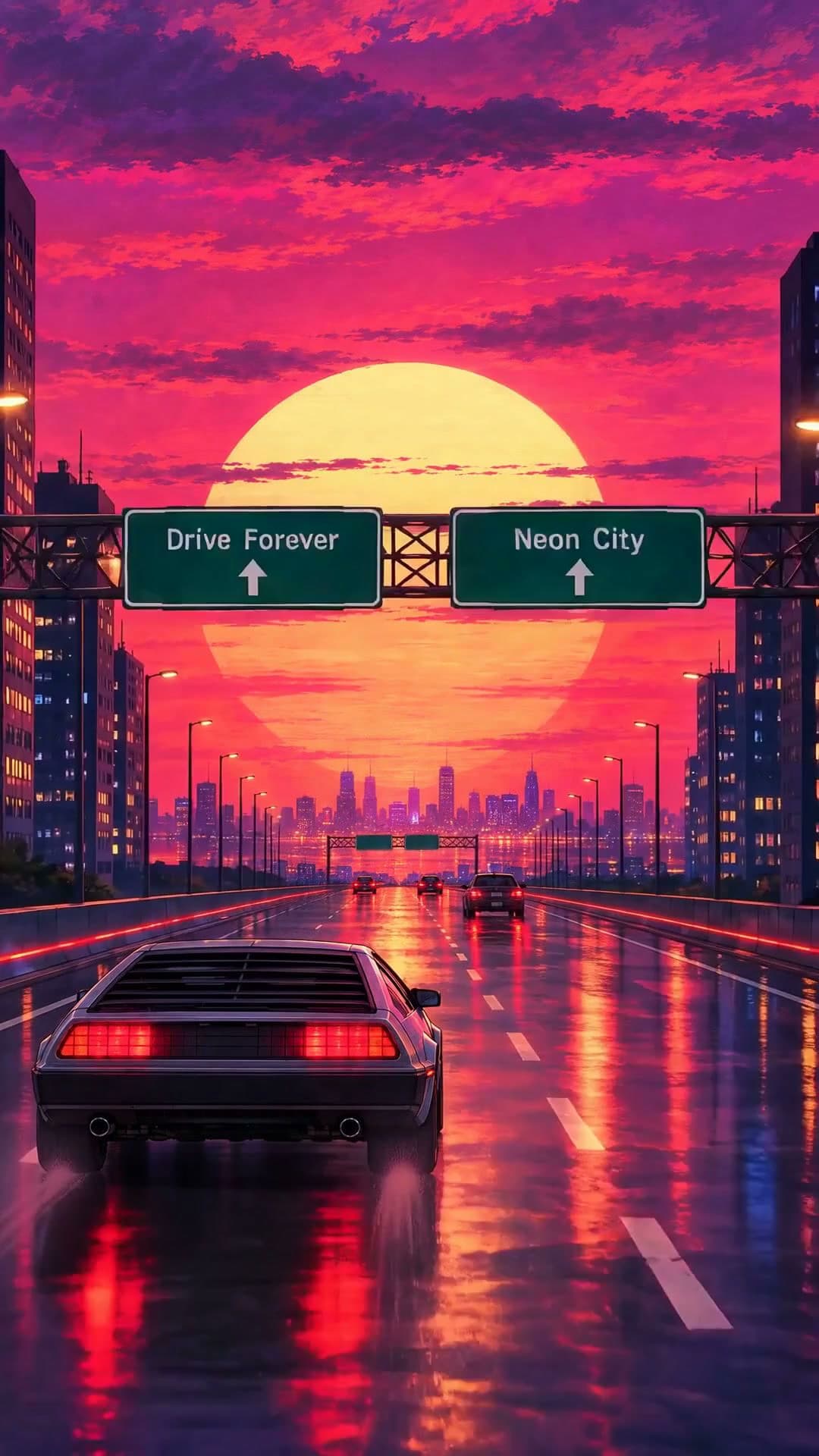
3D cartoons, clay, toy bricks, felt and 1940s hand-drawn styles. Each plays a real example.
- 2
Add your photos and ask
Type the story and attach photos of the people or pets you want cast. Waffle animates the scenes and voices the characters.
- 3
Export and share
Download for TikTok, Reels, Shorts or YouTube.
Questions
How do I make an animated video?
Pick a style and type the story. Waffle animates the scenes, voices the characters and cuts it together, and you download the MP4.
Can I turn my family or pet into cartoon characters?
Yes. Add their photos and Waffle draws them as the characters. Without photos, it makes the cast from your description.
Do I need to know animation?
No. There's nothing to draw, rig or keyframe. You type the story and say what to change.
Do the characters talk?
In the skits, yes: each character speaks their lines with their mouth moving to the words. Some styles are wordless and play over music.
Can I try it for free?
Yes. You can start making videos for free.
Can I change the video after it's made?
Yes. Type what you want different, like "make it slower" or "swap the title", and Waffle updates the video.
What sizes can I download?
9:16 for TikTok, Reels and Shorts, square for Instagram posts, and 16:9 for YouTube or a TV. Every video downloads as an MP4.
Animated shorts for every kind of story
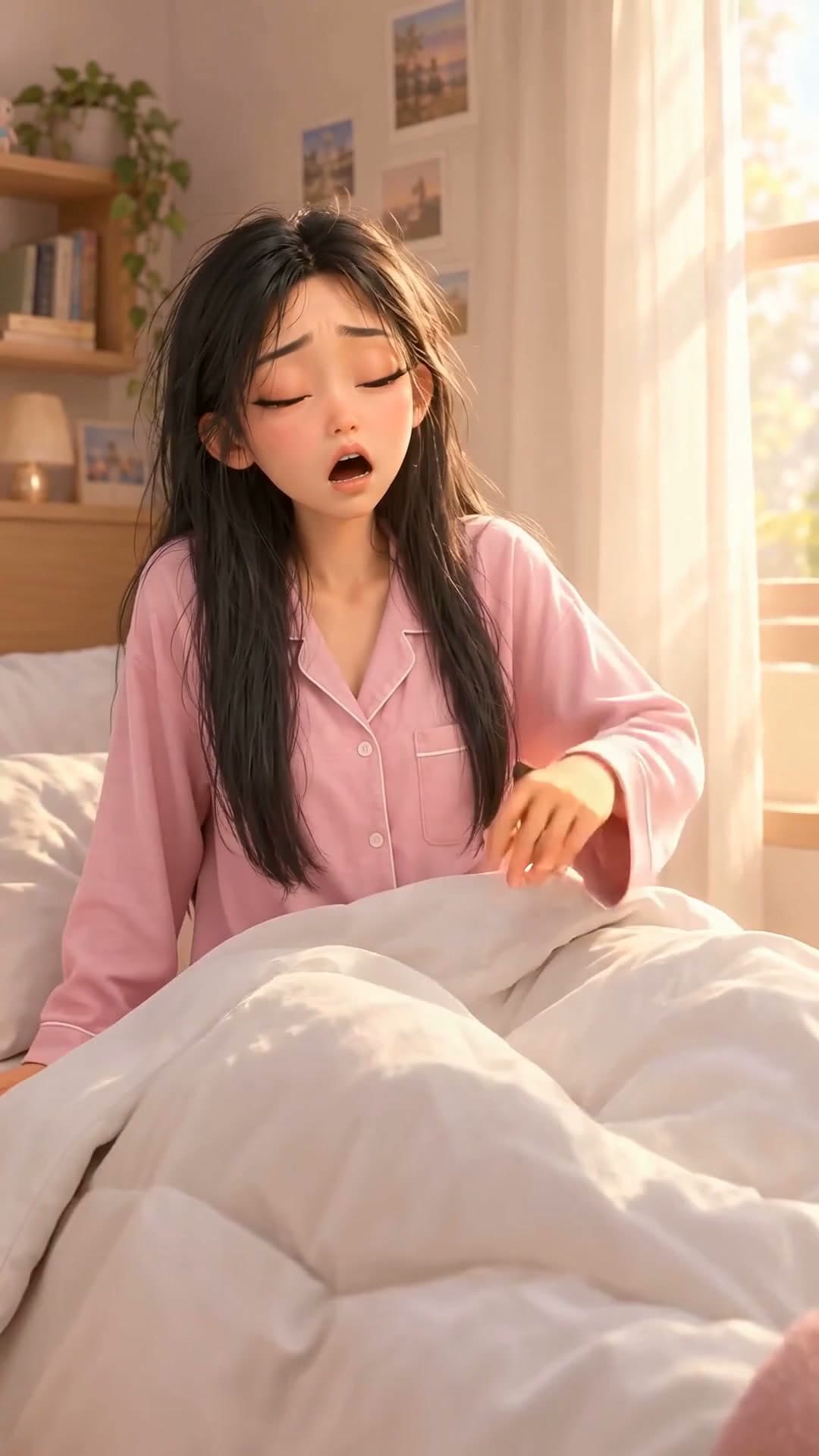
3D cartoon skits
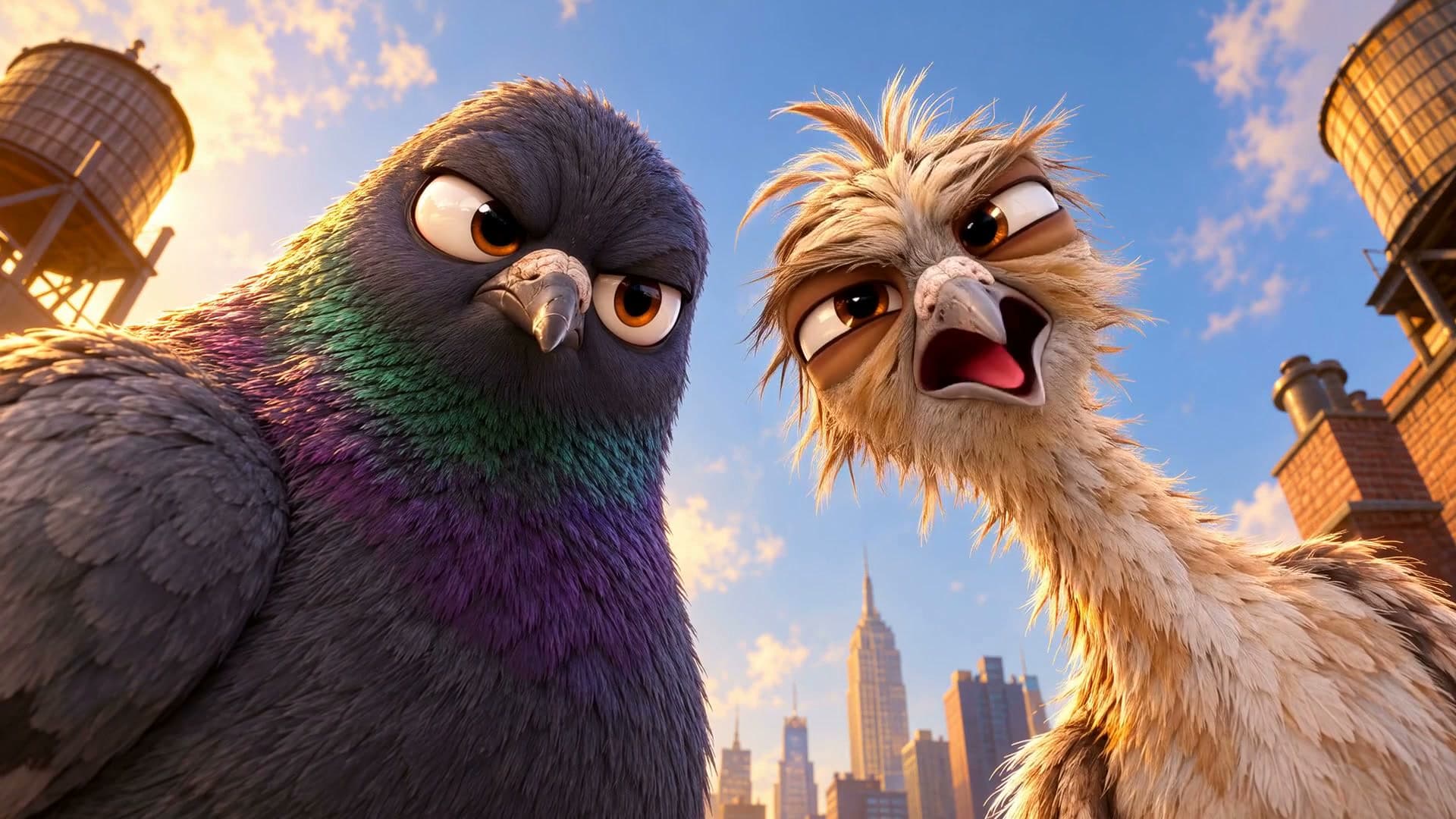
A short comedy in the style of an animated film, with your couple, your family or your pets as the cast.
Create now: Jealous Echo SkitClaymation and stop-motion
Clay figures, toy bricks or felt animals acting out your story frame by frame.
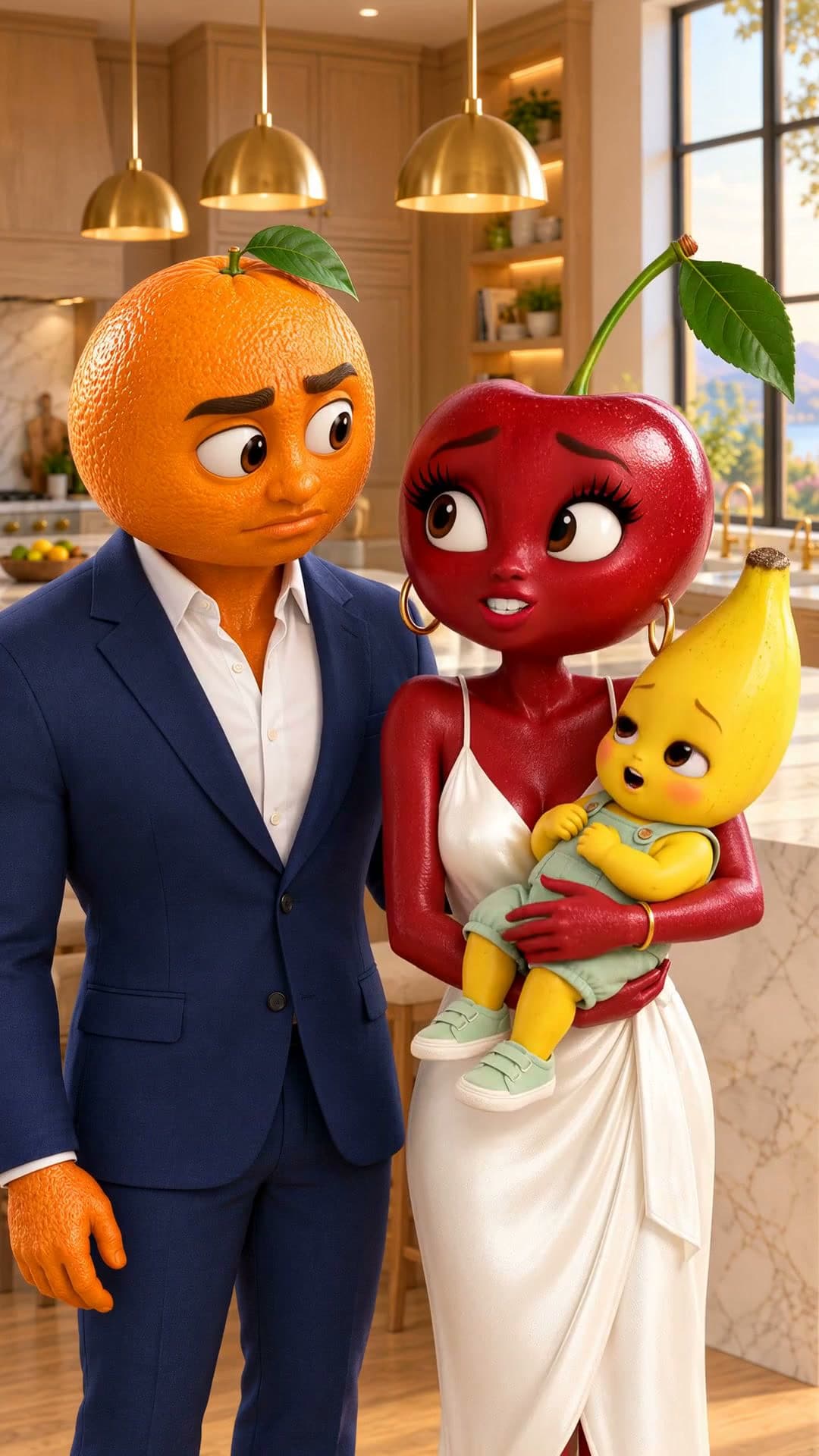
Create now: Felt Village MomentsTalking fruit dramas
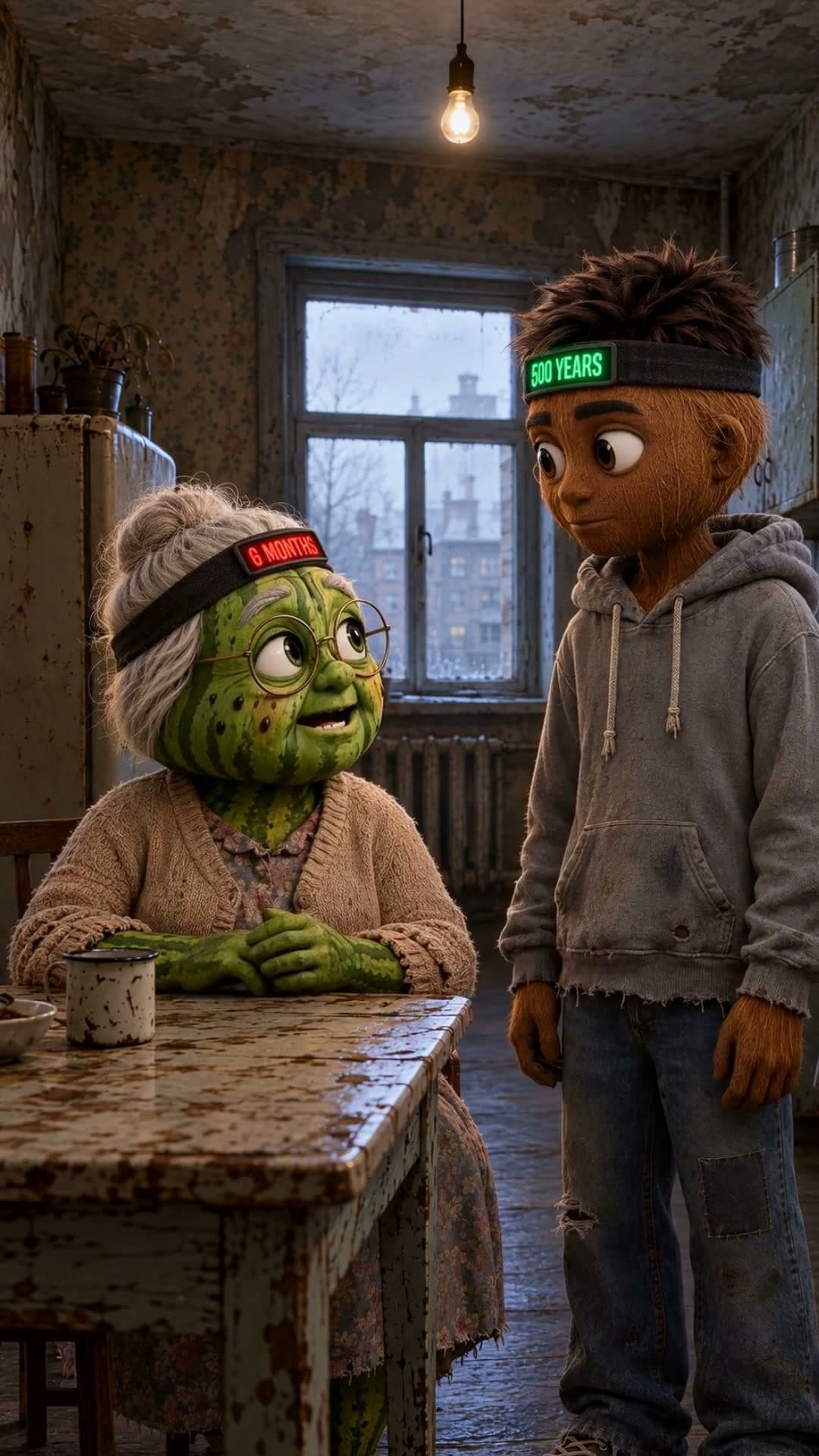
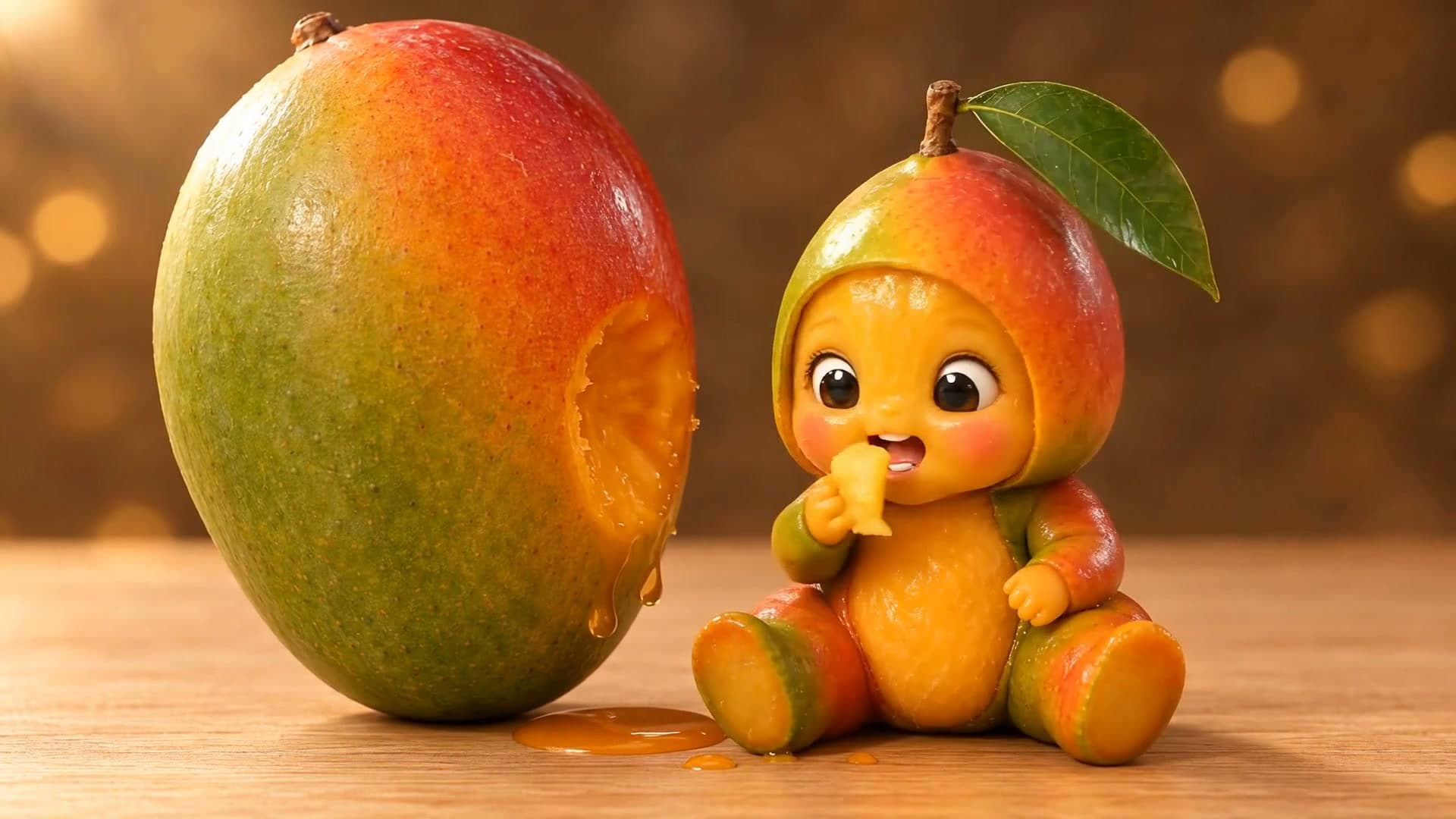
The fruit-people soap opera trend, with a twist at the end.
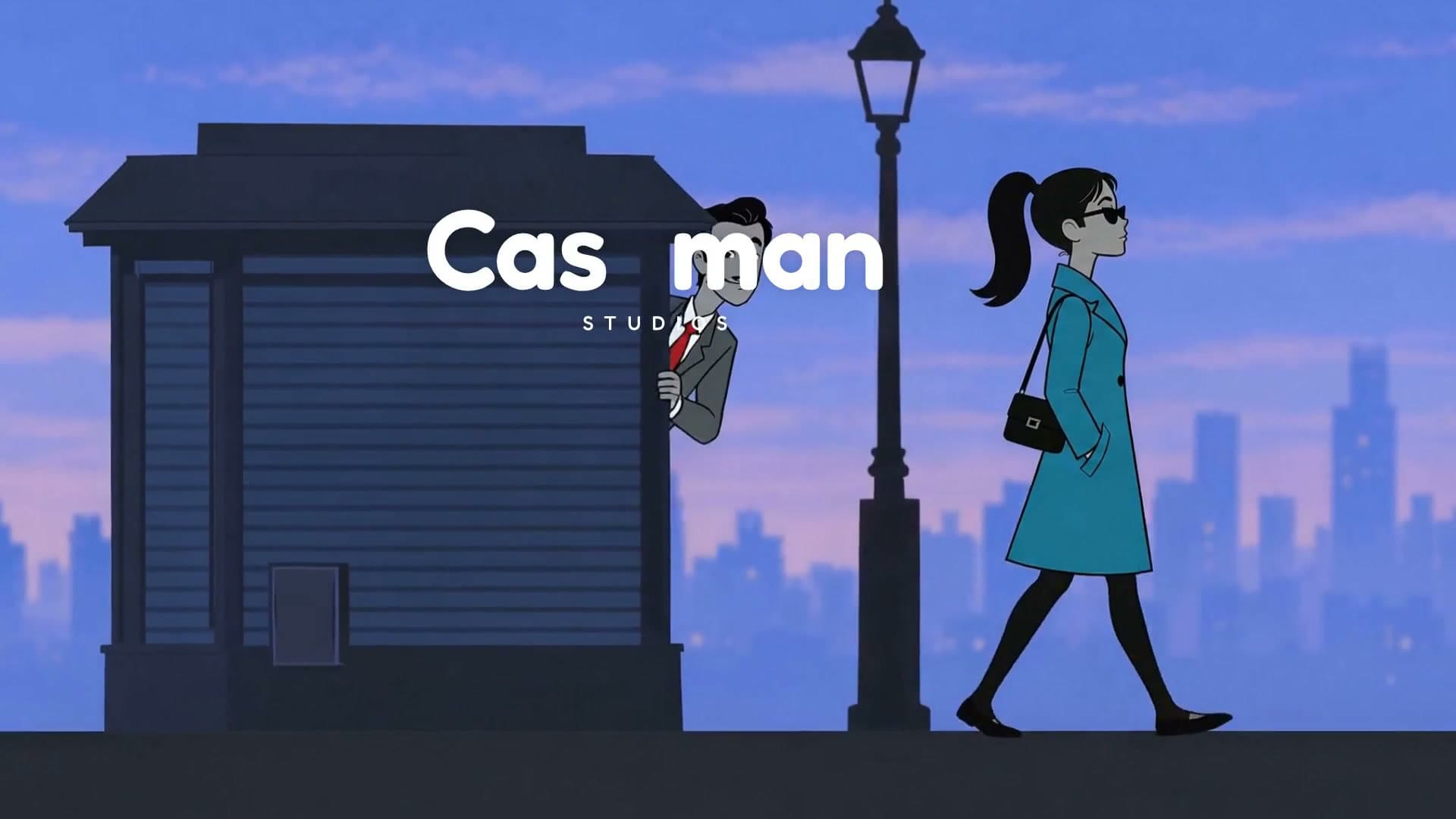
Create now: Fruit Drama ReversalHand-drawn cartoons
A 1940s-style cartoon or a wordless hand-drawn short, made from one idea.
Create now: Third Time Lucky